

BleeqUp Rover review: A clever alternative to an action camera
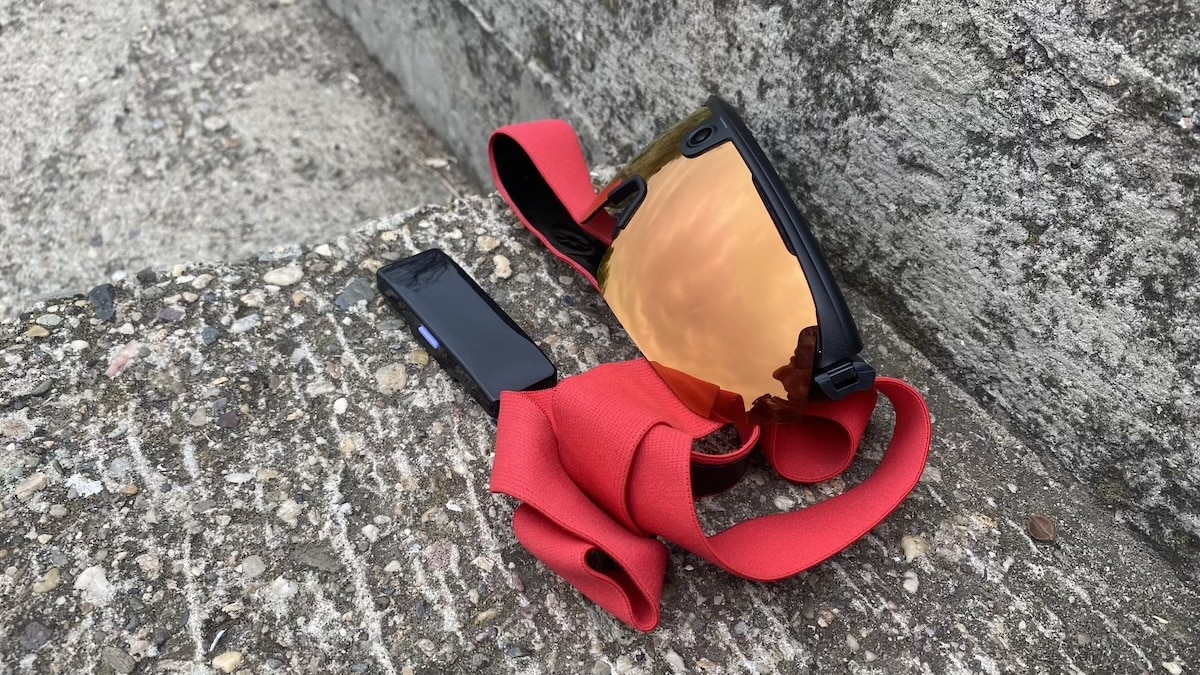
The BleeqUp Rover is a pretty unusual bit of kit, and that’s a big part of why I like it. They look futuristic and fairly imposing, but they’re also really comfortable, stay completely planted when I’m running or cycling and feel tough enough to take the odd knock without drama.
The camera is the main event. You can shoot in 1080p30, 1080p60, 3K30 or 3K60, and the adjustable camera angle is genuinely useful. Recording is also ridiculously easy. There is nothing to mount or strap on. You just wear the glasses, look where you want to film and start recording.
The sports features are pretty good too. Both running and cycling get activity tracking, maps and support for external sensors such as heart-rate monitors. Where cycling has the advantage is what you can do with the data afterwards, particularly the video overlays. I’m primarily a runner, so I’d love to see the same treatment for running, with things like heart rate, pace, cadence and elevation added to recorded footage.
Battery life has been perfectly fine for the way I’ve been using Rover. You get around an hour of continuous video, and much longer if you’re just recording clips here and there. The app has quite a few AI tools for finding and editing footage too, although for me those are more of a bonus. The real appeal is how easy Rover makes it to grab footage without carrying or mounting a separate camera.
View on Amazon, BleeqUp’s website.
Jump to
Design and comfort
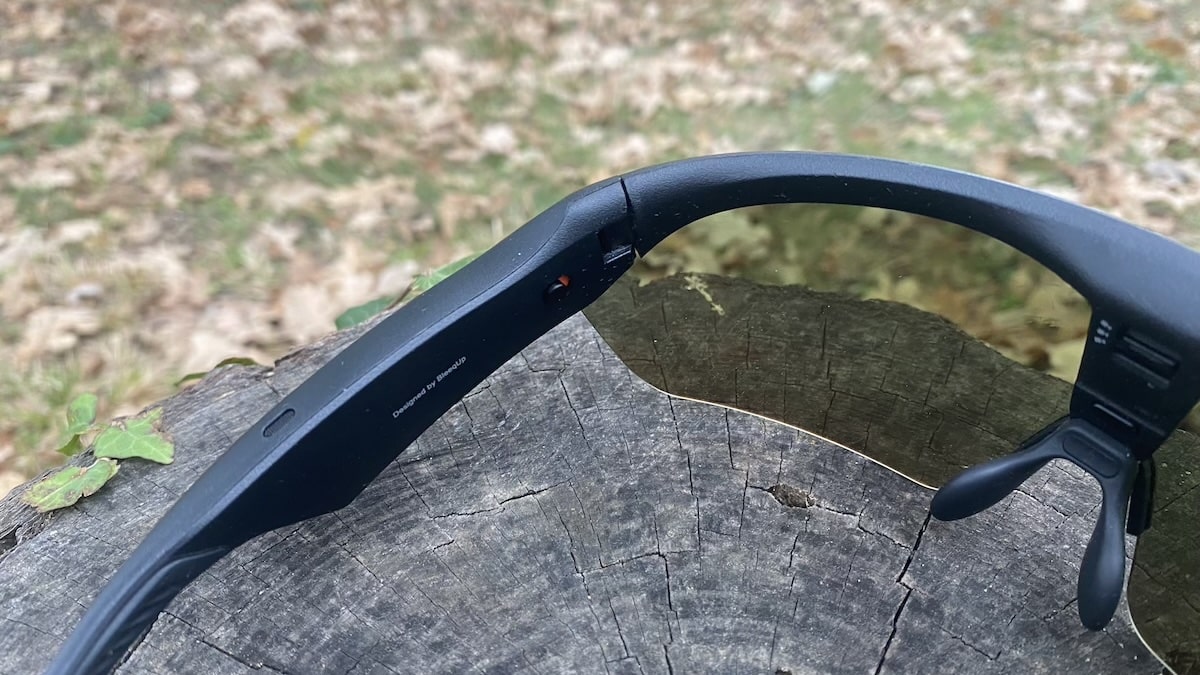
The Rover definitely looks like a serious pair of sports glasses. They’re quite futuristic and a little imposing, particularly with the large wraparound lenses and chunky arms. I actually like the look, but these aren’t subtle glasses that disappear on your face. People are going to notice them.

At 53 grams, they look like they should feel fairly substantial, but that really hasn’t been an issue. I’ve worn them for both running and cycling and found them very comfortable. More importantly, they are incredibly stable. They don’t bounce around when I’m running and they don’t shift position on the bike either.
This is actually my first experience wearing proper sports glasses, so the tinted lenses took a little getting used to. They cut down the brightness outdoors, which is obviously the point, but I did find that I paid a little less attention to my surroundings at first because everything looked slightly dimmer. It probably didn’t help that I was testing them mostly in rainy autumn London weather, where things were hardly bright to begin with. After spending more time with them that became less noticeable. And I can imagine that in bright, sunny conditions, especially on a long run or ride, those lenses would be an absolute lifesaver.
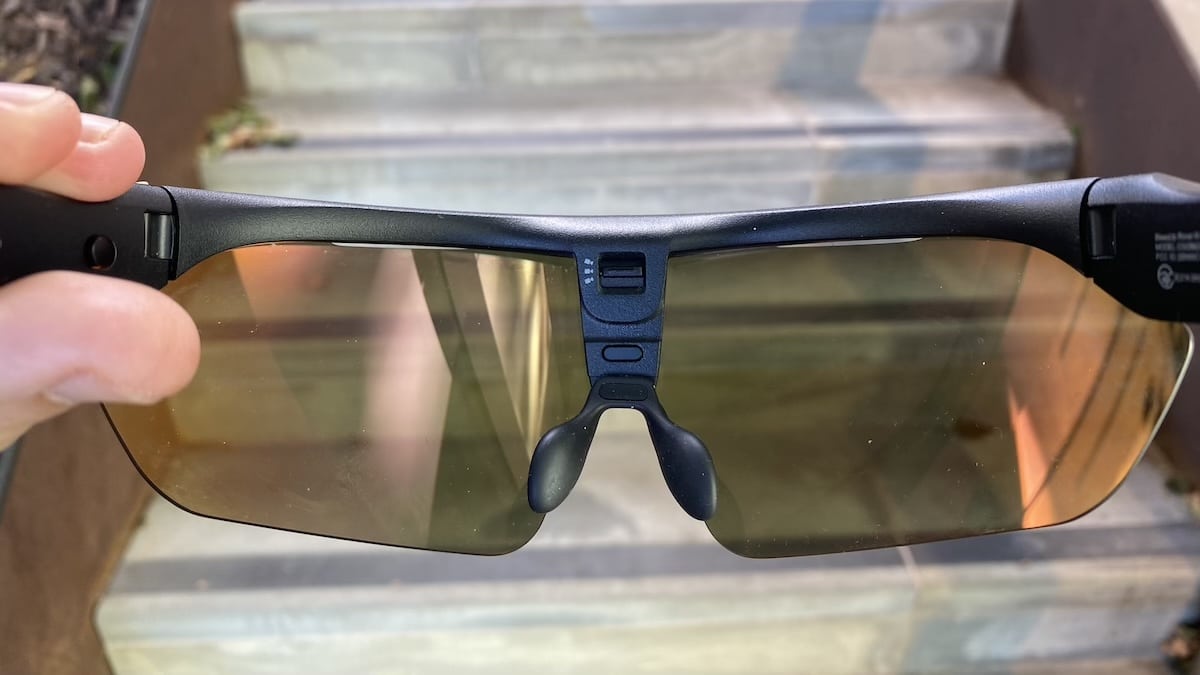
There is quite a bit of adjustment built in as well. The nose pads can be moved around to get the fit right, while the camera itself has three positions at -10, 0 and +15 degrees. I really like the adjustable camera because my head position when cycling is very different from when I’m running. It gives you a simple way of correcting the view without having to deliberately hold your head at a strange angle.
They also feel very robust. The frame and arms have a solid feel to them and nothing comes across as particularly fragile. Obviously I’m not going to deliberately throw a $459 pair of glasses onto the pavement, but I wouldn’t be especially worried if I accidentally dropped them. They feel like they could take the occasional knock without much trouble.
The physical controls are another strong point. The buttons are easy to find by feel and work really well when I’m moving, so I haven’t found myself fumbling around trying to work out what I’m pressing. That’s particularly useful on a bike, where I don’t want to reach for my phone just to start or stop a recording.
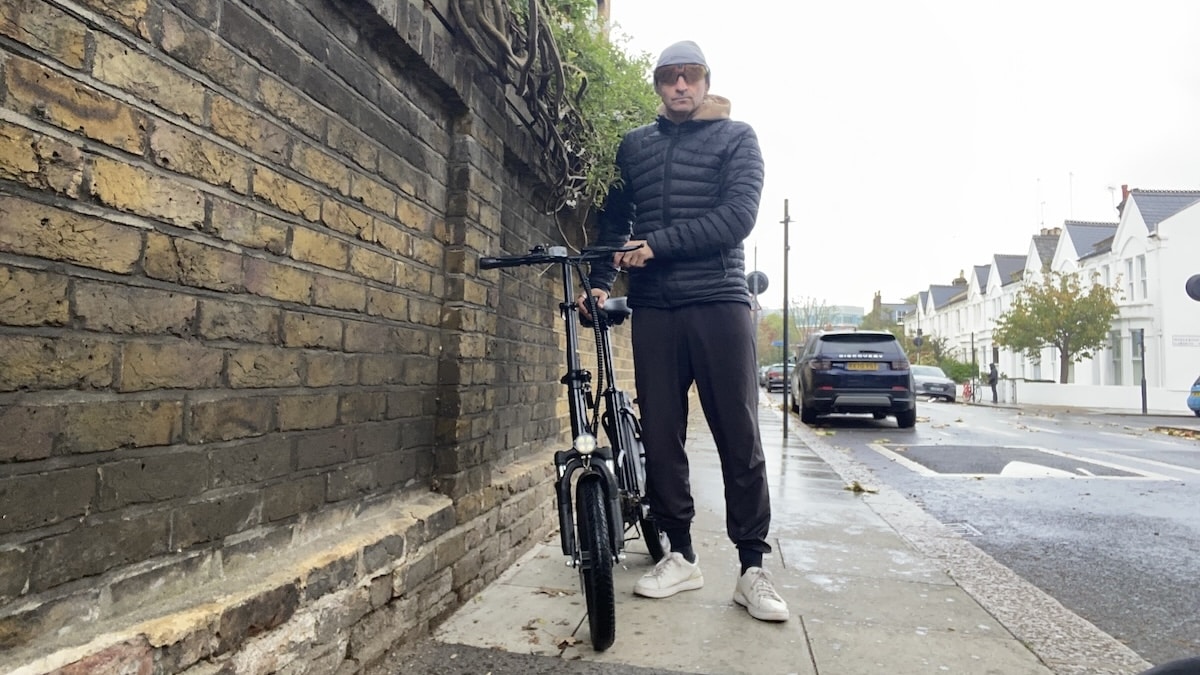
Voice controls have worked well too. Commands such as starting or stopping a recording usually register without any trouble. In very loud traffic I’ve occasionally had to repeat myself or say the command a little more slowly, but generally the system has been reliable enough that I’ve actually been using it.
They also carry an IP65 rating, so sweat and rain shouldn’t cause any problems during normal use. You can’t submerge them, but that’s not really what these glasses are designed for anyway.
Overall, comfort and stability have been two strong points for me. They look fairly substantial and imposing, but they don’t feel awkward once they’re on. Between the secure fit, solid construction and easy-to-use controls, the Rover has left a very good impression on the hardware side.
Camera and video quality
The camera is obviously one of the main reasons to buy the Rover, and it is probably the feature I’ve spent the most time messing around with. These glasses are really built for quick, hands-free POV footage while you’re running, cycling or doing other outdoor sports. The idea is not really to replace a GoPro and record an entire two-hour workout. It is more about capturing the interesting bits without having to stop, pull out a camera or strap something to your chest.
One slightly embarrassing thing. For the first few days, I didn’t realise there was a tiny protective sticker over the camera lens. And was wondering why the captured footage looked slightly fuzzy! So if you get a pair, make sure you remove that before judging the footage. It is very easy to miss.

As far as the specs, you get a 16MP Sony sensor, a wide 120-degree field of view and video recording up to 3K at 60fps. What I like most is how easy it is to capture something. I just put the glasses on, start recording and whatever I’m looking at is what I get. For running and cycling, that simplicity is a big part of the appeal.
Video quality is good, but I wouldn’t go into this expecting action-camera levels of performance. In decent light there is plenty of detail, and the wide field of view works well for sports. The electronic stabilisation also does a decent job of smoothing things out. And you have night-mode for low-light conditions.
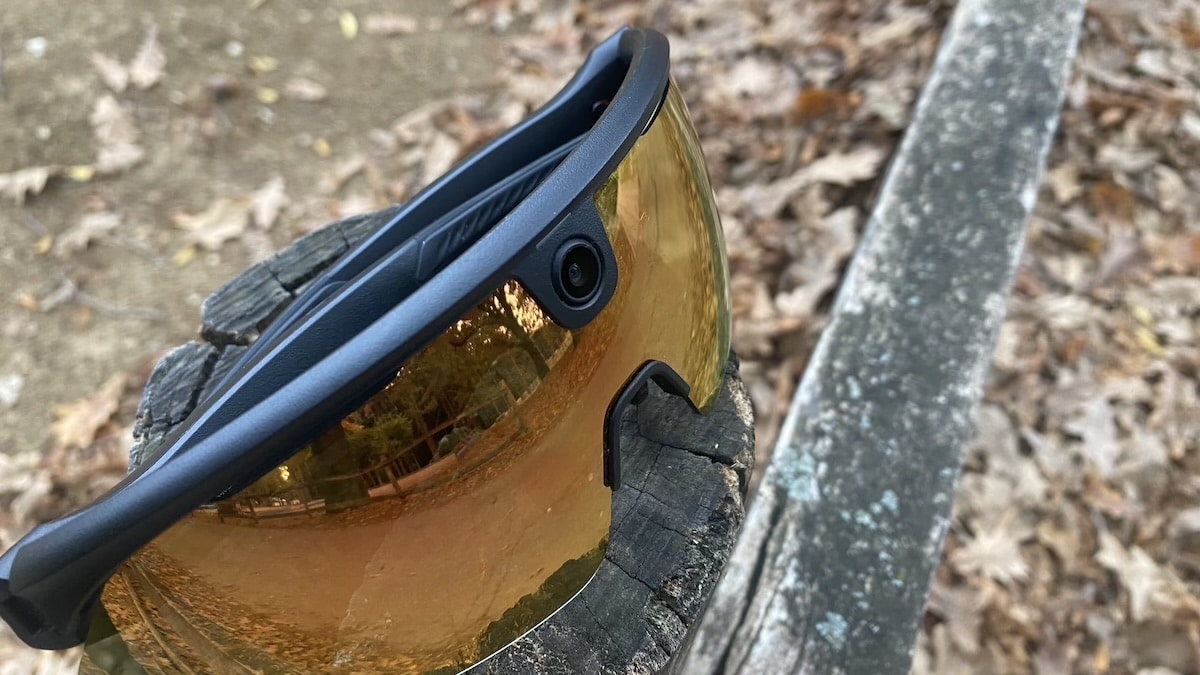
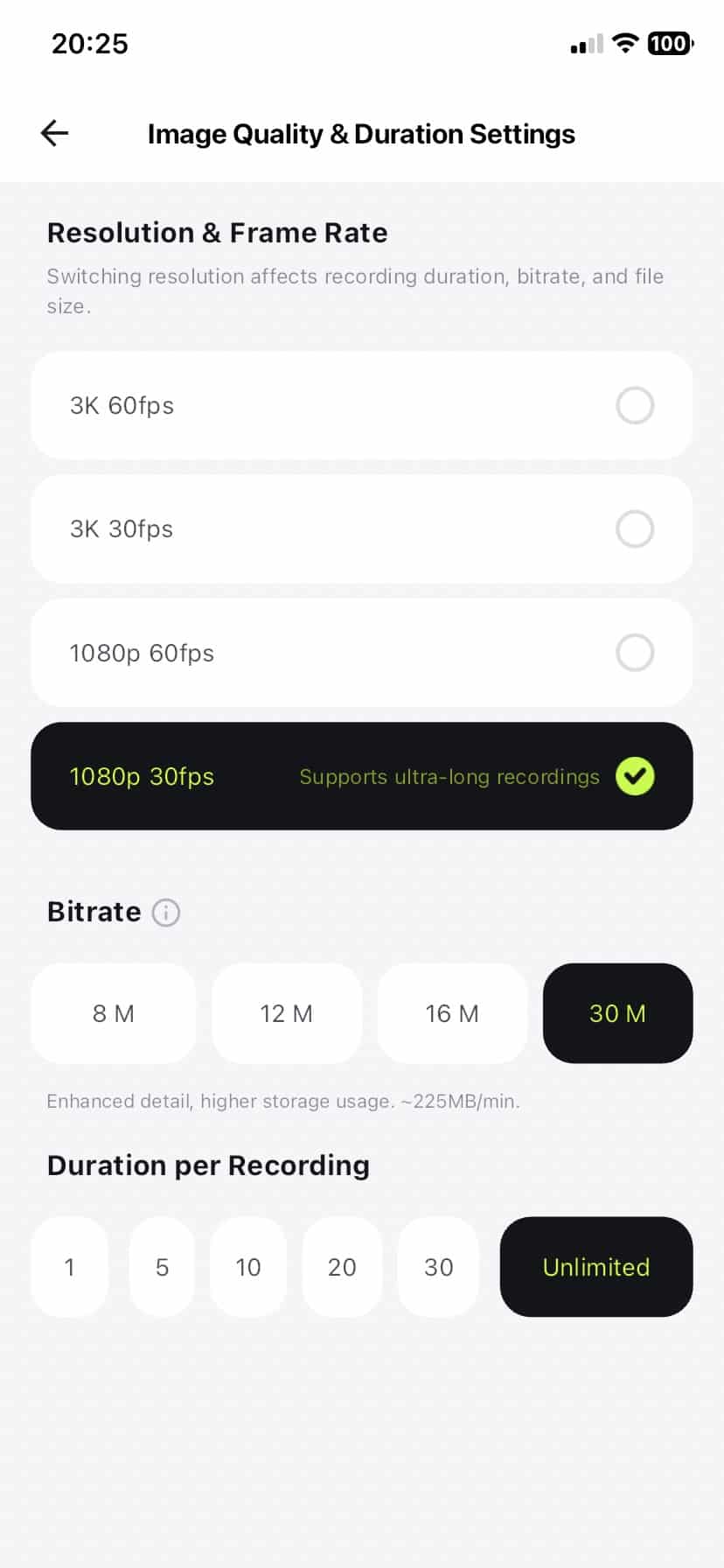
There are some recording limits to be aware of. 3K60 and 1080p60 clips are limited to one minute, while 3K30 can run for longer. If you want continuous recording, 1080p30 is the more practical option. At first that sounds restrictive, but it makes a bit more sense once you use the glasses. Rover is really at its best when you are grabbing short POV clips during an activity rather than trying to film the whole thing from start to finish.
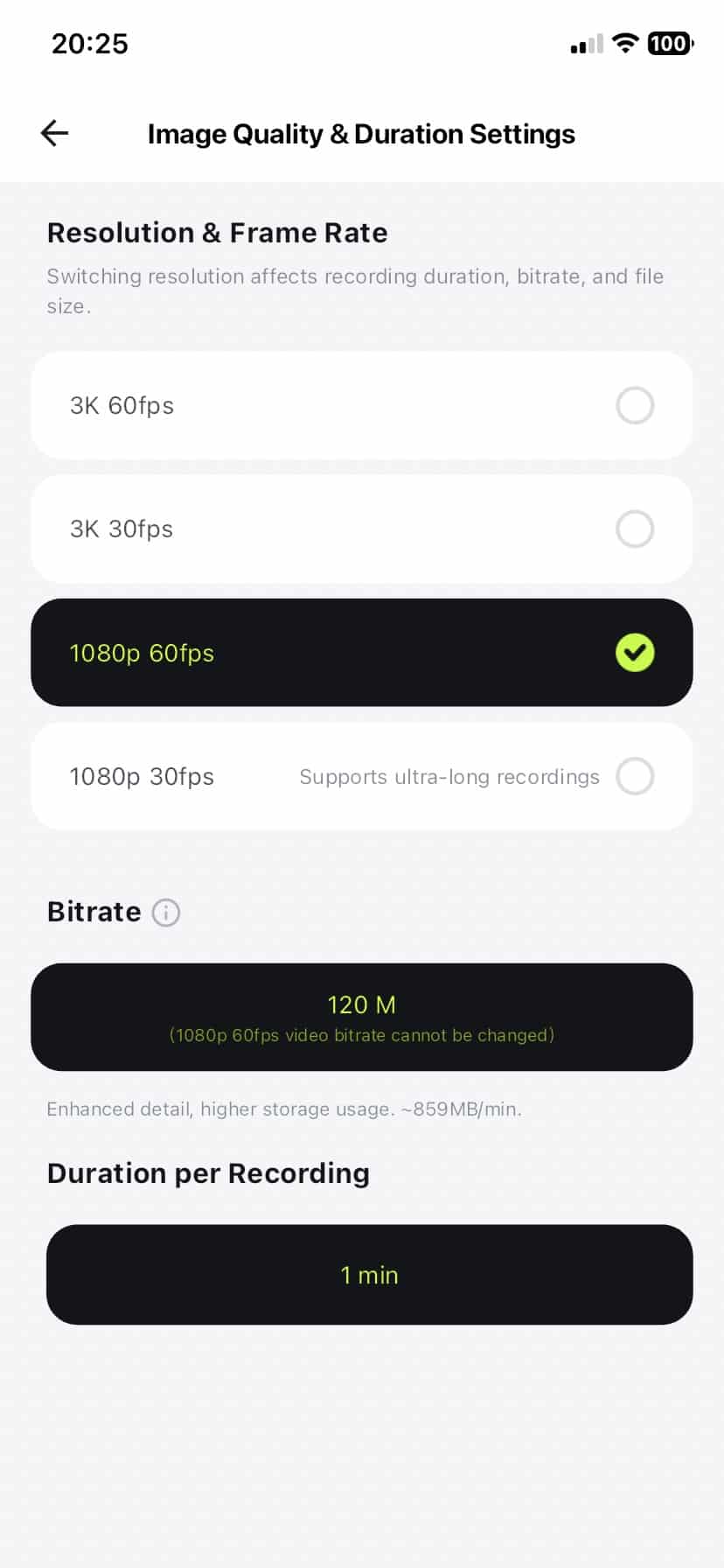
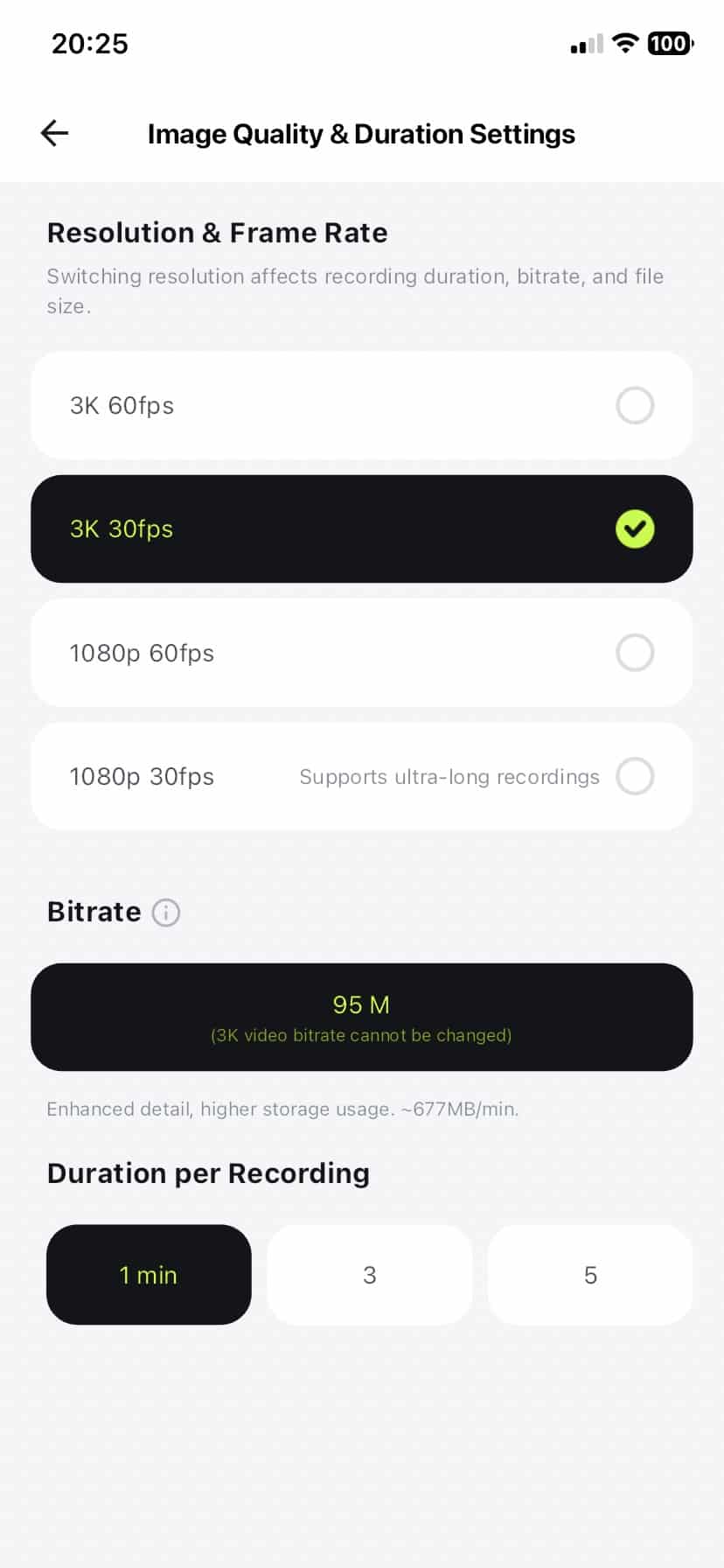
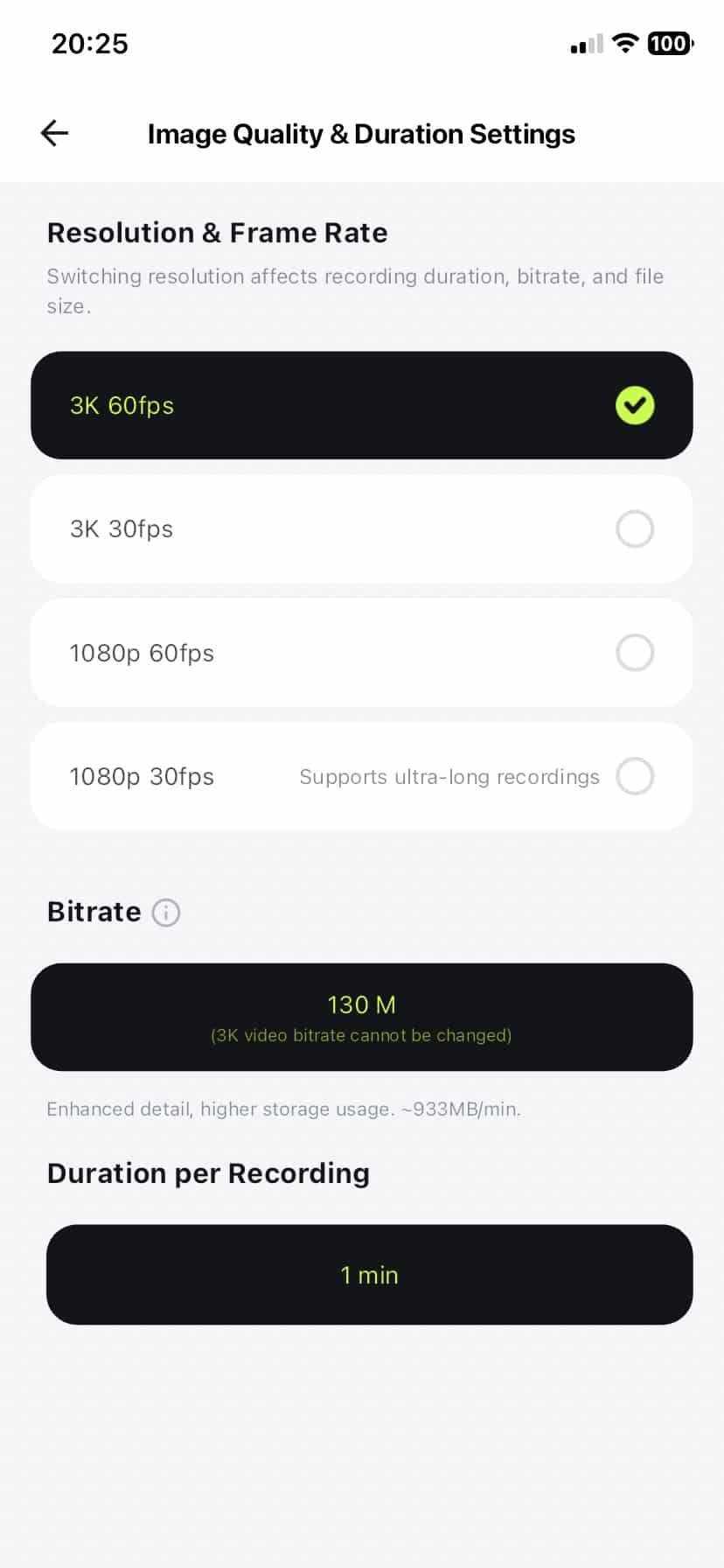
I made a compilation of all four video modes. This will give you a good idea of the quality of each setting. The last clip is in portrait mode, to demonstrate that option.

I also like that you can shoot in landscape or portrait. Landscape is the obvious choice for YouTube and longer videos, while portrait makes more sense for social media. It’s a small thing, but it’s good to have both options.
For me, the big advantage is convenience. A GoPro will still give you better outright video quality, especially when the light gets difficult, but Rover is much easier to use in the moment. You just wear the glasses, look at something and record it.
Audio and controls
The Rover uses open-ear speakers, so there is nothing sitting inside your ears while you’re running or cycling. Which means you can still hear traffic and everything else going on around you. The sound is perfectly fine for podcasts, calls and background music. The device actually connects to your phone automatically when it’s switched on, like a regular pair of earbuds.
Volume can be changed by sliding a finger along the touchpad on the right arm, although it’s a little fiddly. A slide can easily be confused with a tap which handles things like playback and calls. There are physical buttons as well, which I generally prefer.

You can also control the camera with your voice. Saying “Hey Bleeker” followed by “Take a Photo”, “Start Recording” or “Stop Recording” means you don’t have to reach up to the glasses at all. That’s genuinely handy when you’re on the move.
BleeqUp has also added a Sport Wind-Noise Reduction mode, which boosts the speaker output when you’re moving quickly. That’s mainly aimed at cycling, where wind noise can easily drown out open-ear speakers. There is a five-microphone array for calls and voice commands too.
BleeqUp mentions that heavy sweating can get into the speaker mesh and temporarily reduce the volume. So far, that has not happened for me. But if that happens, the advice is to wipe the speakers and let them dry out.
Sports features and data overlays
BleeqUp has packed quite a few sports features into the app, although cycling currently gets the more developed video and post-workout tools. The good thing is, you can connect external sensors such as heart-rate monitors, cadence sensors and power meters.
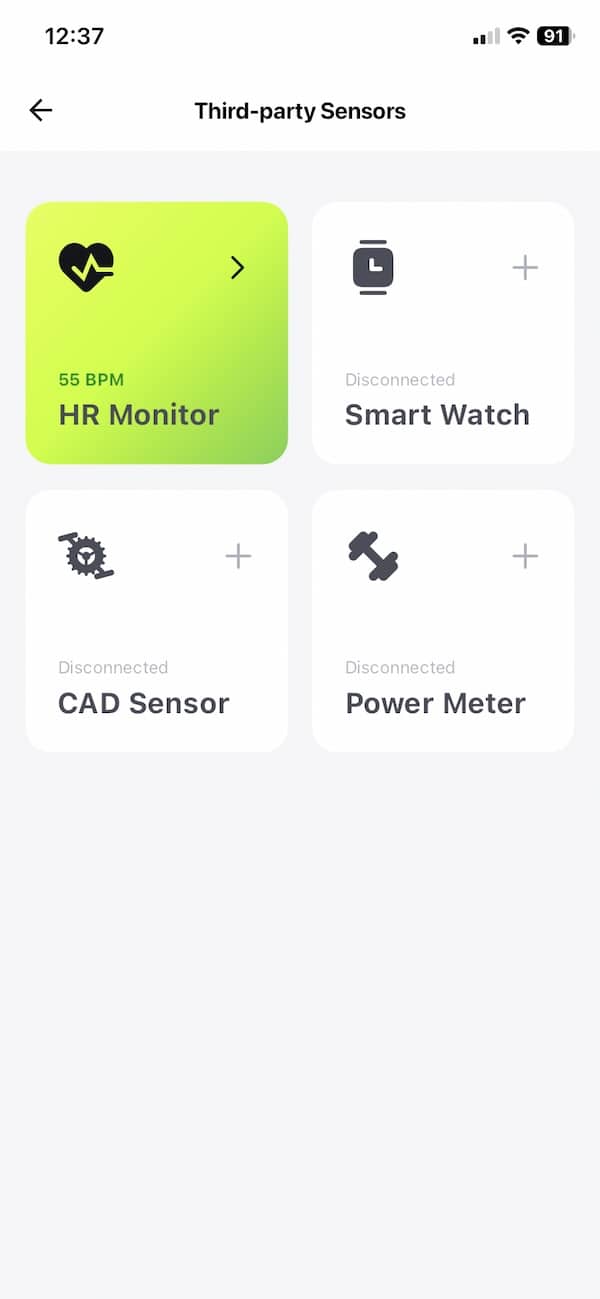
I linked my Frontier X3 chest strap to the BleeqUp app over Bluetooth and it worked without any fuss (as did my Speediance strap), with Rover picking up the live heart-rate data during the activity. As for the GPS data, the device tracks your distance via the phone GPS so you get a nice set of statistics. Apple Watch is supported too, with real-time heart rate syncing into BleeqUp cycling activities.
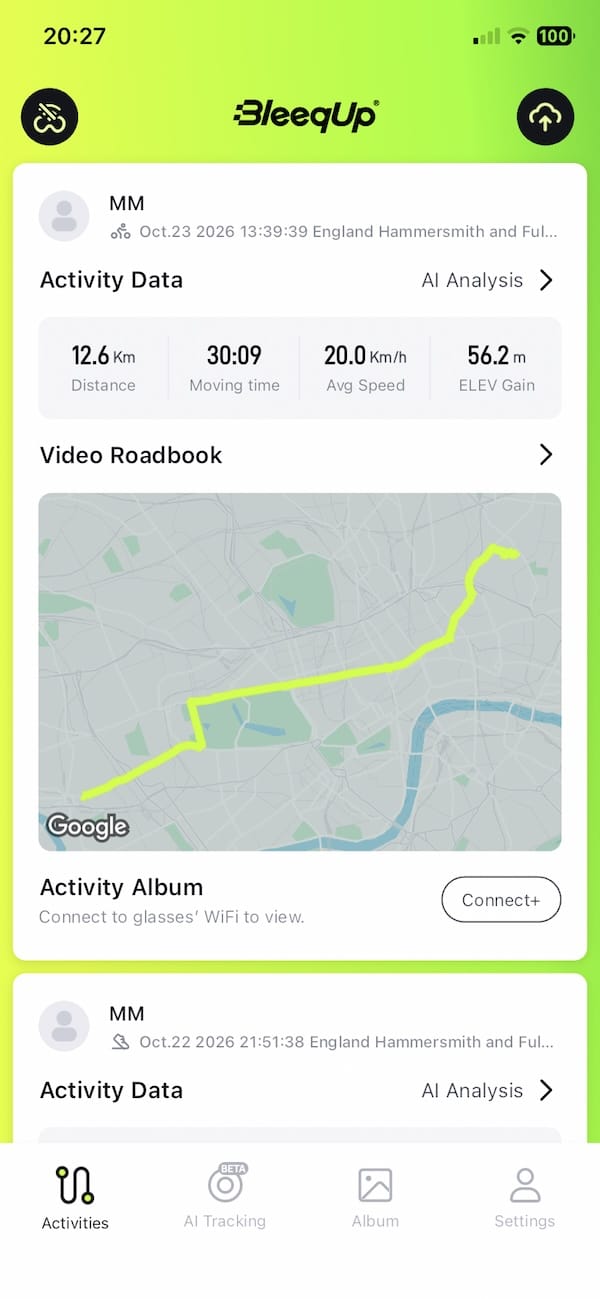
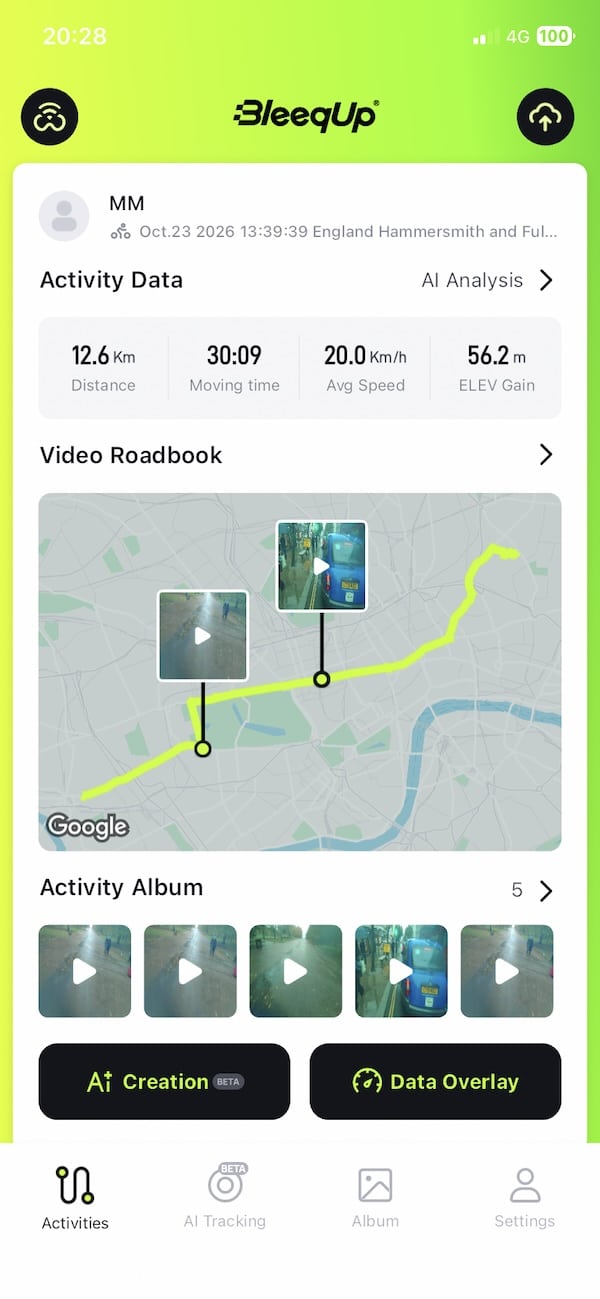
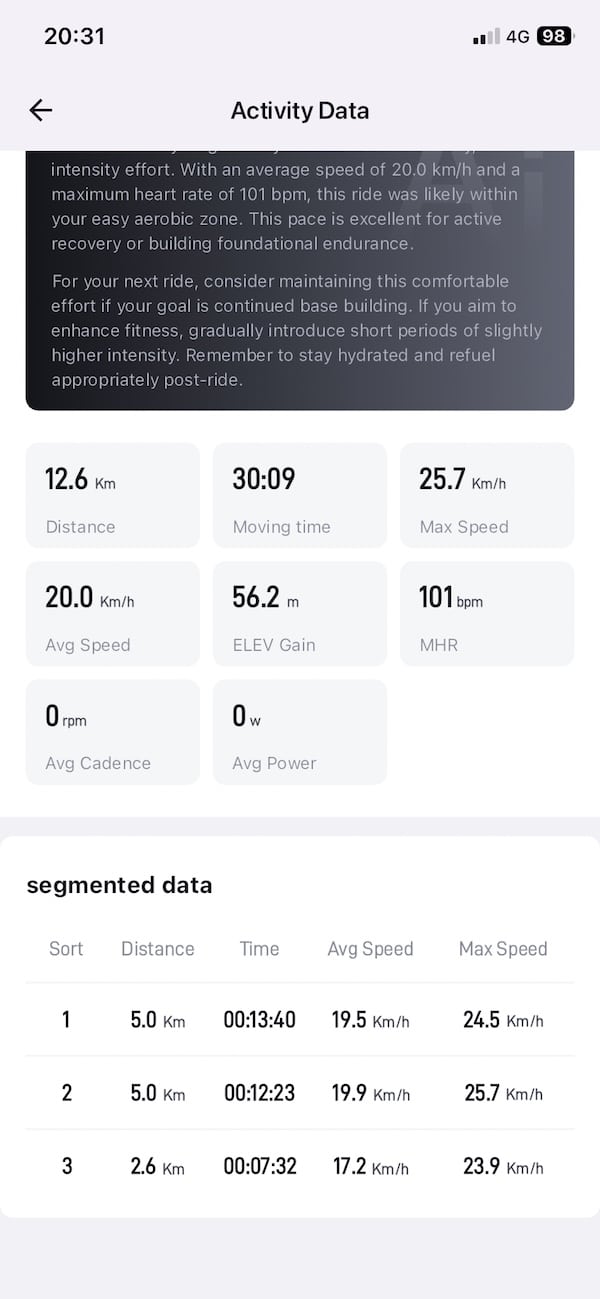
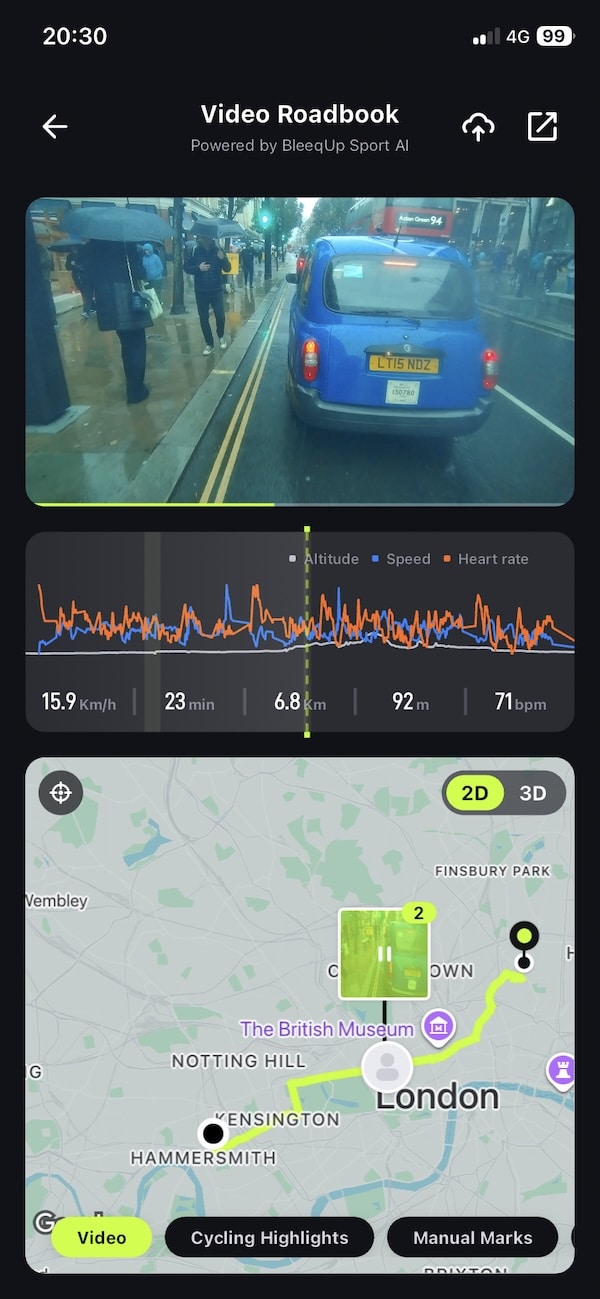
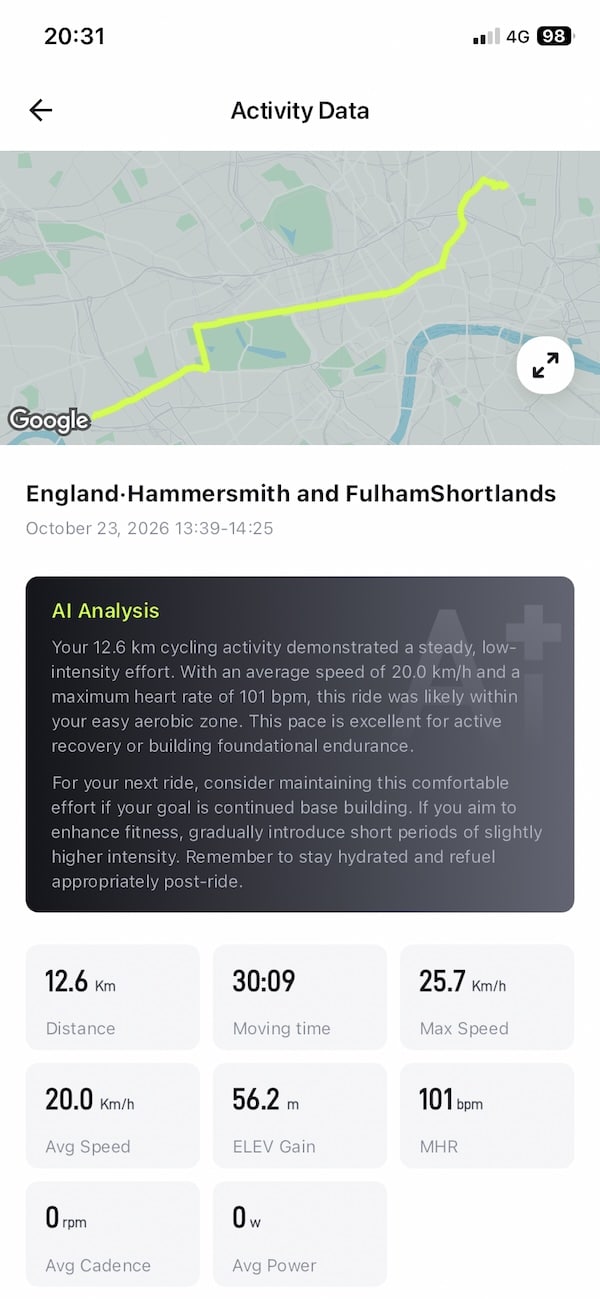
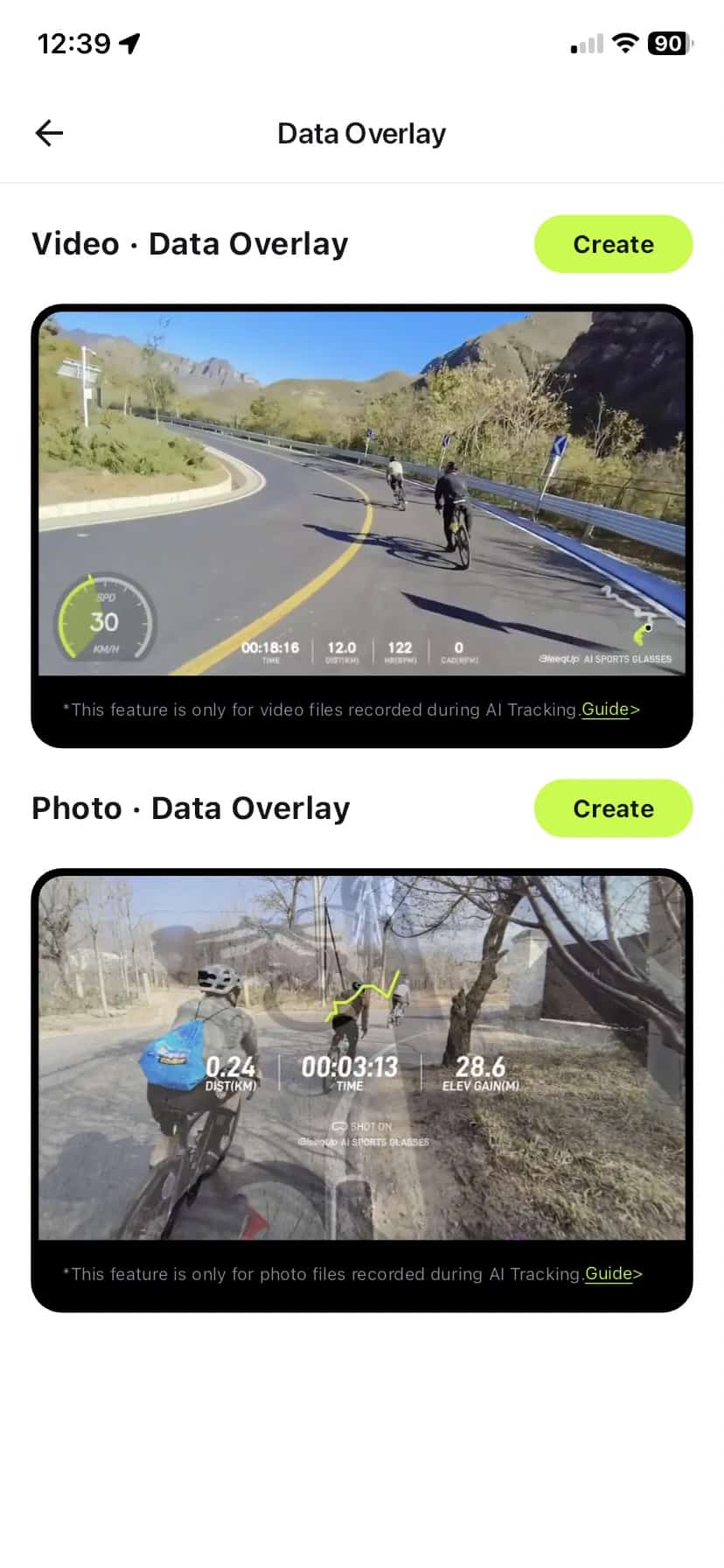
For cycling, a nice feature is the video data overlay. If I start a ride in the BleeqUp app and record some footage, I can add workout information to the video afterwards.
The problem is that the overlay options are still pretty limited. And for me, that’s more noticeable because I’m primarily a runner. Rover has a dedicated running mode, but I can’t take that running data and properly overlay things like pace, heart rate, cadence or elevation onto the video in the same way. That feels like a missed opportunity.

I’d love for the glasses to be able to pick all this data up from a connected Garmin watch, for example. Or have a option to import a FIT file after a workout and sync that richer workout data with the footage. BleeqUp says automatic watch activity importing is being developed, and that could make a big difference.
In the meantime, you could use one of the free online tools and do this yourself. So you do have options.
Another thing I think has scope for improvement is navigation. It is useful, but I found it a bit limited.
The app itself gives you a nice map with the route and directions, but the spoken prompts through the glasses aren’t always as simple as “go straight” or “turn right”. Sometimes Rover tells you to head towards a specific street name instead, which isn’t particularly helpful if you don’t know the area. On a bike, you can always mount your phone on the handlebars and use the map in the BleeqUp app, which I found much easier to follow.
There are some other useful bits in there too. Rover can warn about climbs, descents and sharp turns, while the running mode includes breathing monitoring. BleeqUp also has features such as hard-braking detection and automatic event recording.
For me, though, the sports side still feels much more complete for cycling than running. The maps and basic data are useful, and the cycling overlays are a nice idea, but I would really like to see much deeper running integration.
App and AI features
A lot of the clever stuff happens in the BleeqUp app. That’s where you change camera settings, look through your recordings, start sports tracking and play around with the AI features. There is quite a lot packed in, although I definitely found some bits more useful than others.
AI Highlights is probably the one most people will use first. After you’ve recorded an activity, the app can go through the footage and pick out what it thinks are the interesting moments. You can also mark a moment yourself while you’re recording, which I actually prefer. If something interesting happens, I’d rather tell the glasses “this bit matters” than hope the AI spots it later.
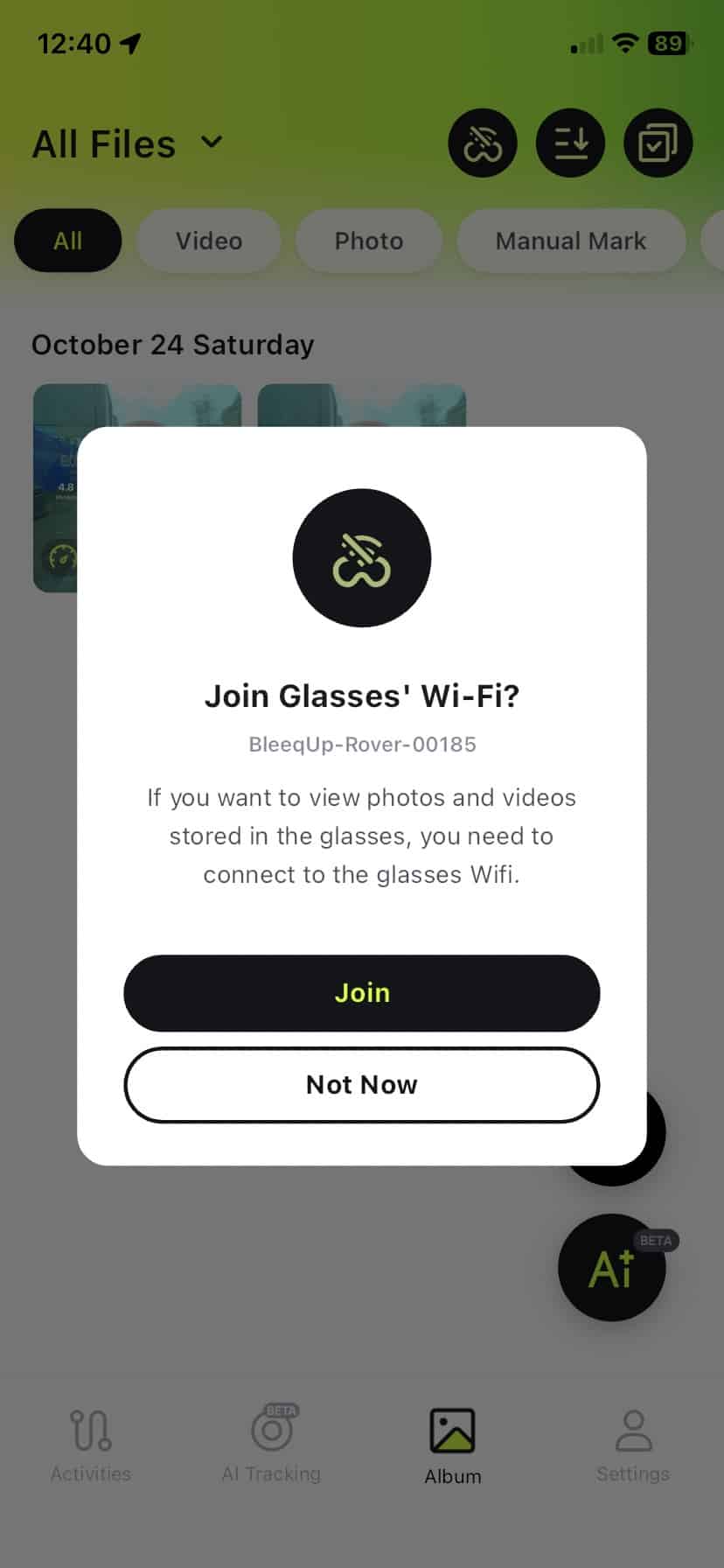
There is also AI Video Search. Instead of scrolling through a long recording looking for one particular moment, you can ask the app to find it for you. That’s potentially really handy after a longer ride when you’ve ended up with loads of footage. Right now, though, it is an iPhone-only feature, with Android support still to come.
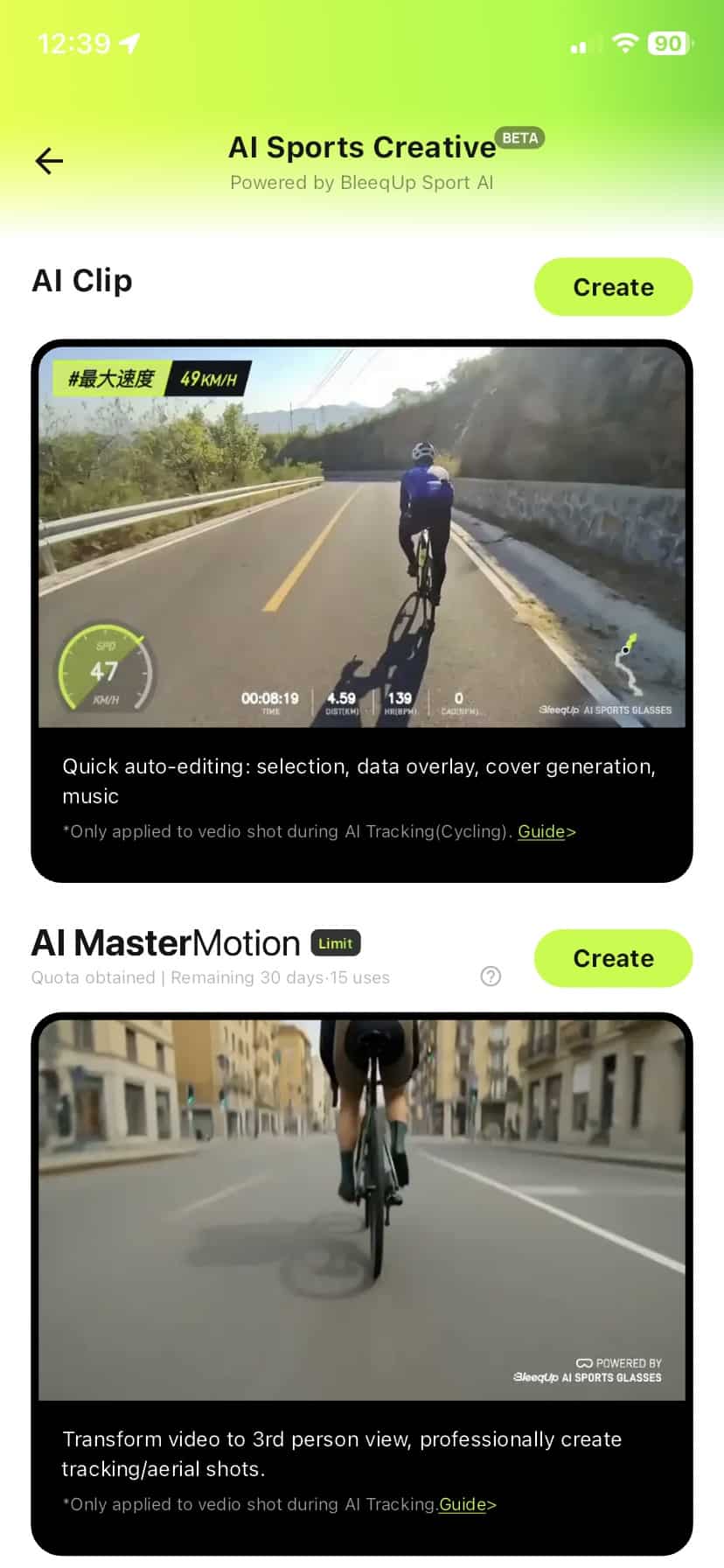
The automatic editing tools are quite fun too. The app can take your footage and turn it into a short video with music and overlays without you having to do much yourself. The finished AI clips are limited to around a minute, so this is really aimed at something you can quickly share rather than a proper long-form video.
Then there are things like Video Roadbook, AI Master Motion and AI Master Remix. I see those more as extras than reasons to buy the glasses. They’re basically tools for doing something with your footage after you’ve recorded it, rather than features you’re really thinking about while you’re out running or cycling.
Battery life
Finally, we get to the all-important battery life. BleeqUp quotes around an hour of continuous video recording from the Rover itself, which I think is perfectly reasonable for this type of device. Charging is quick too. The magnetic charging cable simply snaps onto the right arm of the glasses, so there is no fiddling around with ports or covers.
If you’re mainly using the Rover for music, calls and other non-video features, you can get up to around eight hours, which is excellent. In mixed use, where you’re recording here and there and using some of the sports features in between, you won’t be thinking about battery life too much.
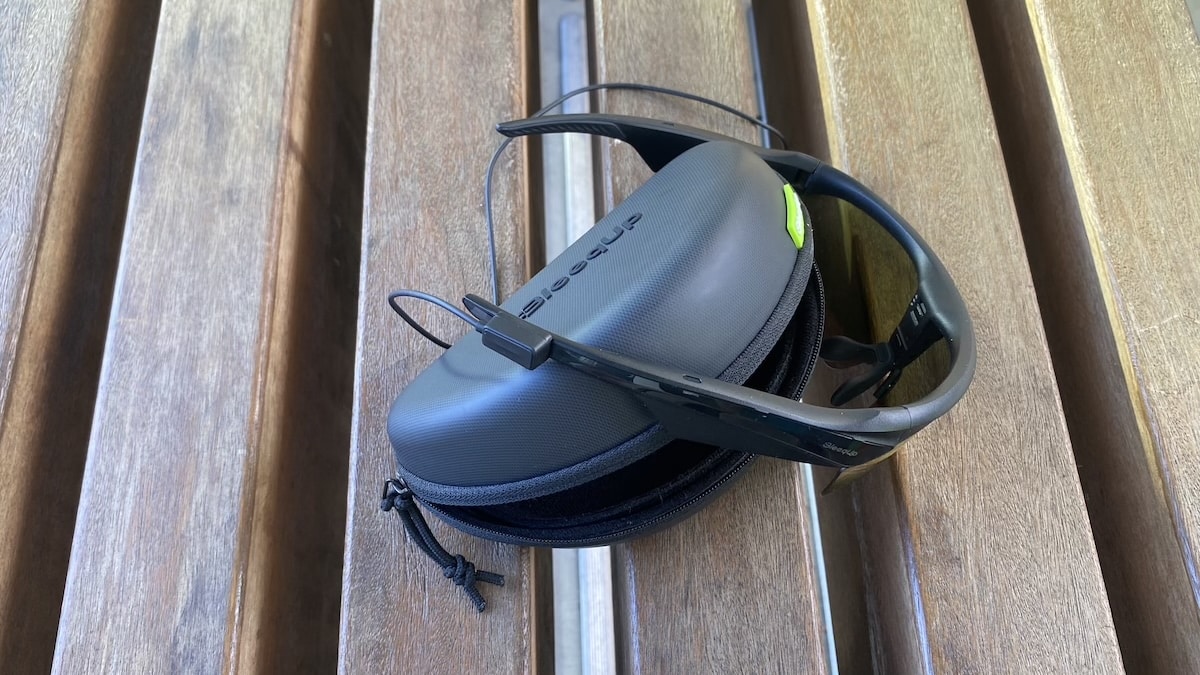
There is also the optional Power Plus battery, which has a 1,600mAh capacity and adds roughly another four hours of video recording. That is useful if you’re heading out for a long day or know you’re going to be recording a lot more than usual.
For normal running and cycling, I think Rover’s battery life is absolutely fine. In the more typical stop-start way most people will use the camera, recording clips rather than filming continuously, a charge should comfortably cover a normal session.
Don’t miss the latest from Gadgets & Wearables
Subscribe to our monthly newsletter and check out our YouTube channel.
You can also follow Gadgets & Wearables on Google News and add us as a preferred source in Google Search.

