

Acemate tennis robot S10 Pro review: Putting the upgrades to the test

The Acemate tennis robot S10 Pro takes everything I liked about the original and makes it a more capable hitting partner. It still moves around the court, tracks your returns and sends the next ball back at a natural moment. That’s what makes it so much more enjoyable than a conventional ball machine, and the extra power gives it more room to challenge better players.
The biggest upgrade is the new launching system. You get more pace, stronger spin and better control over shot direction, while the expanded training options make it useful for everything from relaxed rallies to more demanding practice sessions. There’s also plenty of flexibility in the app, with custom drills and detailed training statistics.
It’s not without compromises. The catching net is a handy extra rather than something I’d rely on to collect every return, and the machine is still quite bulky to transport. I regularly walk to my local courts, and while that’s manageable, there are certainly easier tennis machines to carry around.
For me, the biggest attraction is still the interactive experience. The original S10 made solo practice genuinely enjoyable, and the Pro builds on that with a stronger launching system and more challenging training possibilities. It’s an expensive piece of equipment, but if you spend a lot of time practising on your own, there’s very little else quite like it.
View on Acemate’s website. Code “G&W01” takes $150 off at checkout.
Jump to
Design and build quality
I had a lot of fun testing the original Acemate tennis robot S10. As I mentioned in my review, it is pretty impressive having a machine that can actually move around the court and hit balls back to me. And catch some of my returns.
Acemate says the S10 Pro isn’t replacing the regular S10, it is simply another option for players who want to take their training a bit further. The S10 Pro I tested was a pre-production review unit. The big question for me was whether the upgrades make it noticeably better on court.
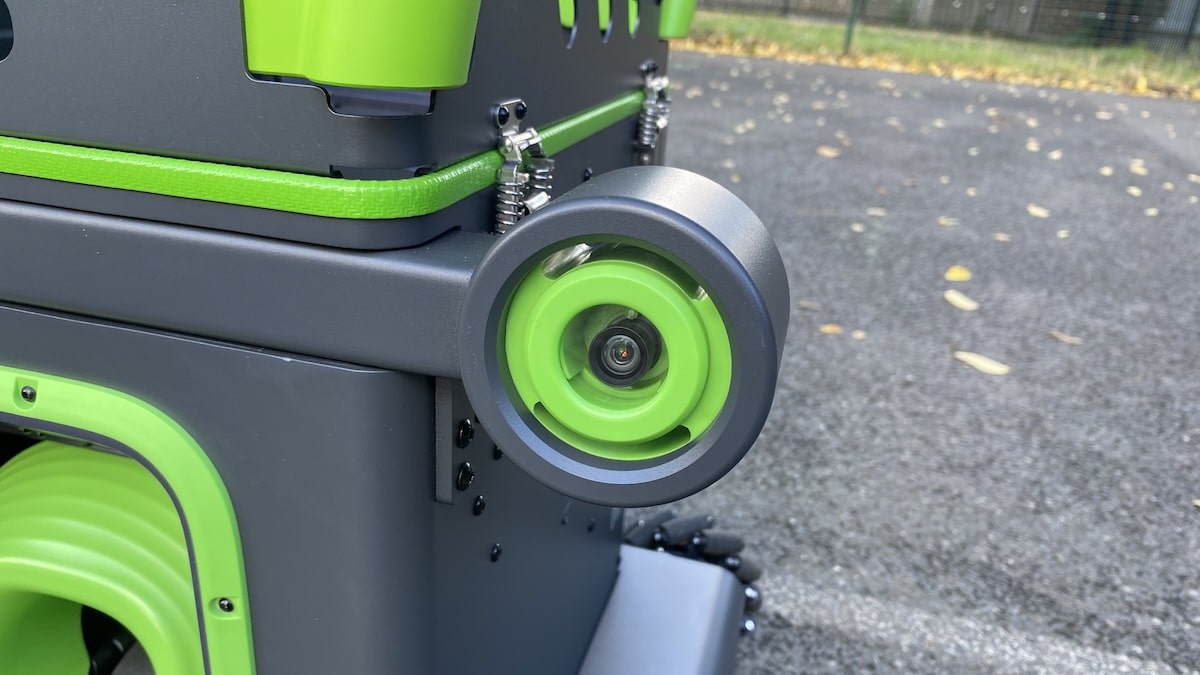
The company hasn’t changed the look of the S10 Pro all that much. I go into the differences in more detail in my S10 Pro vs S10 comparison. It still reminds me of a rather oversized mechanical frog, with those two camera eyes staring back at you.

And it certainly attracts attention. People stop to watch, fascinated by what it’s doing, and sooner or later someone comes over to ask how it works. You don’t get that with your average tennis ball machine.
The Pro looks a bit more imposing than its predecessor, like its big brother. It comes in at 55.7 x 50.1 x 64.2 cm folded, compared to the 45 x 55 x 50 cm measurements of its predecessor. But the basic idea is the same.
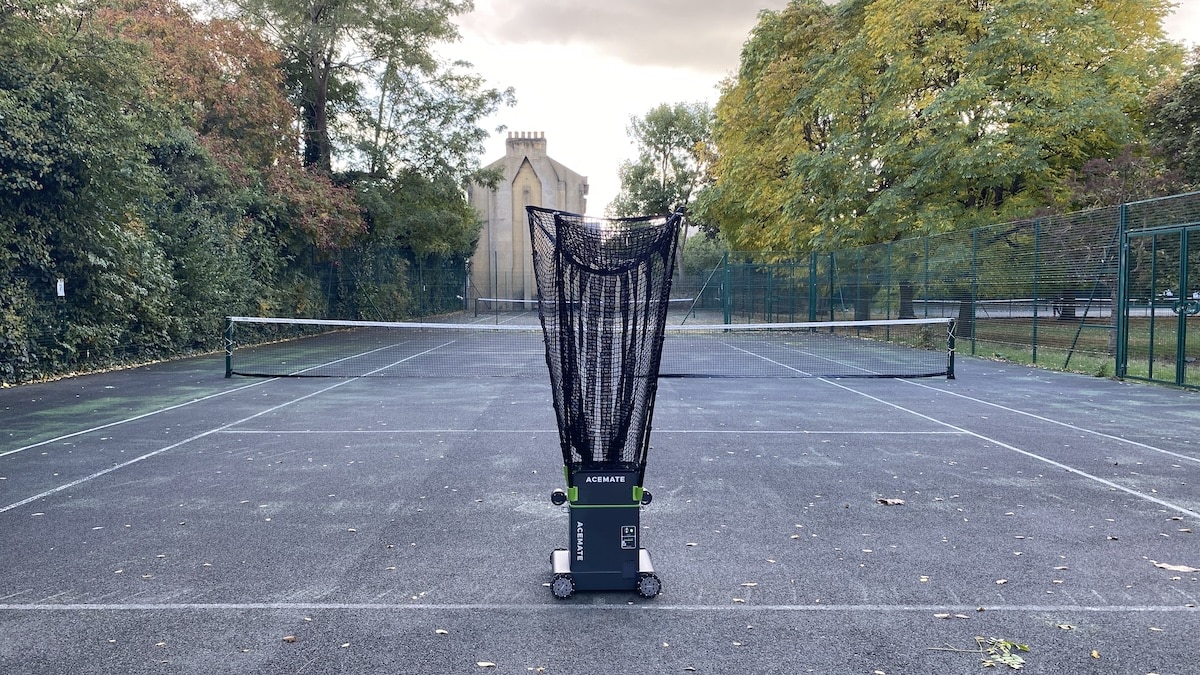
One thing I appreciated about the original S10 was how solid the main unit felt. It was clearly built to spend plenty of time on a tennis court.
The one part I was never completely comfortable with was the catching net. Those telescopic poles needed a fairly delicate touch, particularly when extending them and packing everything away. I’ve been careful with mine and, after a few months of use, they’re still as good as new.
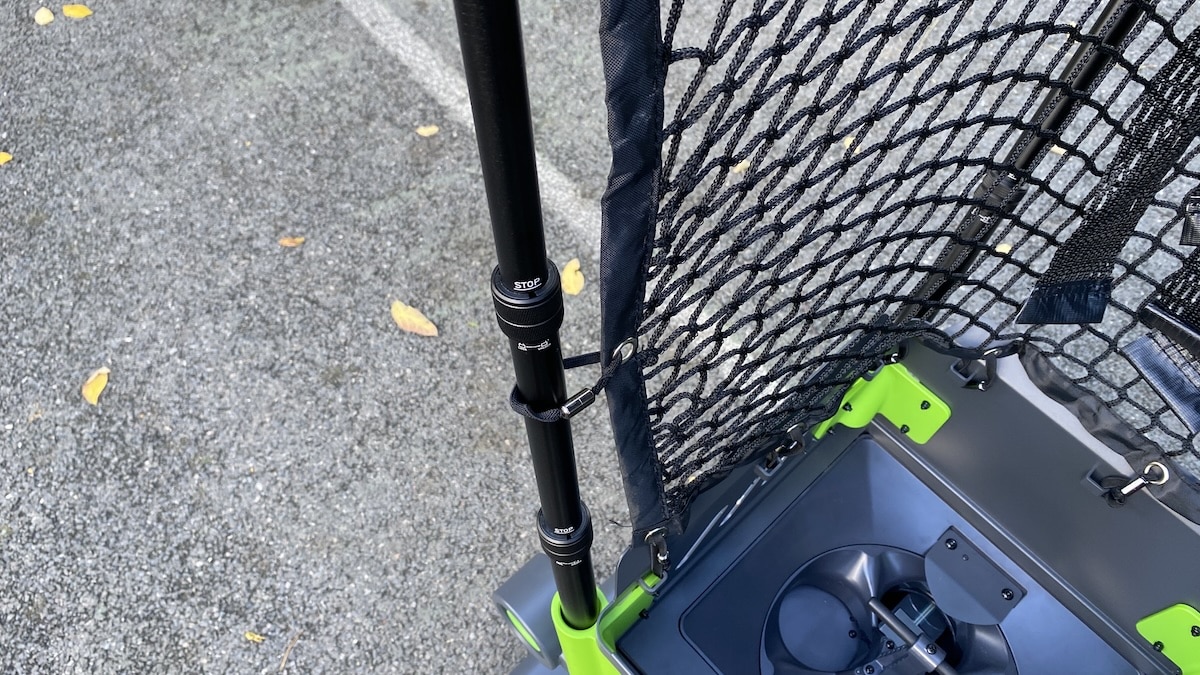
The good news is that Acemate has changed this on the S10 Pro. The new telescopic poles feel much sturdier, and there are several points where you twist the locking mechanism to hold everything firmly in place. Acemate also sells these Gen 2 poles separately, so owners of the original S10 can upgrade to the same setup.
The catching net is taller too. Fully extended, the S10 Pro reaches almost 2 metres from the ground, around 26 cm higher than before. The ball hopper has also grown slightly and now holds up to 100 balls.
Most of the hardware changes, lower, are actually hidden away inside. Acemate has reworked pretty much everything, from the internal structure and electronics to the way the robot launches balls.
The new ACE+ SHOT system is the star of the show here. It can change shot direction without having to turn the entire machine, which is a nice improvement. Plus it allows for more pace of the balls. So while it might look much the same as the original, quite a lot has changed under the hood.

I’m glad Acemate has focused on making the robot better to play against, rather than just changing how it looks. The downside is the extra bulk. The Pro weighs 23 kg, up from 17.8 kg, and is noticeably bigger too. That’s an extra 5.2 kg to lug around, which isn’t exactly ideal considering the original was already quite a handful.
Setup and portability
The initial setup takes a little patience, mainly because of the catching net. I would estimate that it took me about 15-20 minutes to have the machine assembled.
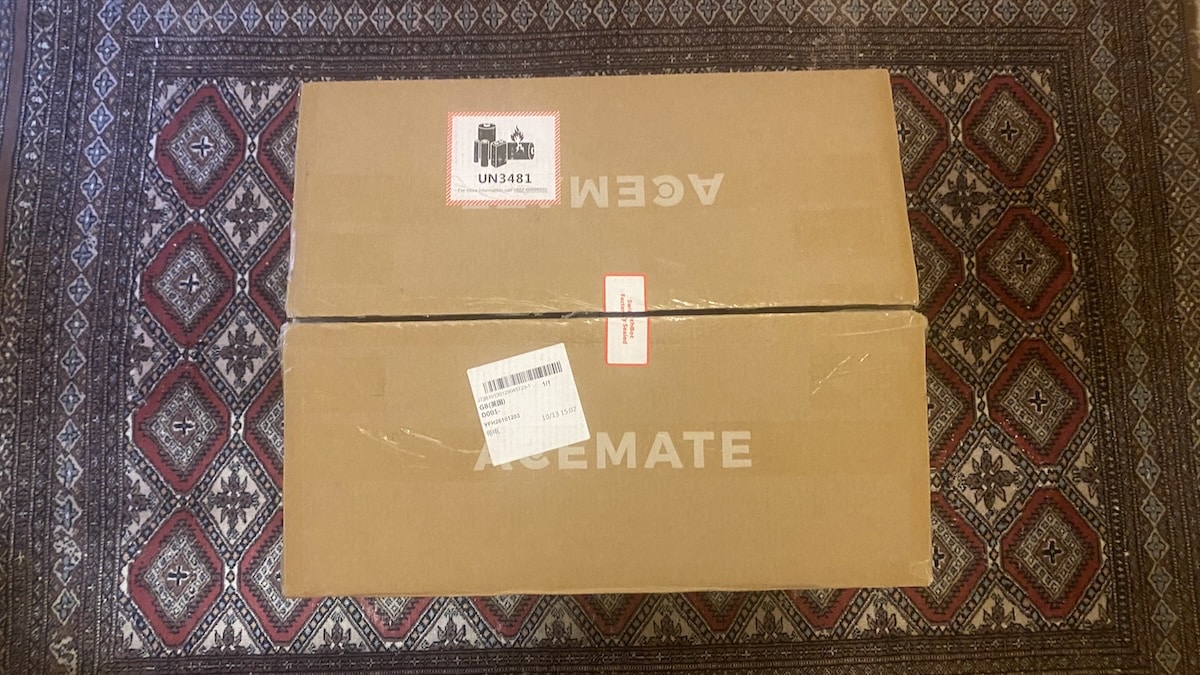
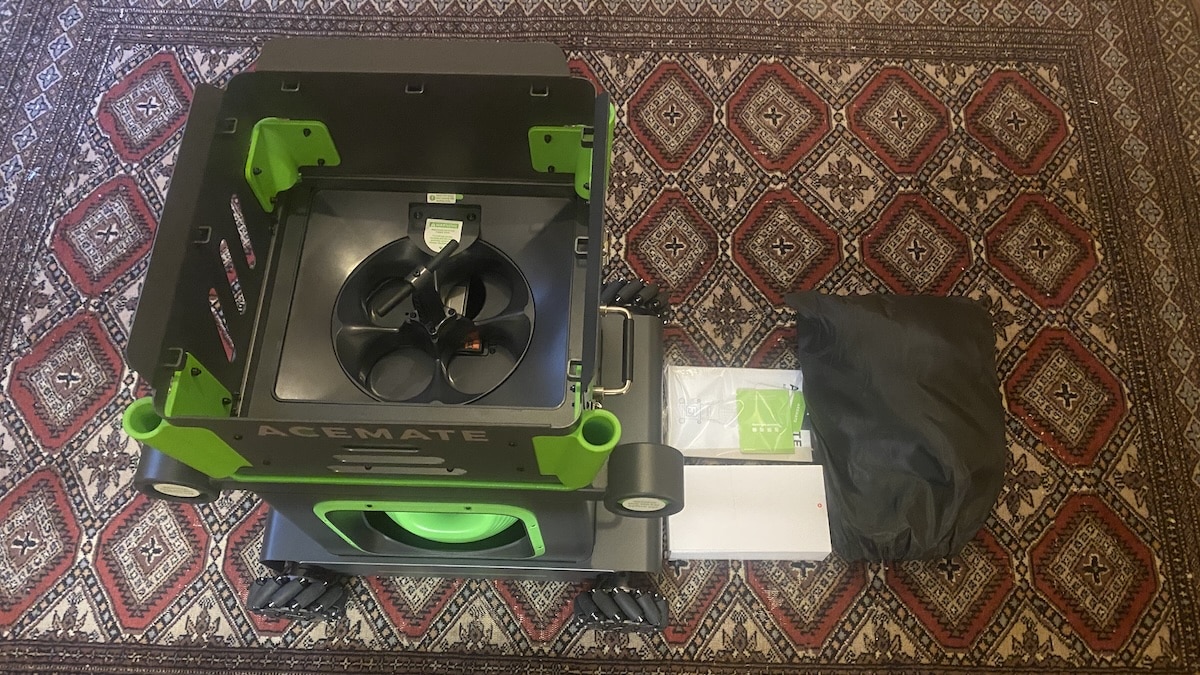
Thankfully, that’s a one-time job. And you can watch a video which explains it clearly. Once you’ve attached it, there’s no need to remove it again. Plus, the whole structure folds down for storage and transport. And you can also detach the hopper if you want to fit the device in a car.

Getting ready to play is quick. Just extend the telescopic poles, raise the net and fill the hopper with balls. Then switch on the robot, connect through the app and let the cameras recognise the court. Once everything is lined up, you’re ready to start hitting.
There’s also a manual calibration option if the automatic court recognition doesn’t get things quite right. You simply line up the court markings with the video feed in the app, and the whole process takes about five minutes. In practice, though, I hardly ever needed it. Most of the time the machine recognised the court without any fuss.
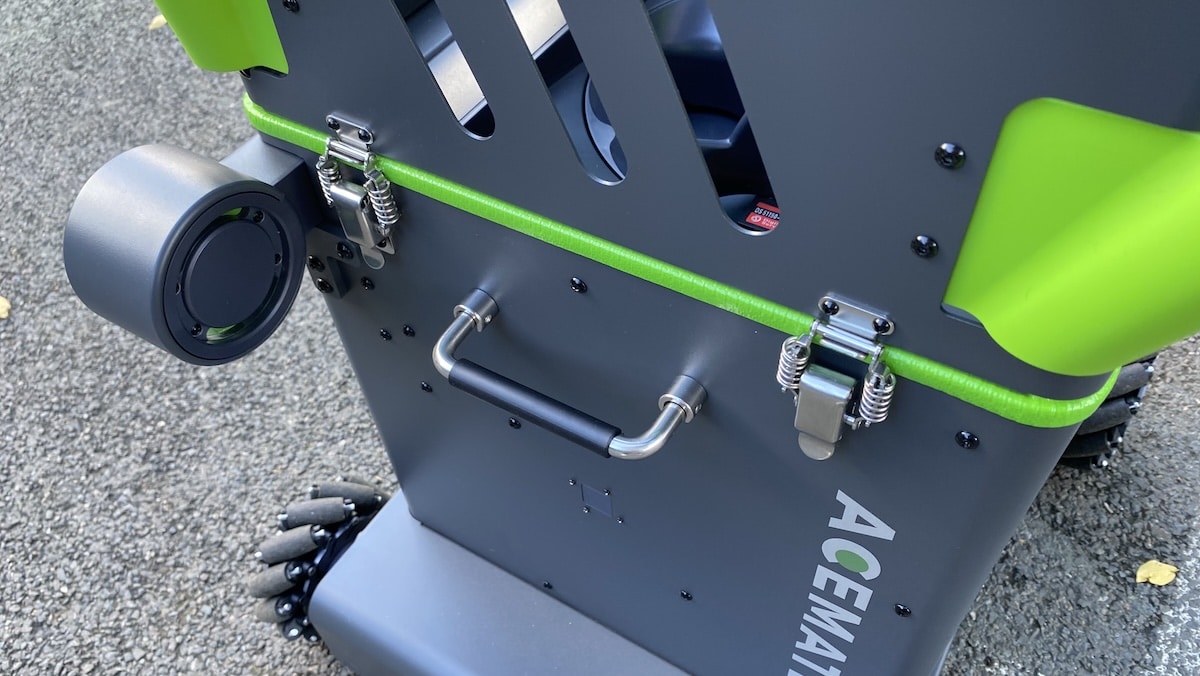
Portability still isn’t one of the S10 Pro’s obvious strengths, especially if you need to carry it any distance. I usually walk about a kilometre and a half to my local courts, and while that’s perfectly doable, it’s not exactly effortless.
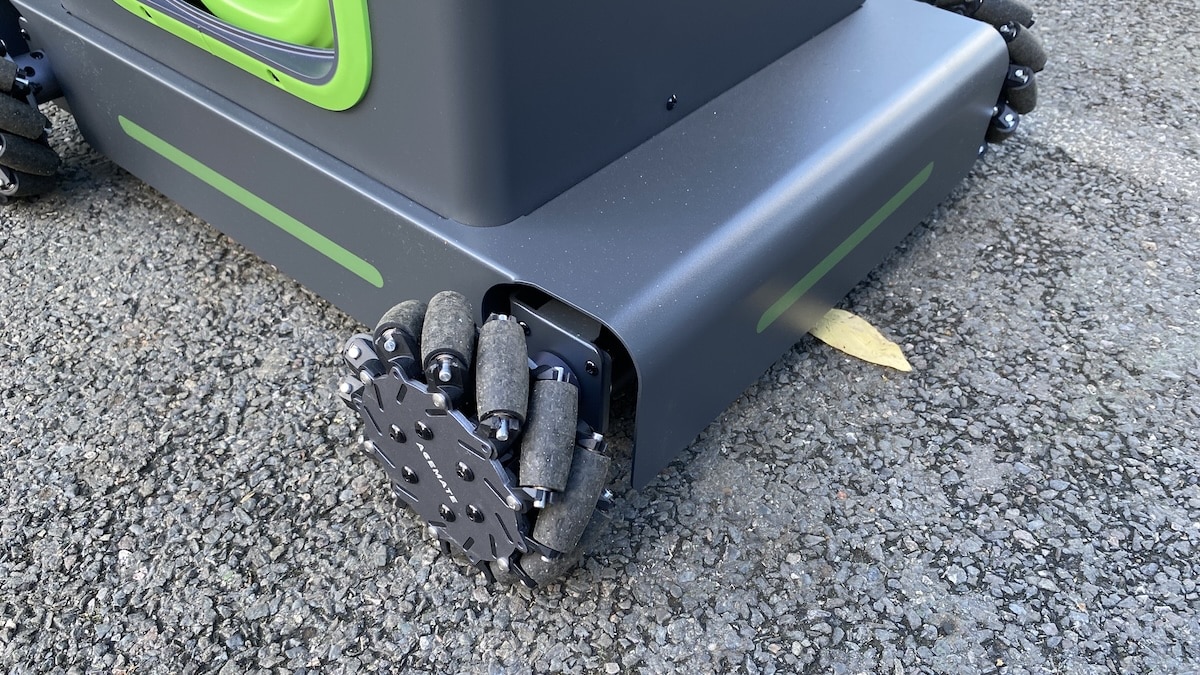
What surprised me is that the Pro is actually easier to wheel along than the original S10, despite being heavier. I’m not sure whether Acemate has changed the wheels or whether the slightly taller body simply gives you a better angle when pulling it, but the whole mechanism feels less stiff. It rolls more freely, which means I can move it along at a quicker pace than the original. So that was a pleasant surprise.
Nevertheless, a proper suitcase-style handle would help. Especially for those of us who don’t drive to every session.
Training modes and drills
One of the things I like about Acemate is that you can make a session as structured or as casual as you want. Some days I just want to hit for an hour, while on others I want something that actually forces me to work on a particular pattern or shot.
Rally and Drill are still the modes I like to use most. Rally is basically the closest thing to having a normal hit, while Drill mode gives you targets and a score at the end. I mentioned in my original review that chasing those scores gets surprisingly addictive, and I still find myself wanting another go when I know I can do better.


Serve and Battle are the two newer additions.
Serve Mode tracks your serve and then sends the next ball back, so you can practise the serve plus the shot that follows it. You can also set a target area inside the service box, so the serve only counts if you land it where you are aiming. I like that approach because it turns serving into something closer to an actual point rather than just hitting a basket of balls.


Battle Mode is more about having a bit of fun. You choose an opponent style and play points against the robot, with the machine keeping score as you go. It gives the session a competitive edge and is probably the mode I would use when I want something less repetitive than a normal drill.


Ball Machine mode is still there for straightforward feeds, and you can build your own drills with up to 10 different balls in a sequence. For me, though, the real strength is being able to jump between a proper rally, a scored drill, serve practice and point play depending on what I feel like doing that day.
Ball speed, spin and shot accuracy
What I really liked about the original S10 was the timing. Hit a softer ball and it gives you a bit more time. Hit harder and the next one comes back sooner. That still works really well here, and after a few minutes I stop thinking about the machine and just get on with the rally.
The tracking itself feels much the same, which isn’t surprising because both machines use the same dual-camera setup. The difference is what the Pro can do once it has worked out where your shot has gone.
It can send the next ball wider, switch direction more quickly and mix up the trajectory without everything feeling quite so deliberate. The whole exchange just feels a bit smoother. The new ACE+ SHOT system is a clear improvement.
There is more pace too. Going from 97 km/h to 120 km/h doesn’t look like a massive jump on paper, but once you turn things up, you notice it. I didn’t try to measure the actual top speed, but at the higher settings it feels like you have a very capable player on the other side of the net hitting balls back at you. The rallies get quicker, you have less time to get set, and it is easy to make a session genuinely tough.
The new launcher can also produce stronger spin. You still get the same basic options, with topspin, backspin and flat shots, but the Pro has more room to combine spin, pace and placement. Put all of that together and it simply feels like a better hitting partner. Not completely human, obviously, but closer than before.
Ball collection system
The catching system remains one of the more unusual things about Acemate. The robot tries to catch your returns in the net and feed them straight back into the hopper, which can really cut down the amount of time spent picking up balls. You will not find that feature in other options on the market.
The taller net helps here, particularly with higher and deeper returns, and overall it gives the Pro a better chance of catching more balls during a typical session. That said, it still misses plenty. Wide shots, sharper angles and harder returns will often end up on the court.
I still see the catching system as a useful bonus rather than something you can rely on completely. But it does mean you will be collecting fewer balls manually, than you would otherwise.
App and performance analysis
The app has had a proper refresh since I reviewed the original S10. It looks cleaner and nicer now, with a more modern layout and better organisation. But it still feels familiar enough that I knew where everything was straight away.
There is also more going on inside it. As mentioned, Acemate has added Serve and Battle modes, expanded the drill library to more than 100 presets. So everything feels more complete than it did a few months ago.
Plus, the exact same drills are available for both the S10 Pro and S10. Which is excellent. I dont like the fact that some companies are deliberately holding back software upgrades from older machines – to push people into buying new ones. There is none of that nonsense here.
After a session, you get the same useful mix of data I liked before. That includes shot placement, in-bounds percentage, longest streak, average and maximum ball speed, net clearance and an overall session score. The court map is still the bit I look at first because it gives you an instant picture of where your shots were actually landing.


My view of the AI analysis has not really changed. It is useful as a quick extra layer, but I still get more value from the raw numbers and shot maps than from some of the generated comments.
Battery life
Battery life is one area where Acemate has made a clear improvement. The S10 Pro dishes out up to five hours of use, which is plenty.
Now let’s keep that in perspective. That figure applies to Ball Machine mode with the launching wheels running at moderate speeds. In Rally mode, where the robot is constantly moving around, battery life will be shorter. Nevertheless, you should have twice the battery juice of the S10.
Of course, nobody spends an entire session hitting balls without stopping. There are breaks to collect balls, change drills and catch your breath. So to use up an hour of battery life, it might take you several hours.

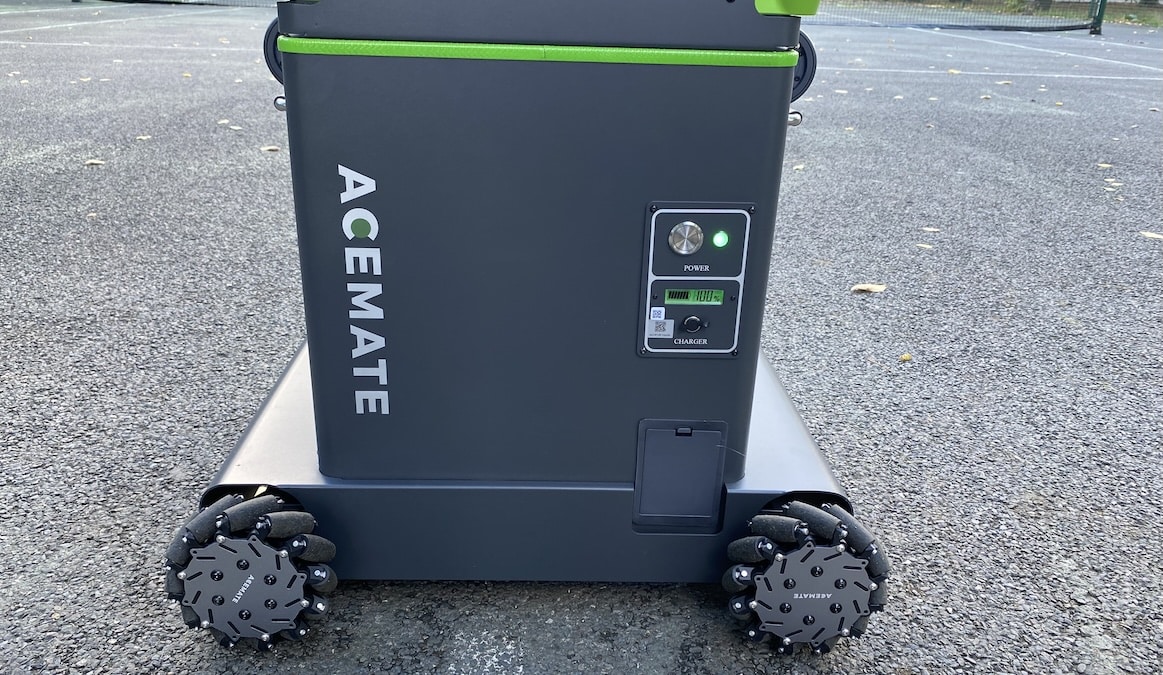
The battery is removable, so you can charge it separately from the robot or swap in a spare if needed. Or simply use the charging port and leave it inside the machine when refuelling.
Price and value for money
Now we get to the all-important price. And the S10 Pro doesn’t come cheap. The regular price is $2,999, although Acemate is currently offering it for $2,499 as part of its current promotion. The standard S10, meanwhile, sells for $1,999, so there’s a $500 gap between the two right now.
That’s quite a lot of money for a tennis training machine, but I think you have to look at what you’re getting. This isn’t just a ball launcher that sits at the other end of the court. It moves around, tracks your shots, catches some of your returns and actually rallies with you. Having that sort of hitting partner available whenever you fancy a session is the appeal.
For more casual players, the regular S10 is still easier to recommend simply because of the price. You get the same basic robotic rally experience without spending quite so much. The Pro makes more sense if you want to push yourself harder, particularly with faster shots, more demanding drills and better control over ball placement. That’s where the extra money is going.

Don’t miss the latest from Gadgets & Wearables
Subscribe to our monthly newsletter and check out our YouTube channel.
You can also follow Gadgets & Wearables on Google News and add us as a preferred source in Google Search.

