

Fourth Frontier X3 review: Battery life is the headline upgrade
Fourth Frontier launched the X3 about a month ago, and I’ve been using it pretty heavily since. I’ve tested several of the company’s earlier devices over the years, so I’m already quite familiar with its approach to ECG-based training.
Which means I’ve got a pretty good feel for these devices by now. The interesting bit with the X3 is seeing where Fourth Frontier has taken things next, and how it stacks up against the models that came before it.
I’ve used every major version of Fourth Frontier’s chest tracker, and the X3 is the easiest one to live with. It’s lighter than the X2, it switches to USB-C, and battery life is the big upgrade. You get up to four months with around an hour of use per day, which is a huge step up.
The core experience is familiar. You get heart rate, HRV, breathing rate and Fourth Frontier’s training metrics, while the vibration alerts remain one of my favourite features. I can stay in a target zone without constantly looking at my watch, which works really well in practice.
One change is that you no longer get direct access to the ECG waveform. The X3 still uses ECG internally, but if you want to view the raw trace, the Frontier X2 or Frontier Zone may suit you better.
Overall, I’m positive on the X3. The much better battery life makes a real difference, and the training features are still genuinely useful.
Frontier X3 can be purchased on Fourth Frontier’s website. You can get 30% off with the GNWX330 code.
Jump to
Design and comfort
The X3 doesn’t look different from the previous generation. In fact, at first glance it looks exactly the same.
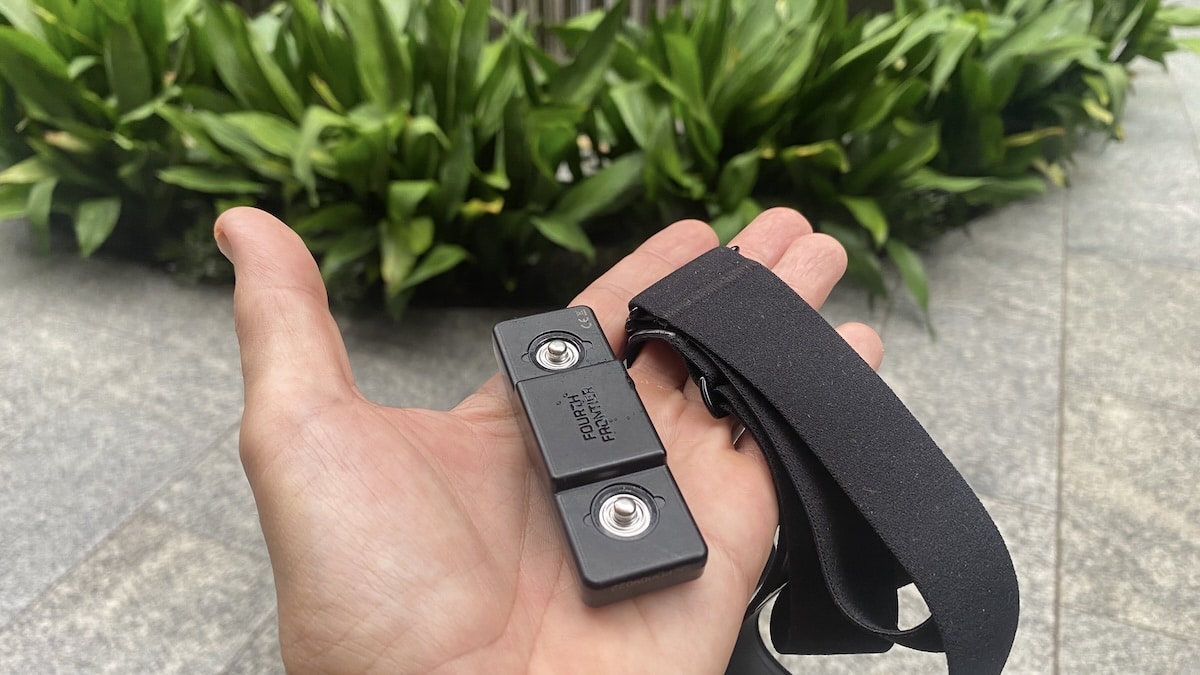
Fourth Frontier has kept the identical slim chest-worn format, but trimmed the weight down to 23 grams from 25 grams on the X2. Like before, the sensor itself measures 73 x 24 x 13 mm, so it sits fairly flat against the chest and is perfectly comfortable to wear.
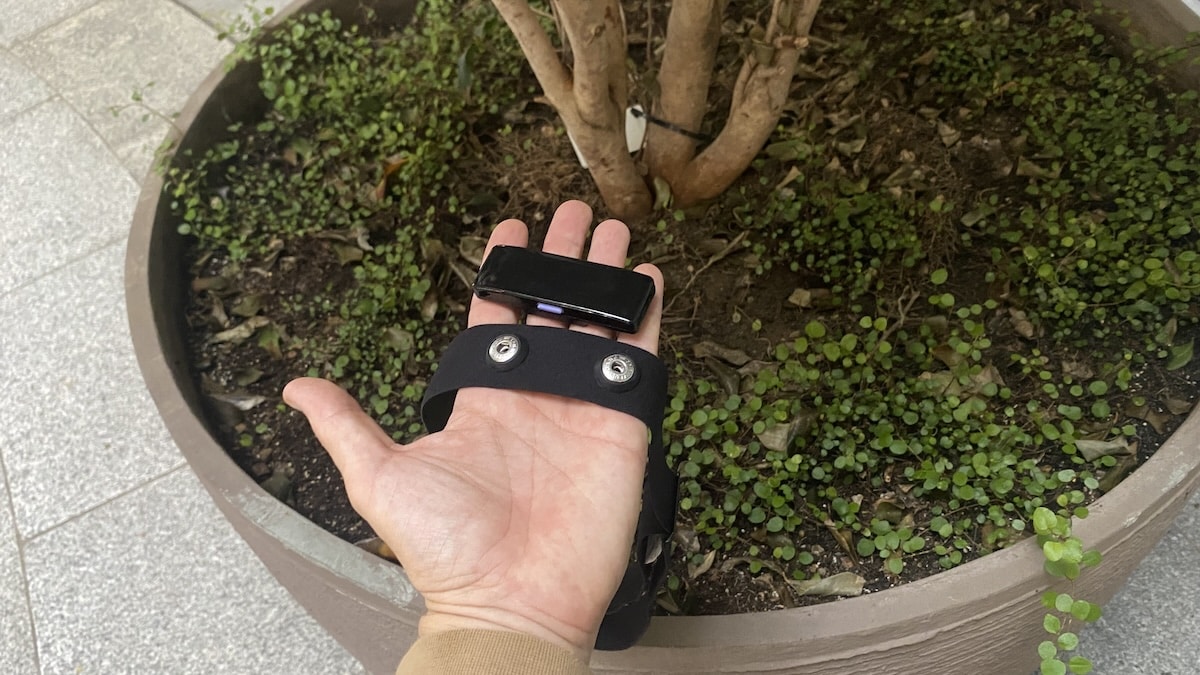
The bigger change is that the small display from the X2 has effectively disappeared. Well, the screen itself is still there, but it no longer switches on.
I actually think that’s a good thing. Most of the useful information lives in the app or on the watch you’re broadcasting heart rate to anyway, so having a tiny screen on your chest always felt a bit strange. You do still get the same status LEDs. Which is enough.
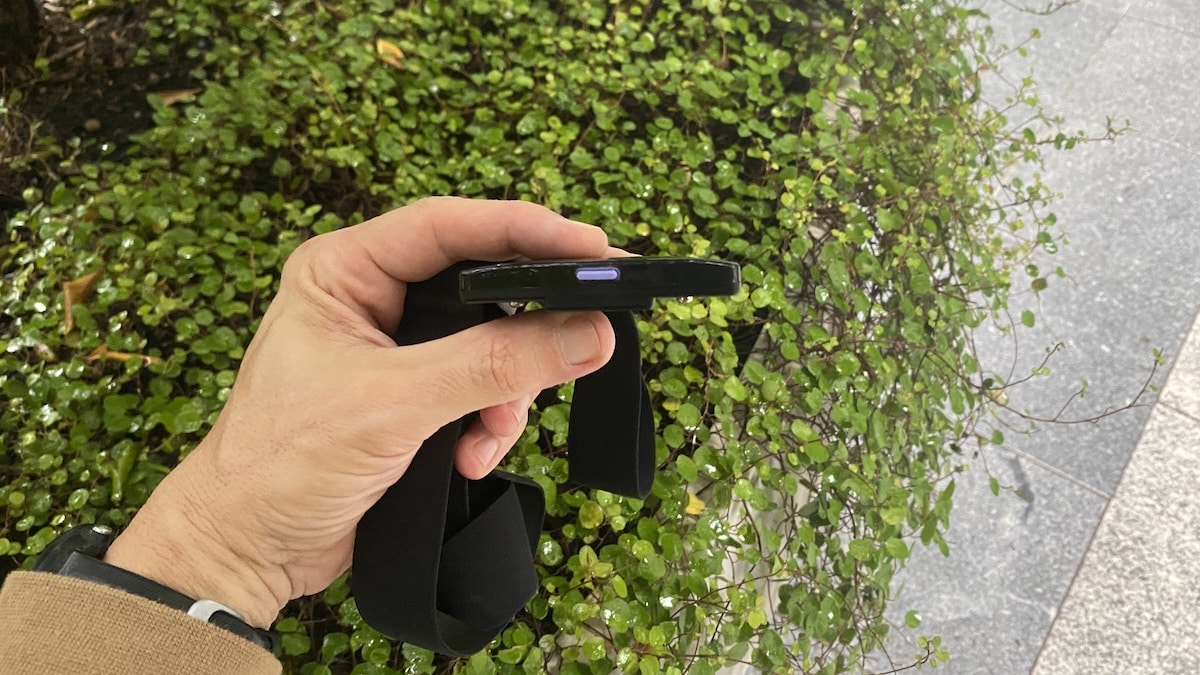
Having said that, I do wish Fourth Frontier had taken the opportunity to make the sensor smaller, perhaps even round. If the screen is no longer being used, you’d think there would be scope to rethink the shape a little.
Regardless, the X3 is light enough that the module itself isn’t really an issue. The wide elastic strap also does a good job of holding everything firmly in place during exercise. As with any chest strap, you still know you’re wearing something around your torso, but for running and cycling I found it totally unobtrusive.
Battery life
Battery life is probably the star of the show on the X3. Fourth Frontier claims up to four months if you’re using it for around an hour per day, which is a huge jump from the X2 and its roughly two weeks of typical use. Even compared with the newer Frontier Zone, which can stretch to around a month, the X3 is in a different league.
Now, I didn’t test it for four months, so I can’t vouch for those figures. But I have been using it pretty extensively over the past couple of weeks and the battery level has barely budged. It’s still above 90%, and that’s with a full night of sleep tracking thrown in. Fourth Frontier even quotes up to 14 days of continuous recording.
That changes how you use the device. With the X2, charging was something I had to keep an eye on. With the X3, it is much more of a fit-and-forget thing, and I barely think about the battery at all. I’m not sure how much of that comes from the fact the display is no longer being used, and how much comes from a bigger or more efficient battery, as Fourth Frontier doesn’t publish the battery capacity.
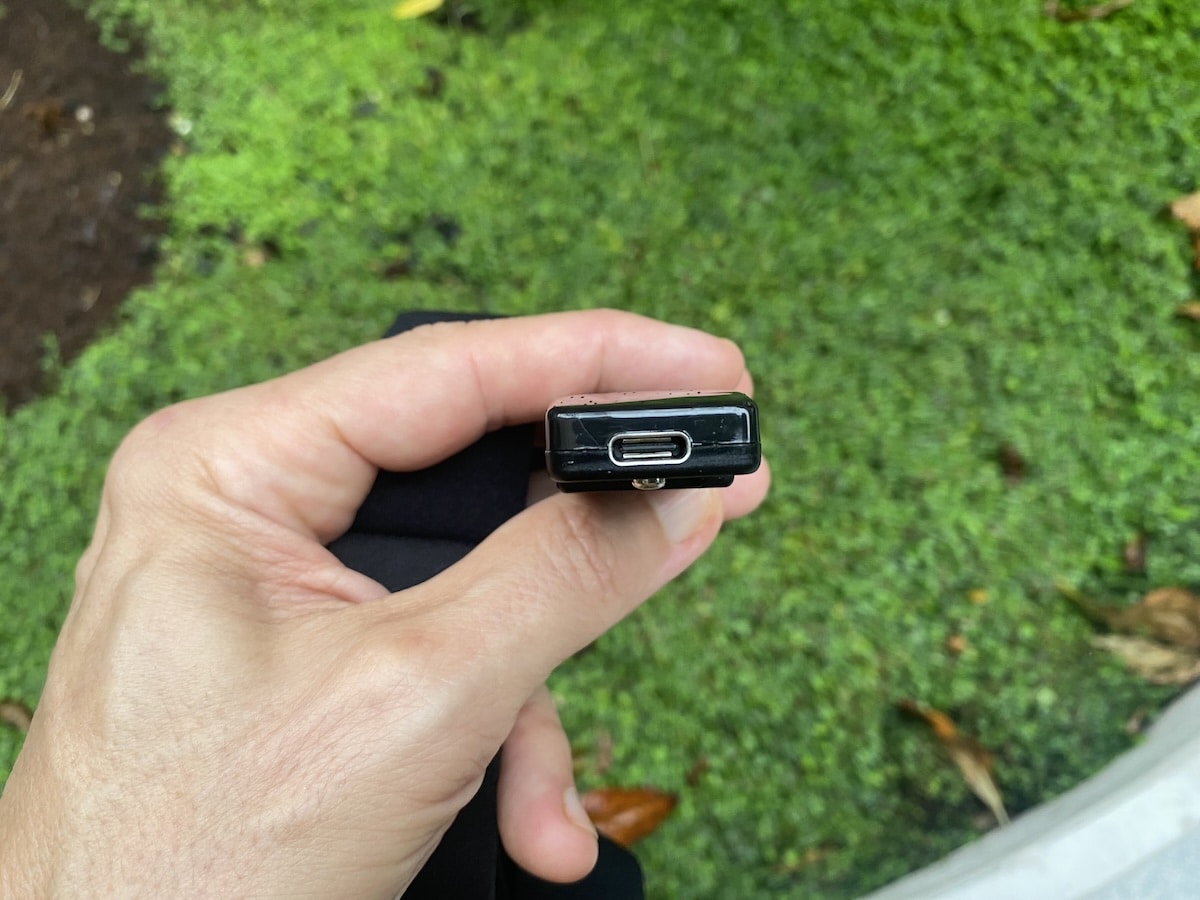
Charging has improved as well. The X3 switches to USB-C, replacing the Micro-USB connection used on the X2. It’s not a huge difference, but it means you can use pretty much any cable you have lying around rather than hunting around for a Micro-USB one.
App and connectivity
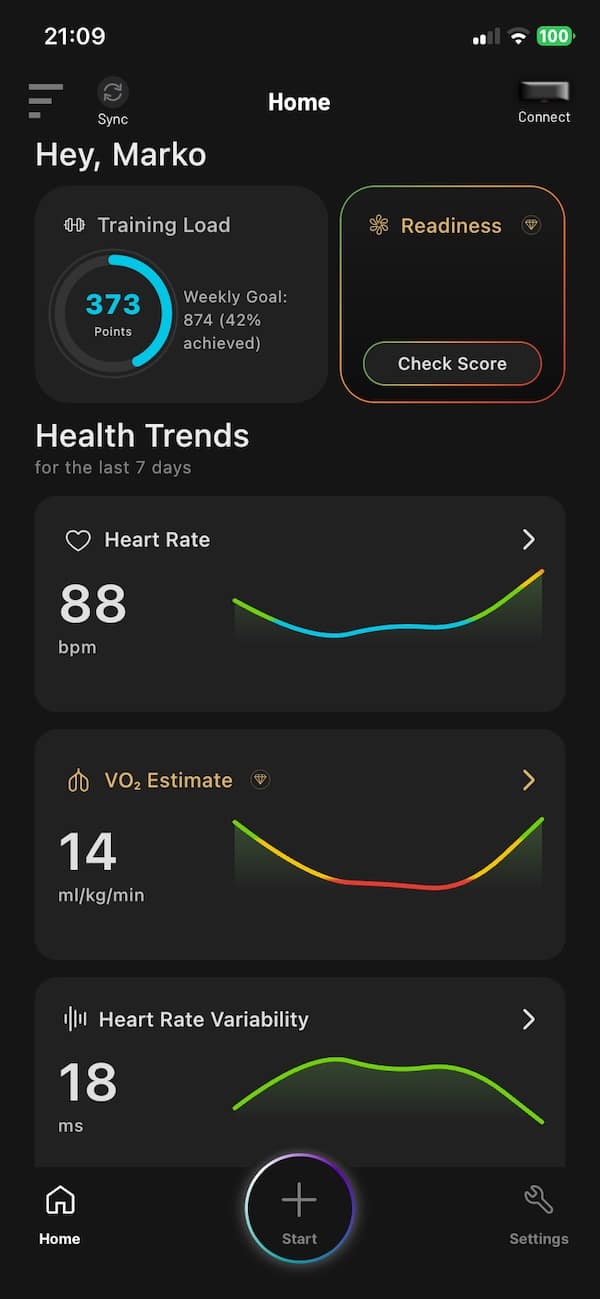
The X3 uses the same Frontier app as the company’s other devices, so there’s no real change there.
Pairing is straightforward, and once connected the app becomes the main place for starting activities, looking through workout data and digging into Fourth Frontier’s various training and recovery metrics.
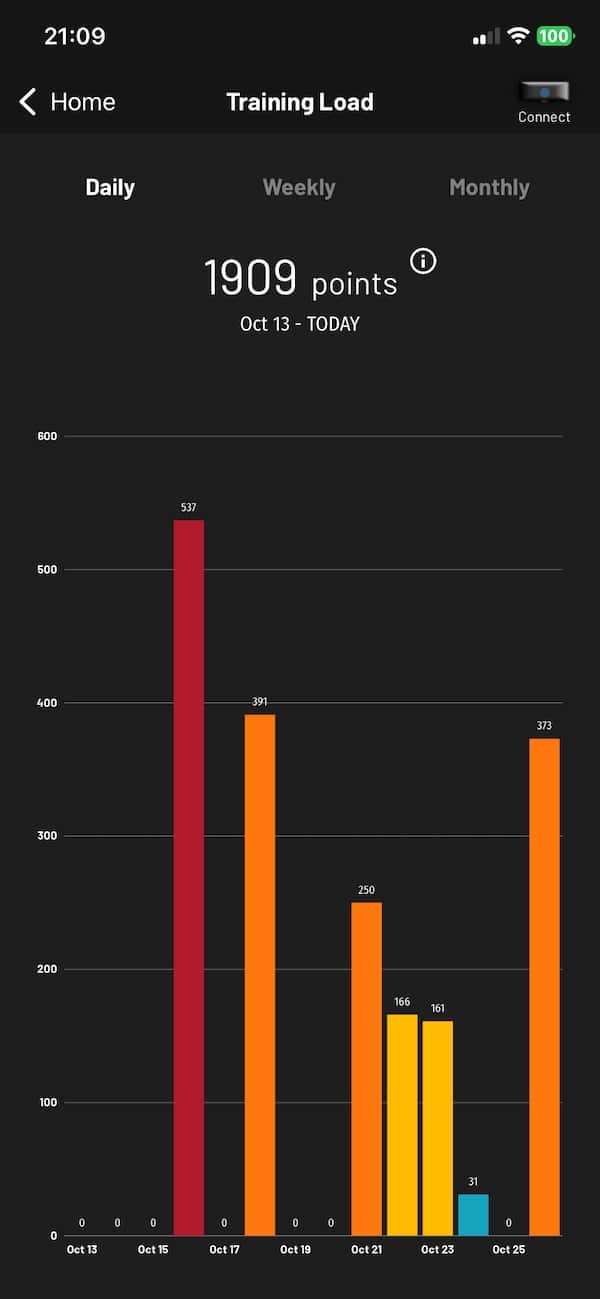
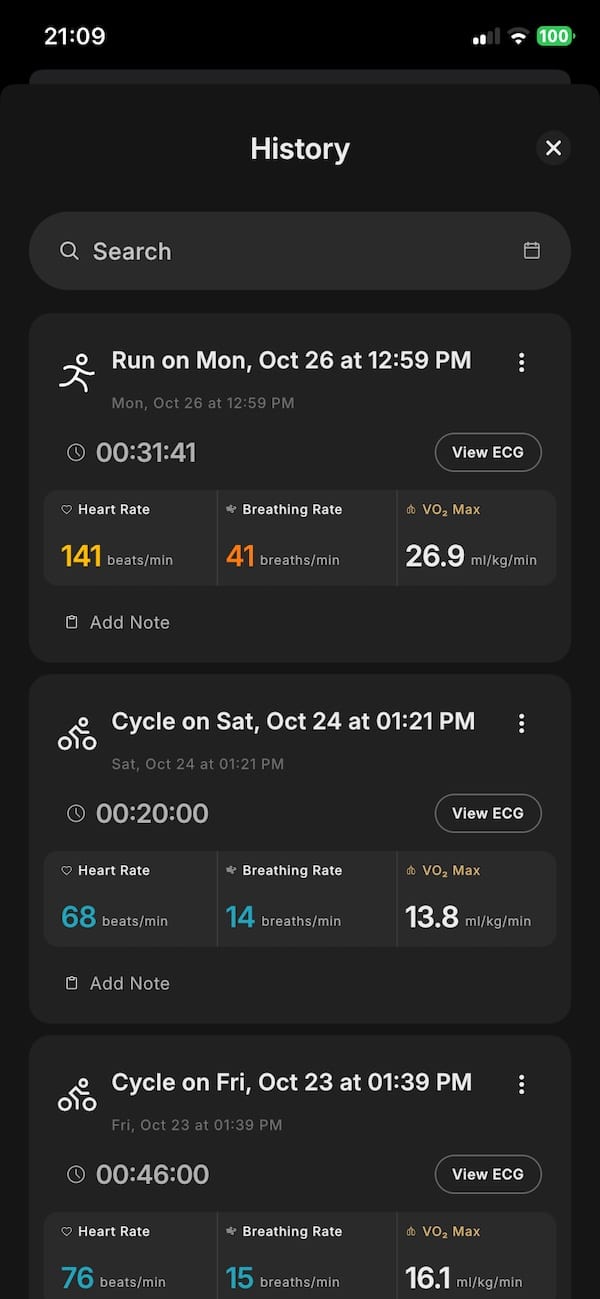
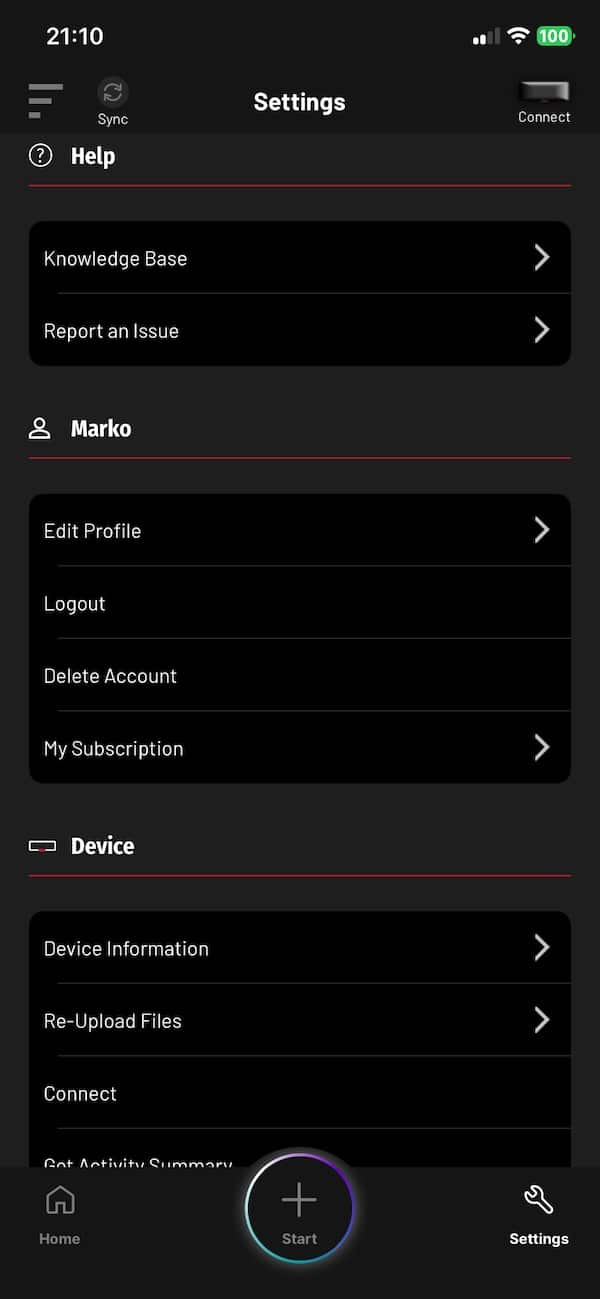
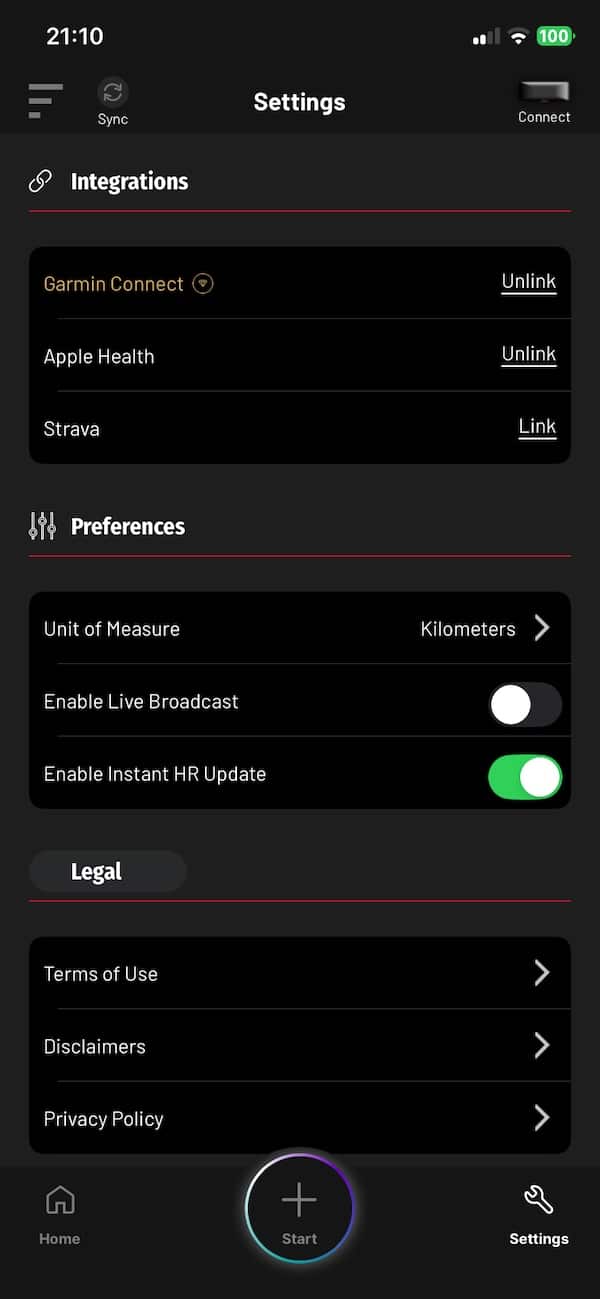
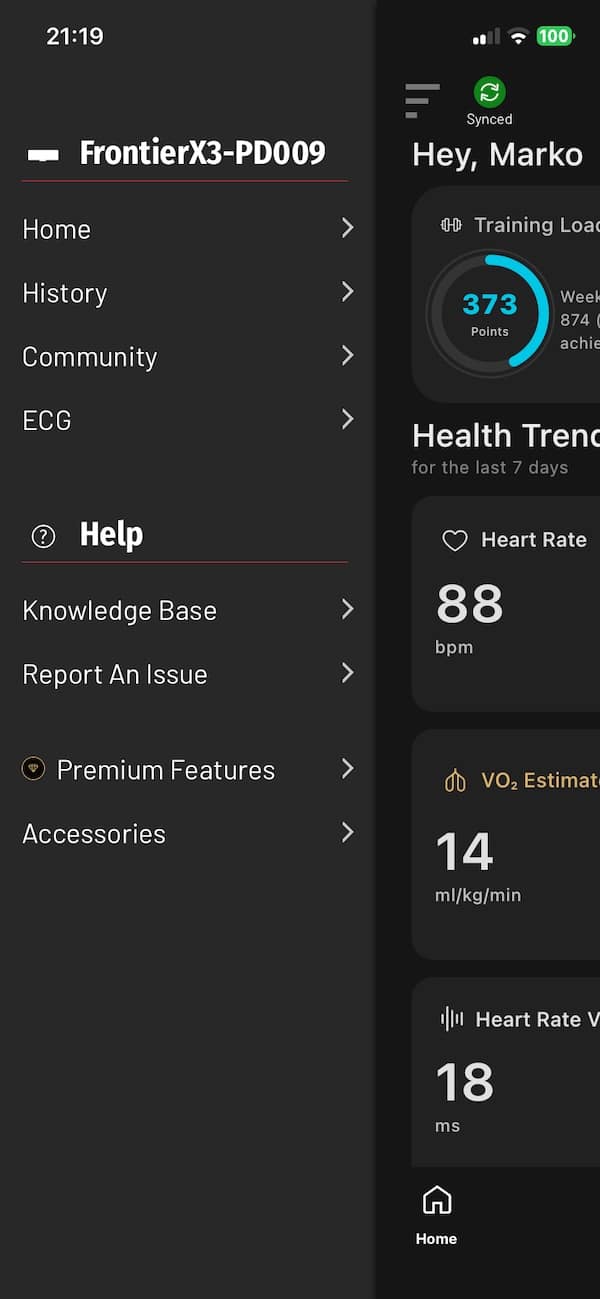
There are two ways to start an activity. The quickest is to double-press the physical button on the X3. I found this a little hit and miss, though. Sometimes it worked straight away, other times nothing happened.
The more reliable option is to open the Frontier app, choose your activity type and tap start. This is also where you can customise the vibration alerts. For example, when running I can set the X3 to buzz if I drop below or go above Zone 2. You can also set alerts for things like breathing rate or Cardiac Strain.

The vibration alerts are still one of my favourite features. It sounds pretty basic, but in practice it is genuinely useful because I don’t have to keep checking my watch during a run or ride. I just wait for the buzz and adjust my effort.
Once you’re done, you stop the activity and the data syncs back to the app, where you can dig into the session in more detail.
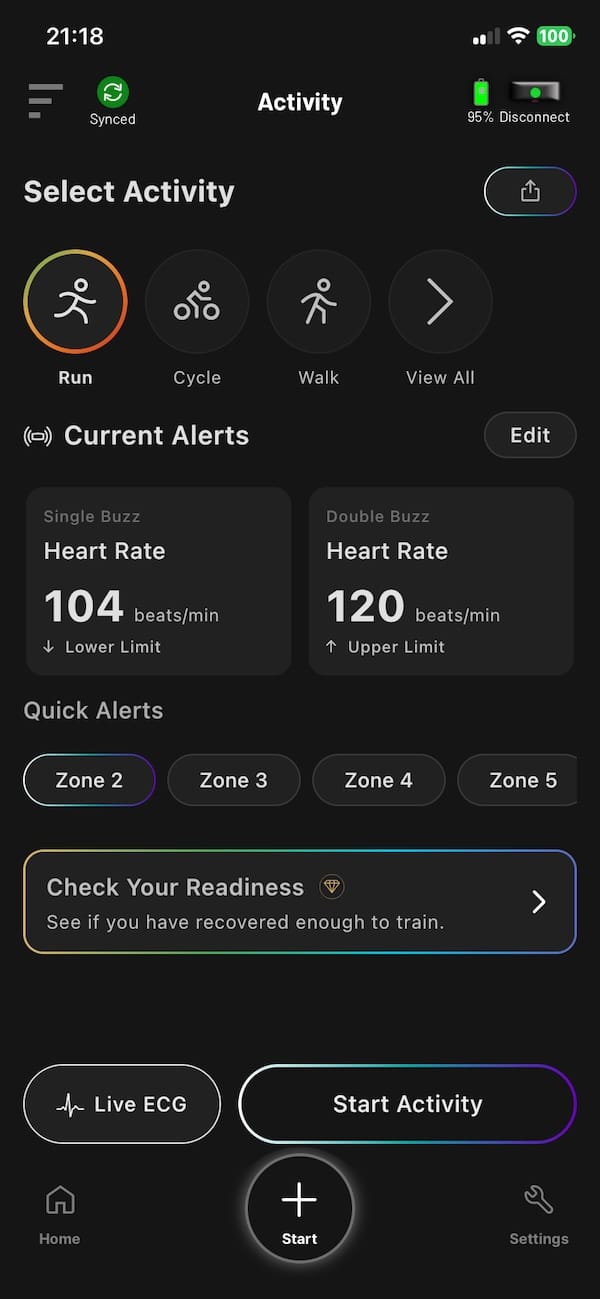


As far as connectivity, this is one area where the X3 is more modern than the X2. Just like Frontier Zone, it uses Bluetooth 6.0 and can maintain a connection with your phone while also broadcasting heart rate to two other devices.
That means you can record with the X3 while sending heart rate to a Garmin watch or compatible piece of gym equipment at the same time. I’ve tried this with my Forerunner 955, the BleeqUp Rover smart glasses and smartphone app connected simultaneously, and it worked without a hitch.
Mind you, there is still no ANT+ support, which feels like an odd omission on a device aimed at serious training. Bluetooth covers most modern watches and fitness equipment these days, but ANT+ would still make the X3 more flexible.
The app itself gives you plenty of detail once a session has synced, although it can feel quite dense because Fourth Frontier throws a lot of metrics at you. I tend to focus on the heart rate trace, training zones, Cardiac Strain and a handful of recovery numbers rather than trying to make sense of everything after every workout. That’s probably the better way to use it anyway.
Third-party integration has improved over time, with options including Strava and Garmin Connect. For me, the more useful part is that the X3 can broadcast heart rate directly while I’m training. It means I can keep using my normal watch and still get Fourth Frontier’s additional analysis afterwards.
Exercise tracking and heart rate accuracy
Heart rate accuracy has always been one of Fourth Frontier’s strong points. After all, that is the whole point of wearing a chest strap. I’ve used the original Frontier X, X2 and Zone over the years, and all of them have performed very well against other heart rate monitors I’ve tested. The X3 carries on in much the same way.
Over the years, I compared the readings of various Frontier devices against a Polar OH1 and the numbers were pretty much spot on. Maximum heart rate was usually identical or within 1 bpm, while average heart rate would typically come out only around 2 to 3 bpm different. I’ve seen the same sort of accuracy from the X3.
That’s not really surprising considering how the device works. Rather than relying on an optical sensor like the one on the back of a smartwatch, the X3 measures the electrical activity of the heart from the chest. That generally makes it better at keeping up when intensity changes quickly.
As with the older devices, it helps to slightly dampen the electrodes before putting the strap on. You don’t absolutely have to, but particularly at the start of an easier session, before you’ve started sweating, it helps establish a good signal from the outset.
So if you’re buying the X3 purely for heart rate accuracy, there’s very little to complain about. But that’s also worth putting into perspective. You can get excellent heart rate accuracy from much cheaper chest straps. The reason to buy the X3 is everything Fourth Frontier builds around that signal, rather than the heart rate number itself.
Training metrics, alerts and Premium features
So what are these additional metrics?
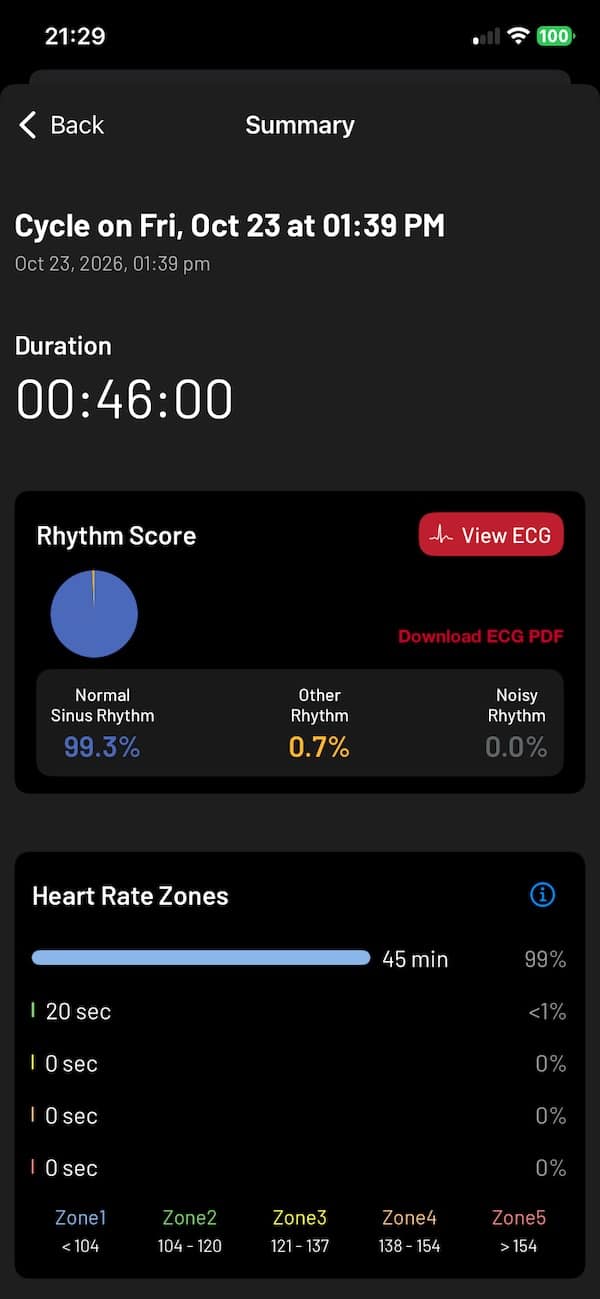
Well, once a workout is done, there is quite a lot to look through in the app. Rhythm Score, for example. It gives you a quick indication of how regular your heart rhythm looked during the session, which is useful as a simple at-a-glance metric. On the X2 and Zone, you could go a step further and look at the underlying ECG trace as well. The X3 doesn’t allow for that, so you still get the score, but not the raw ECG data behind it.
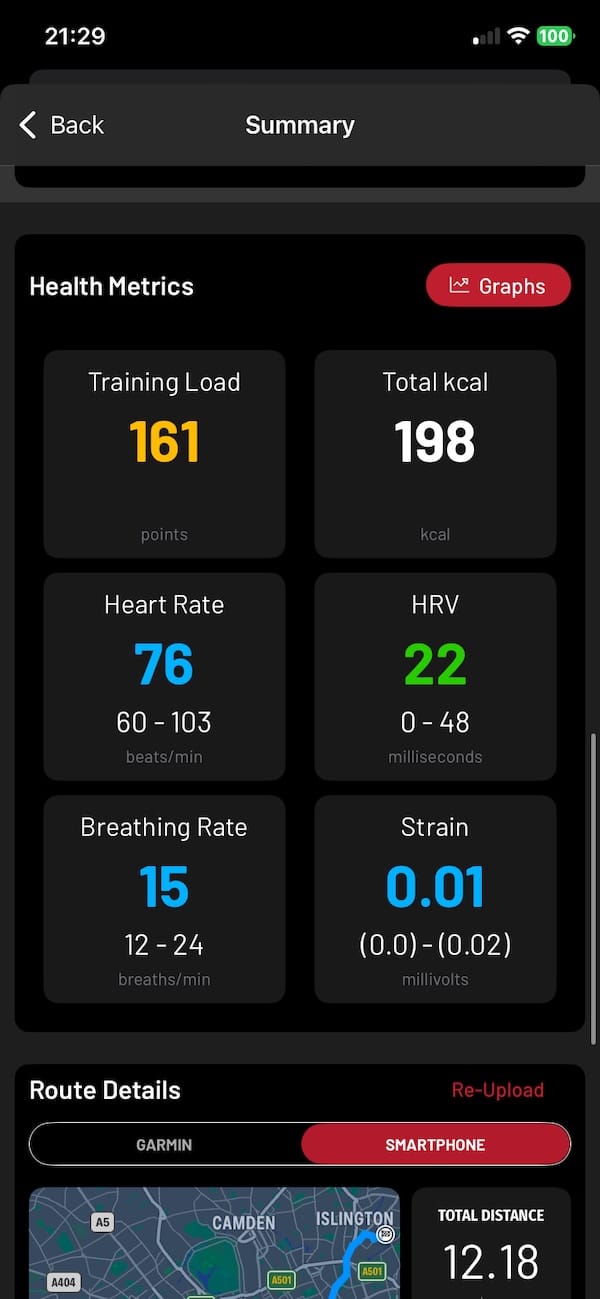
Furthermore, there’s Strain, Training Load, Body Shock, breathing rate, time in heart rate zones and a bunch of recovery data. I’ve used most of these across several Frontier devices now, and there are definitely some I pay more attention to than others.
Strain is a noteworthy one. It gives you more context than just looking at average or maximum heart rate, by combining it with HRV. The metric quantifies the overall physiological load placed on your body during the activity. I also like Body Shock, particularly for running, as it gives you an idea of how your movement changes once fatigue starts creeping in.
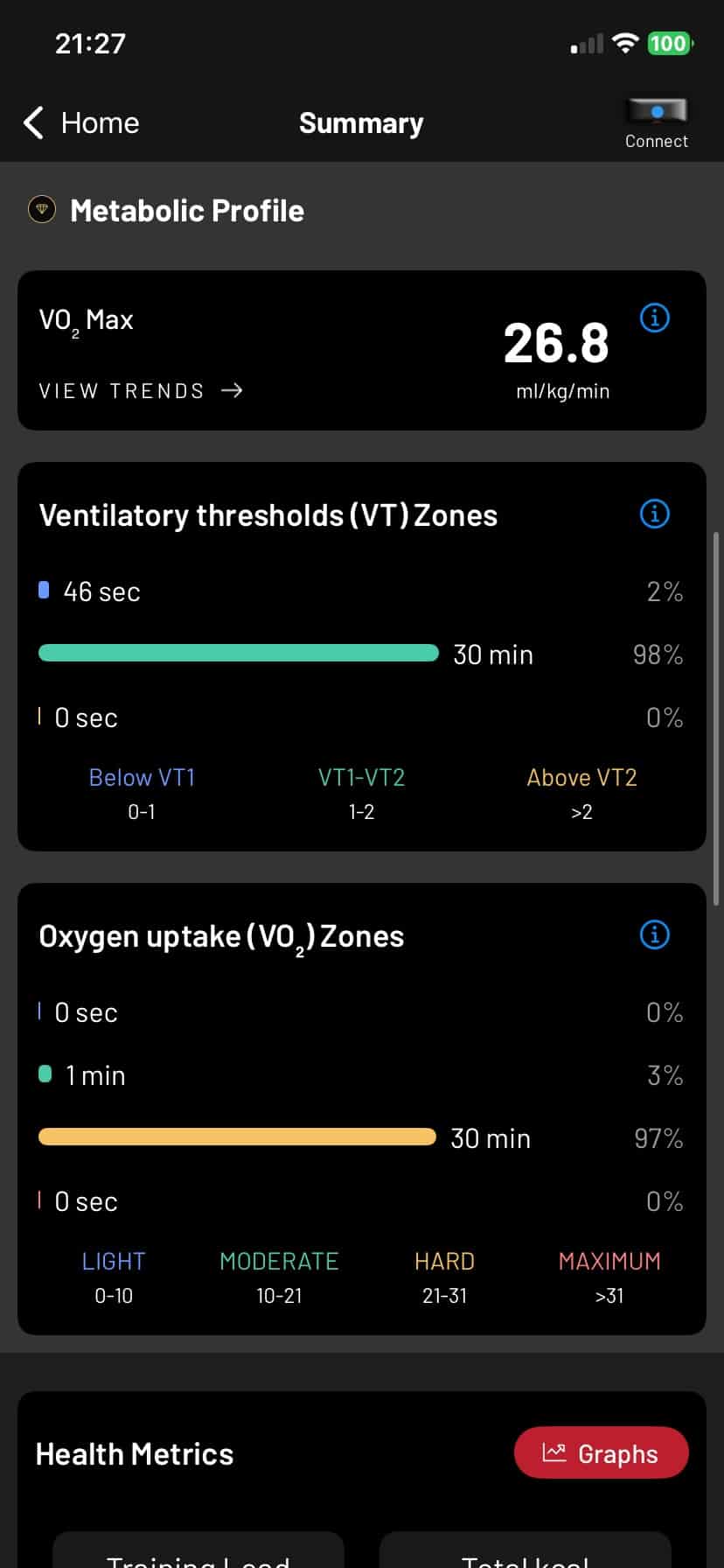
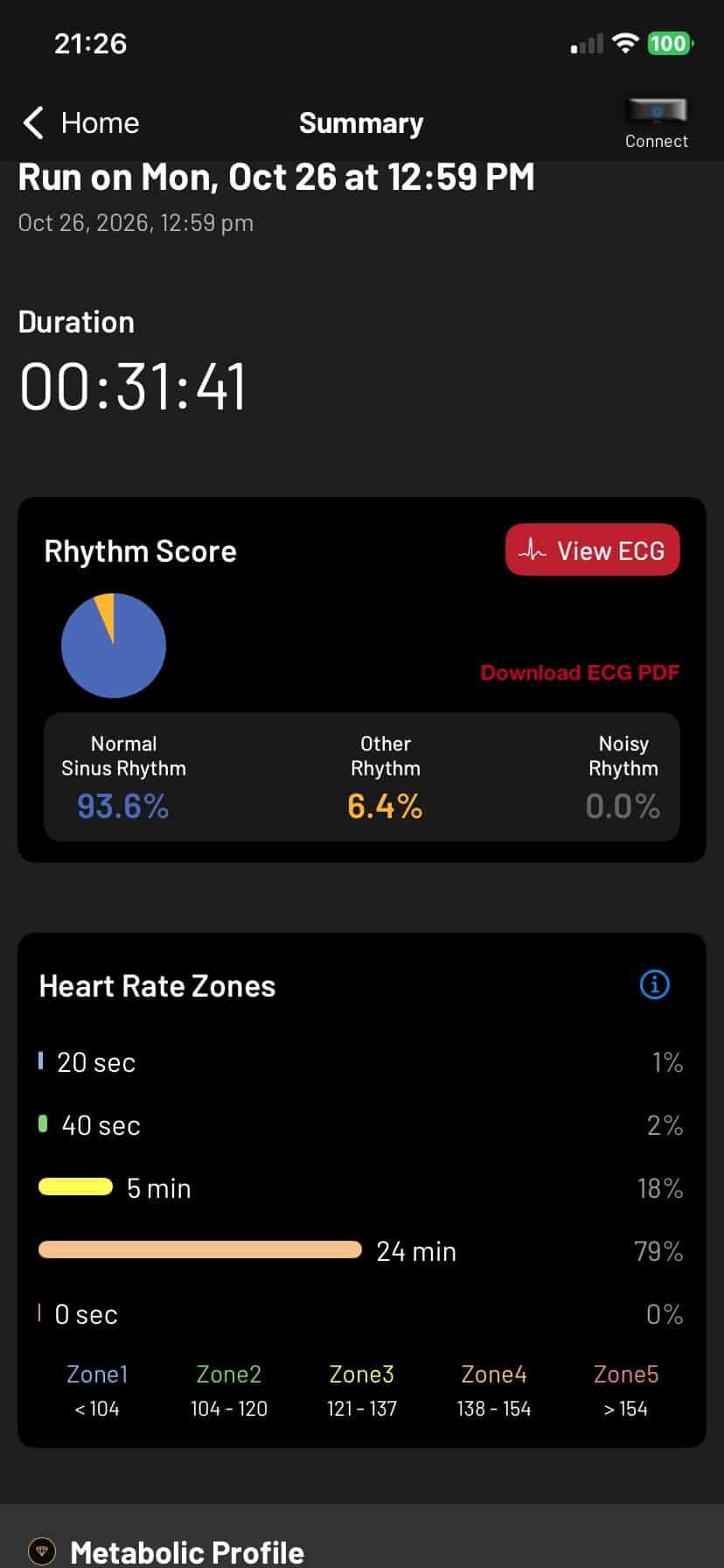
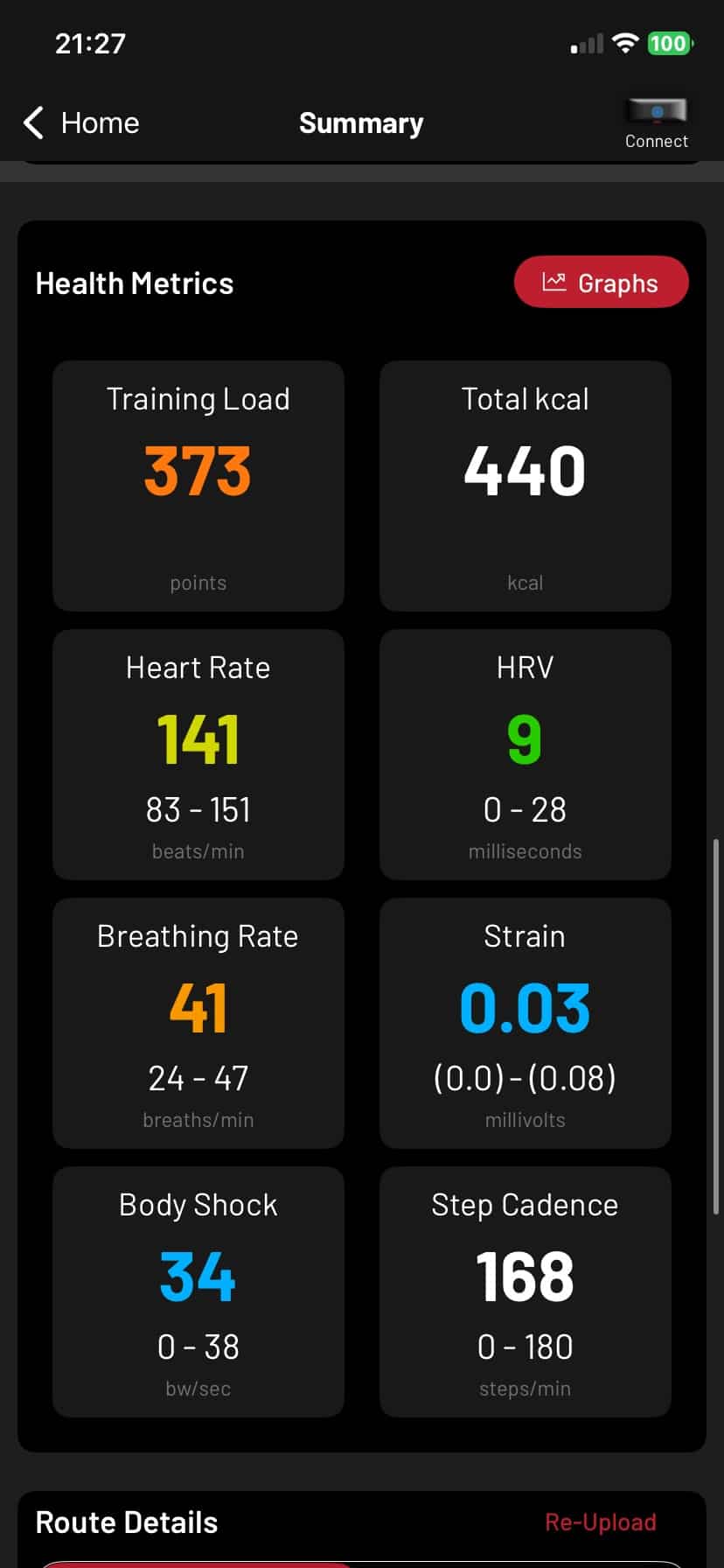
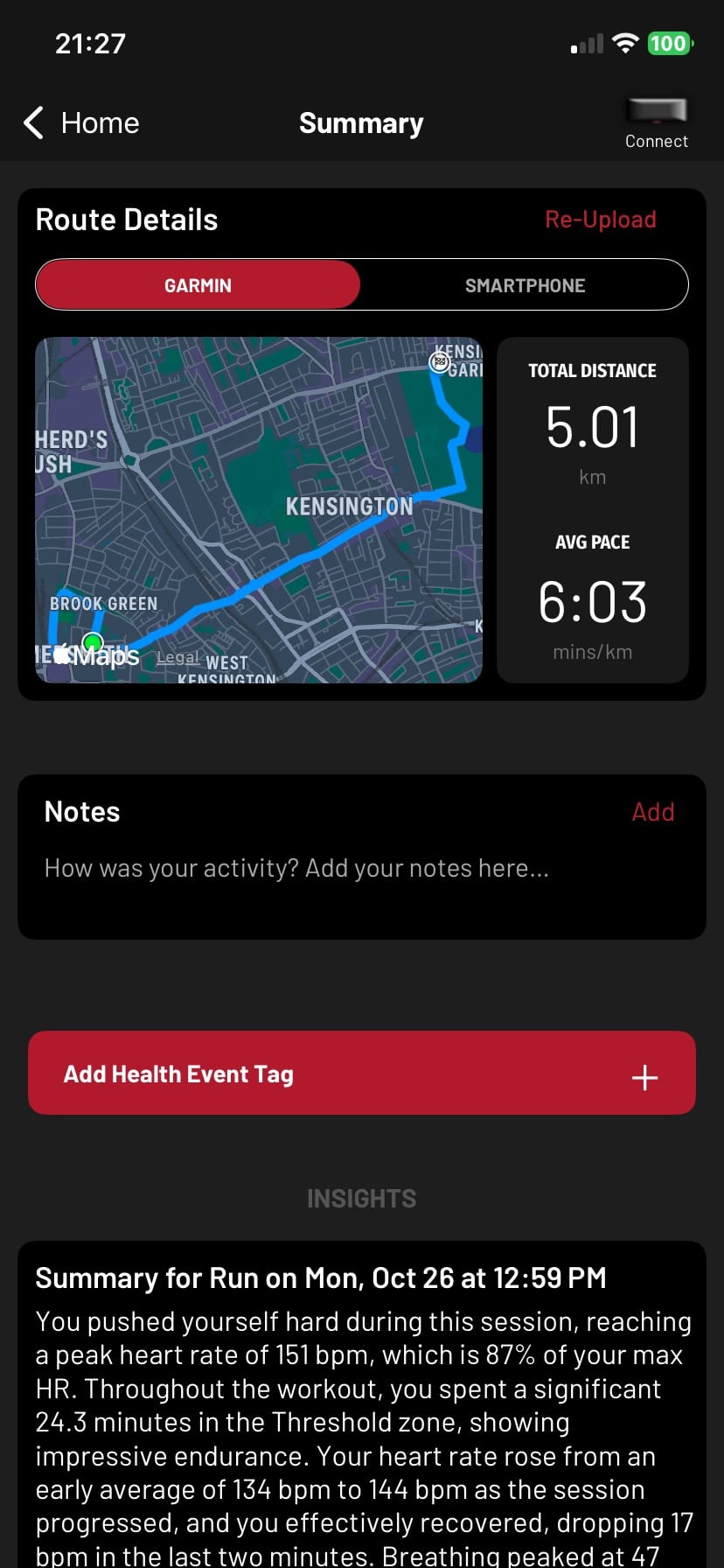
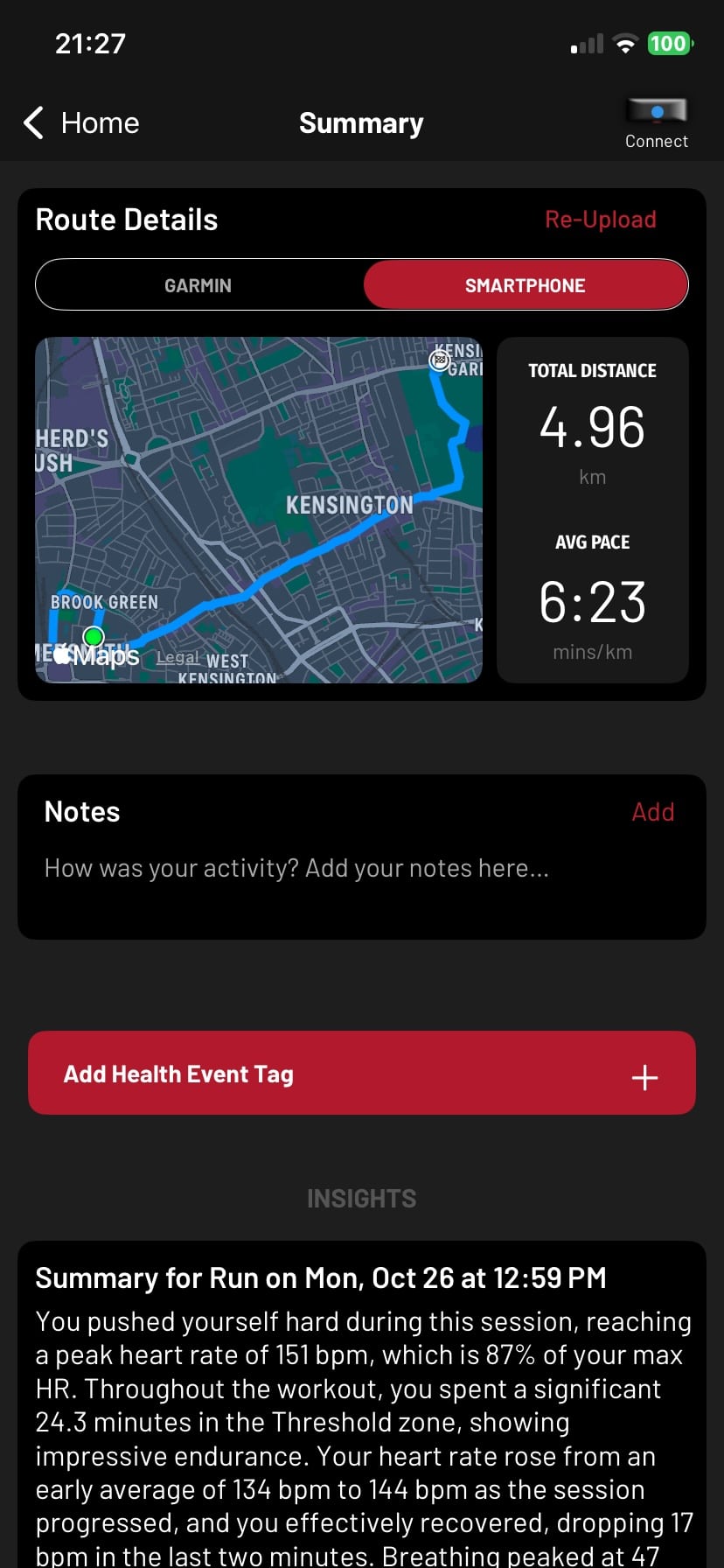
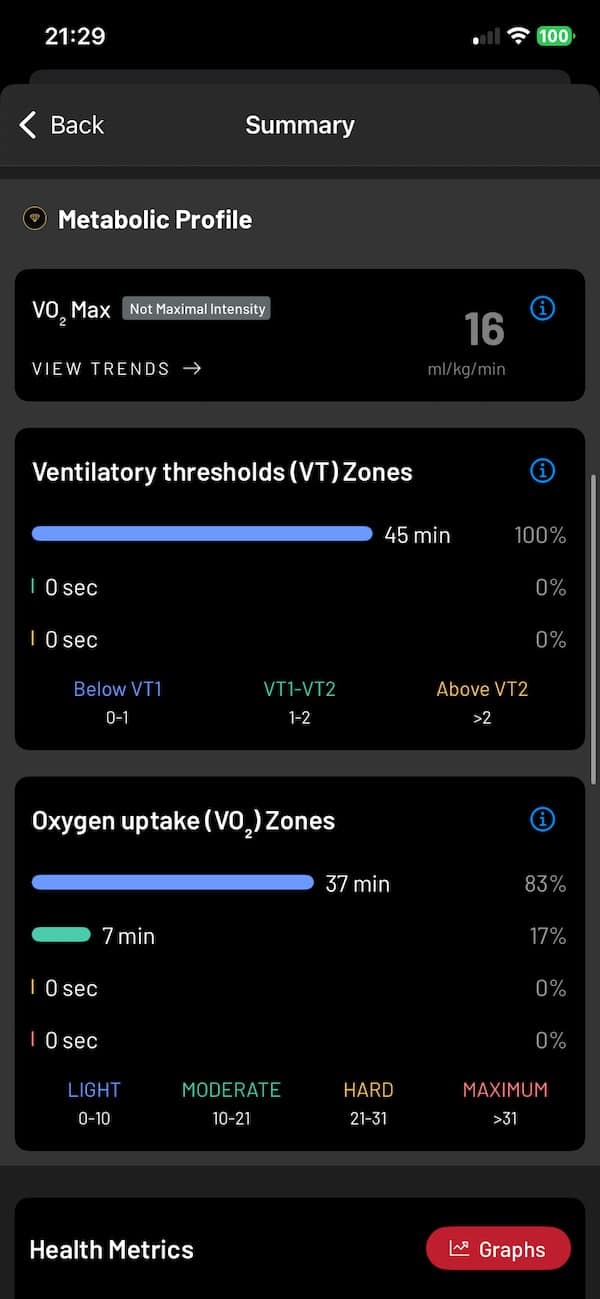
There are newer extras too. This includes VO2 max estimates, VT1 and VT2 ventilatory thresholds, oxygen uptake, readiness and sleep analysis.
Also worth a mention is the Cardiac Age feature. It estimates your heart’s functional age and compares it with your actual age. The idea is to track how that estimate changes over time, rather than focus too much on a single reading. It’s an interesting additional metric, although I’d treat it as a general indicator of cardiovascular fitness rather than a precise measure of how healthy your heart actually is.
Some of these metrics sit behind Frontier Premium. They’re nice to have, but for me they are not really the main reason to buy the X3. And I am actually a bit doubtful about the accuracy of some of them, such as Vo2Max. For me, I still get the most value from Strain, Body Shock, heart rate zones and those vibration alerts.
X3 vs X2 and Zone, who each is for
Having used all three, I don’t think the X3 automatically makes the Frontier X2 and Frontier Zone irrelevant. They overlap quite a bit, but each one now makes sense for a slightly different type of user.
The X3 is the one I’d pick if battery life and convenience matter most. Going from roughly two weeks on the X2 to potentially months between charges is a big quality-of-life improvement. It’s also lighter and uses USB-C. The downside is obvious: you lose direct access to the ECG waveform.
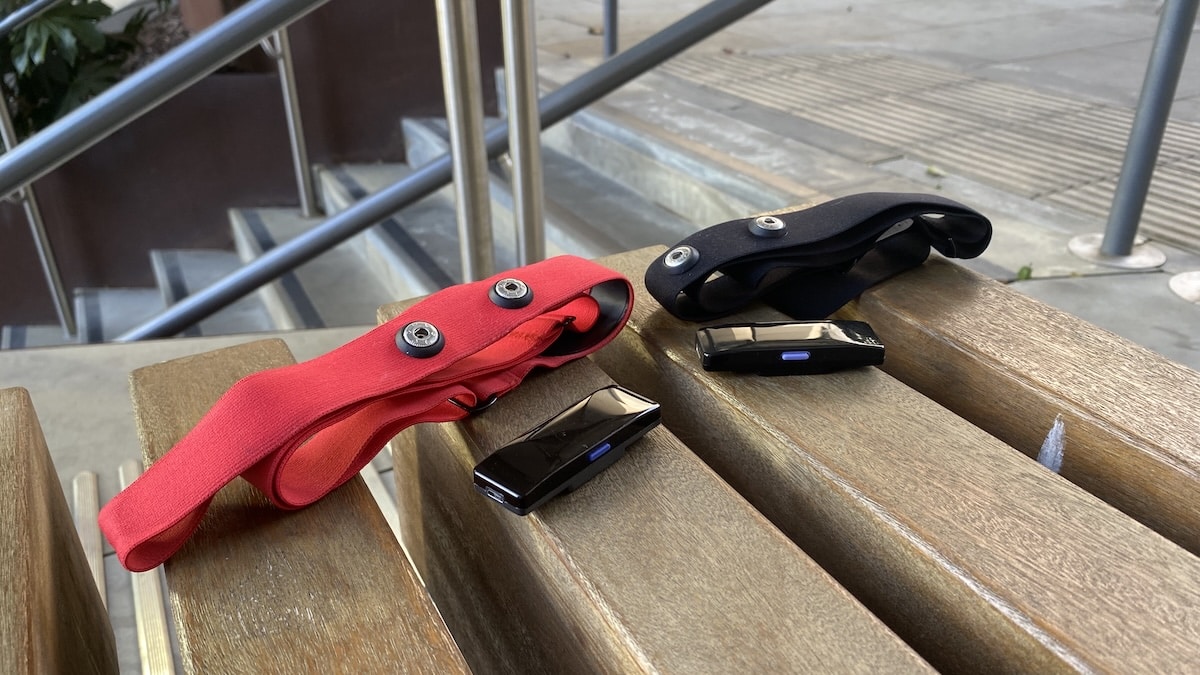
The X2 still has an argument if ECG access matters to you. You can actually view and export the waveform. Its battery life is much shorter and Micro-USB now feels dated, but for someone who specifically wants the deeper ECG side of Fourth Frontier, the older device still does something the newer one doesn’t.
Then there’s the Zone. For most people, this is probably the value option. You still get the core Fourth Frontier experience, including chest-based heart rate tracking and vibration alerts, while paying considerably less. ECG viewing and export are also available with Premium.
So the choice is actually pretty simple. I’d go X3 for the best overall training experience and battery life, X2 if direct ECG access is the priority, and Zone if you want the core Fourth Frontier experience in a cheaper package.
FAQ
Does Frontier X3 record ECG?
Yes, the X3 still uses an ECG signal internally to calculate heart rate, HRV and other metrics. What has changed is that you can no longer view the ECG waveform or export the raw ECG data like you could with the X2.
How long does the Frontier X3 battery last?
Fourth Frontier claims up to four months if you use the X3 for around an hour per day, along with up to 14 days of continuous recording. I haven’t used it for four months, but after a couple of weeks of fairly heavy use my unit was still above 90%.
Does Frontier X3 have GPS?
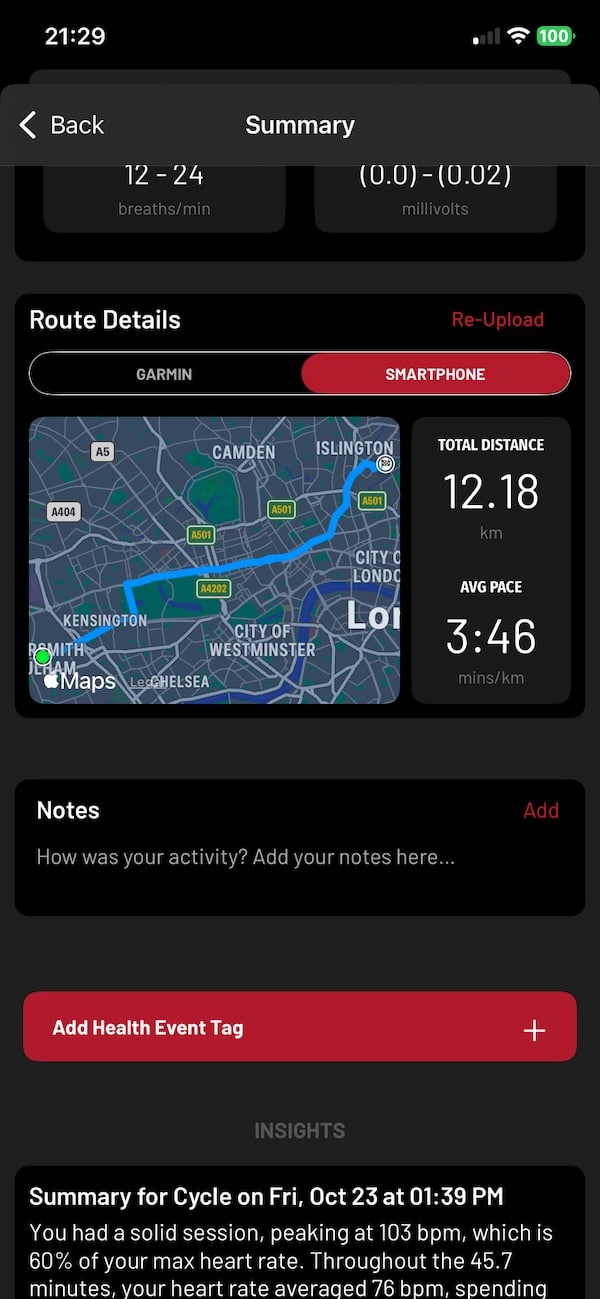
No, there is no built-in GPS. For outdoor routes and distance data it relies on a connected phone or another compatible device.
Can Frontier X3 send heart rate to a Garmin watch?
Yes. The X3 can stay connected to your phone while broadcasting heart rate to two additional Bluetooth devices, and I’ve used it successfully with my Garmin Forerunner 955 and BleeqUp Rover at the same time.
Does Frontier X3 support ANT+?
No, the X3 is Bluetooth-only. That’s not a major problem with most newer watches and gym equipment, but ANT+ support would have made it more flexible.
Do you need a Frontier Premium subscription?
Not for the basic experience. Heart rate, HRV, breathing rate and several of Fourth Frontier’s core training metrics work without it, while some of the more advanced analysis and integrations sit behind Frontier Premium.
Is Frontier X3 better than Frontier X2?
In some ways, definitely. Battery life is dramatically better, it’s lighter and USB-C is much more convenient, but the X2 still has one major advantage because it lets you view and export your ECG waveform.
Is Frontier X3 better than Frontier Zone?
The X3 is the more complete training device and has much better battery life. The Zone still covers a lot of the same basics, though, so which one makes more sense really comes down to how much you value the X3’s extra convenience and training features.
Don’t miss the latest from Gadgets & Wearables
Subscribe to our monthly newsletter and check out our YouTube channel.
You can also follow Gadgets & Wearables on Google News and add us as a preferred source in Google Search.

