

I tried Fitbit Air alarms and the High setting makes the difference
Fitbit Air alarms are managed through the Google Health app, but the useful bit only becomes obvious once you try them. The silent wrist alarm has two vibration levels, Low and High, and that setting makes a real difference.
Low vibration may be too gentle for some users, especially if they sleep heavily, but High should be strong enough for most people who want a discreet wake-up without blasting a phone alarm across the room.
Fitbit Air alarms sit inside the sleep experience
Fitbit Air is a screenless tracker, so Google had to be careful with what it added. Too many alerts would make the device feel confused. Too few interactions would make it feel like a passive sensor with a strap.
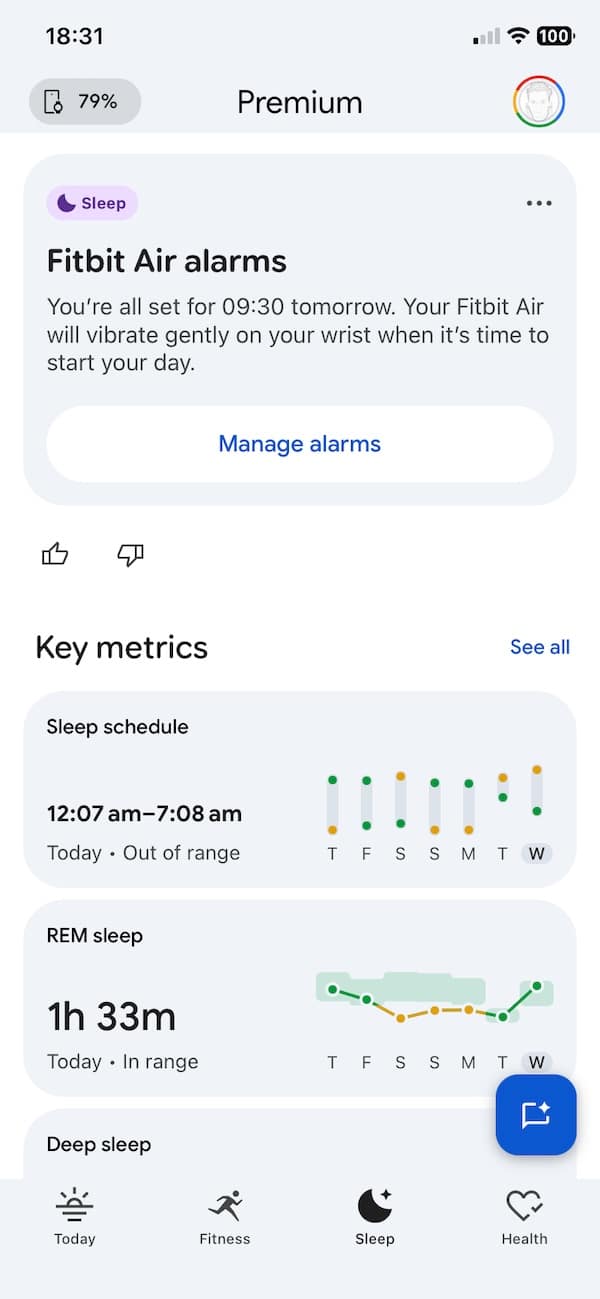
The alarm feature lands in a sensible place. It appears inside the Sleep section of the Google Health app, with a card that says the Fitbit Air is set to vibrate gently on the wrist when it is time to start the day. From there, users can jump into alarm management and switch alarms on or off.
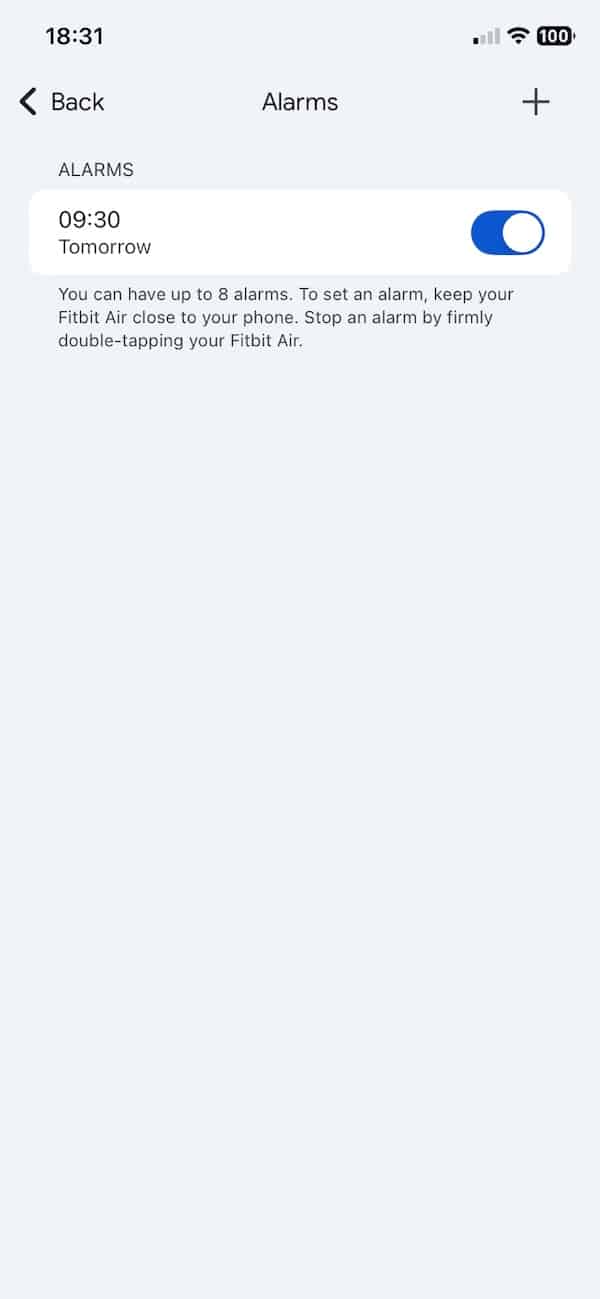
The app also shows that Fitbit Air can handle up to eight alarms. That gives it enough flexibility for weekday routines, weekend wake-ups or separate reminders without turning the device into a full notification hub. It keeps things simple, which suits the product.
Vibration strength makes the difference
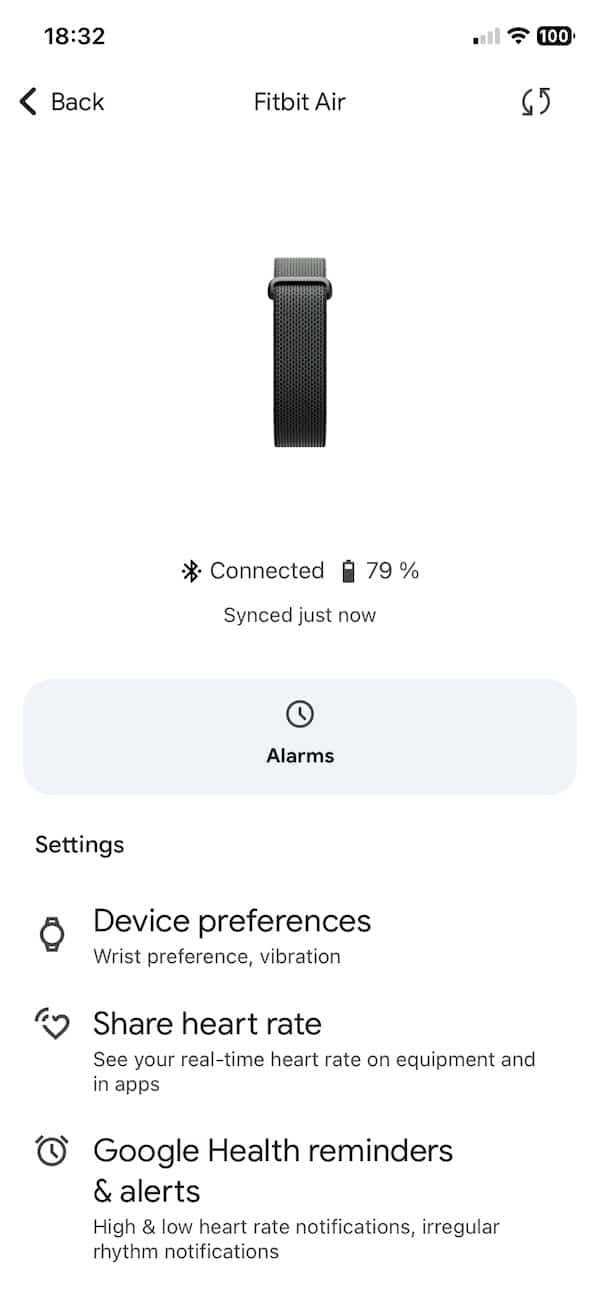
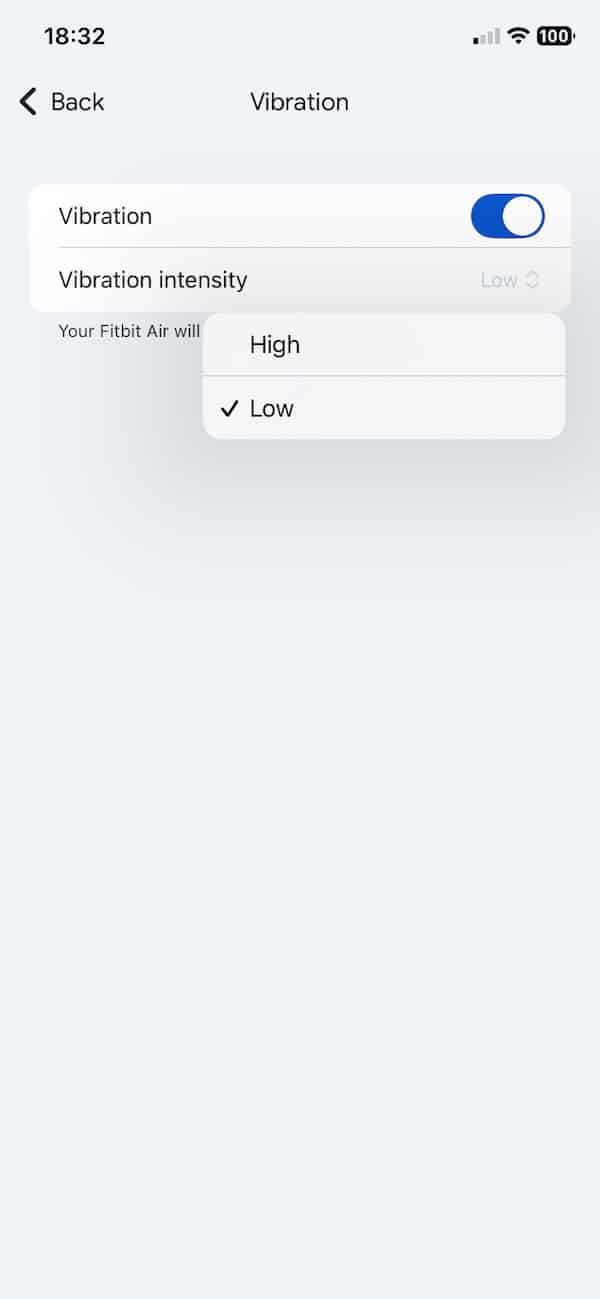
The more useful discovery is tucked inside the device settings. Fitbit Air has a vibration menu with an on and off toggle, plus two intensity options. Users can choose between Low and High. You will find it in the device section.
Intensity is important because a silent alarm only works if the vibration is strong enough to wake the wearer. Low feels like the gentler option and may not be enough for everyone. It is certainly not enough for me. But it might suit lighter sleepers, or those using the alarm as a backup rather than the main wake-up method.
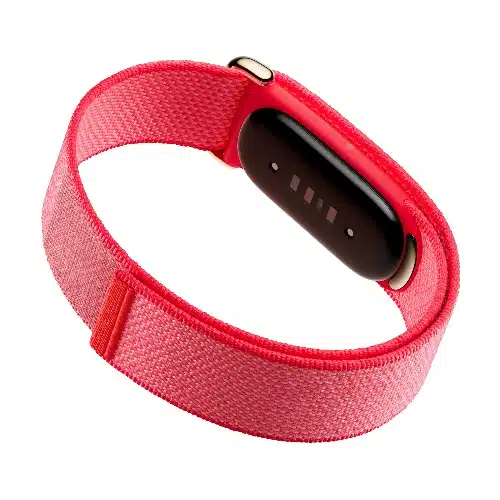
Fitbit Air*
Order nowHigh is the safer setting if the alarm needs to do the heavy lifting. In testing, it feels much more realistic as a morning wake-up option. It still avoids noise, so it should not disturb someone sleeping next to you, but it gives the wrist enough of a buzz to make the feature practical.
Fitbit Air does not have a display, so dismissing an alarm needs to be easy. Google’s approach is a firm double tap on the device. Which means do not need to reach for your phone, look at a screen or find a tiny button.
A useful feature, with one caveat
The obvious advice is to test it before relying on it for something important. Use it first on a morning where missing the alarm would not create a problem. That applies to any wearable alarm, but especially one that depends entirely on vibration.
Still, this is exactly the kind of feature Fitbit Air needed. It supports the sleep-first pitch, avoids noisy notifications and gives the device a practical reason to be worn overnight. It also helps separate the Air from basic passive trackers, because the alarm turns the wearable into something you interact with at the start of the day.
Google could still improve it. A few more vibration patterns would be useful, especially a more persistent option for heavy sleepers. But even without that, Fitbit Air alarms look like one of the device’s better everyday features.
Don’t forget to check out my full Fitbit Air review.
Don’t miss the latest from Gadgets & Wearables
Subscribe to our monthly newsletter and check out our YouTube channel.
You can also follow Gadgets & Wearables on Google News and add us as a preferred source in Google Search.

