

RingConn Gen 3 vs Gen 2 and Gen 2 Air: Differences explained
RingConn Gen 3 is now Amazon. Compared with Gen 2 and Gen 2 Air, the real changes are vibration alerts, upgraded sensors, longer battery life, more offline storage and a slightly thicker body.
The easiest mistake is to treat this as a simple sequel. It is not. Gen 3 shifts RingConn’s top model into a more active smart ring, while Gen 2 keeps the slimmer design and Gen 2 Air remains the cheaper entry point.
Let’s dive into the detail.
The headline change is vibration
The clearest hardware difference is vibration. RingConn Gen 3 has vibration alerts, while Gen 2 and Gen 2 Air do not. That gives the new model a direct feature split from both older rings.
RingConn has also clarified what this feature does. Gen 3 does not vibrate for messages or alarms. It uses vibration for health alerts and reminders, so this is not a phone notification ring.
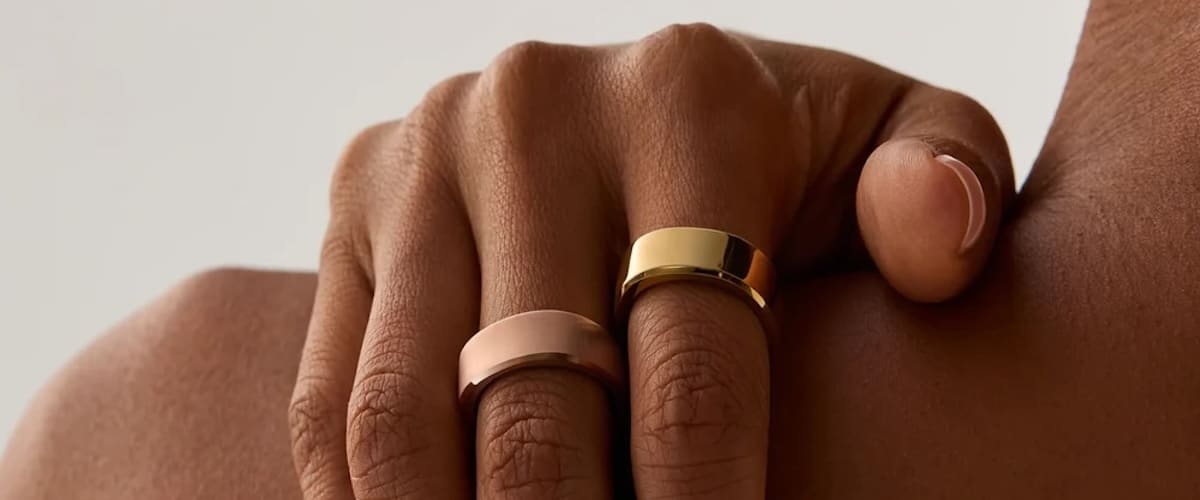
That limit is worth spelling out because vibration on a smart ring can easily sound like smartwatch territory. RingConn is taking a narrower route here. The ring can nudge the user, but only for health-related prompts and reminders rather than texts, calls or wake-up alarms.
That makes the feature less broad than some people may have expected. But it also keeps Gen 3 in the smart ring lane. It adds a physical alert layer without pretending the ring can replace a wrist device.

The sensors have changed too
RingConn is also saying Gen 3 has new optical heart rate sensors for more accurate readings. The temperature sensor and 3-axis accelerometer have also been upgraded. That is important because it gives Gen 3 more than just an added vibration motor.
Those changes are harder to judge from a spec sheet because accuracy depends on fit, firmware and real-world use. Still, better optical heart rate hardware should matter most during daily tracking, sleep and overnight health data collection. The upgraded temperature sensor and accelerometer also feed into the kind of background tracking smart rings rely on.

The vascular health feature needs careful wording. Gen 3 uses vascular load patterns, which RingConn describes as automatic background blood pressure measurements, alongside optional manual blood pressure inputs and lifestyle factors. The result is personalised vascular health insight, essentially blood pressure trend data rather than single cuff-style readings on demand.
Now, this feature is also currently in Beta for the Gen 2 device. So presumably at some stage it will be coming to owners of that version as well. Gen 2 Air is not part of that Beta so those rings are not capable of capturing the metric.
Battery life moves up
Battery life also improves with Gen 3. RingConn rates the new ring at up to 14 days, compared with up to 12 days for Gen 2 and up to 10 days for Gen 2 Air. That gives Gen 3 the longest quoted runtime in the current lineup.
There is a catch, because vibration affects runtime. RingConn says Gen 3 lasts around 10 to 12 days with vibration on, or 11 to 14 days with vibration off. So the headline figure depends on how the new alert feature is used.
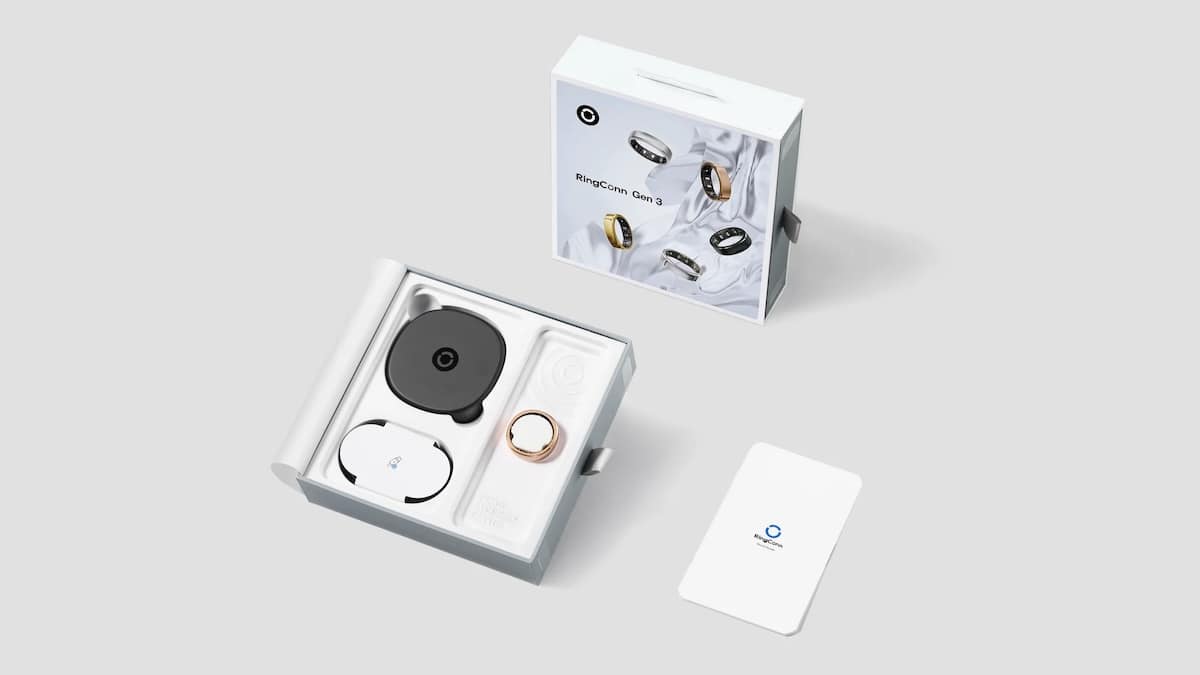
The charging setup changes as well. Gen 3 comes with a universal wireless charging case. Gen 2 uses a size-specific wireless charging case and Gen 2 Air uses a universal wired charging dock, so the new model gets the cleaner charging accessory in the lineup.
Offline data storage also increases. Gen 3 stores data for 10 days, while Gen 2 and Gen 2 Air store 7 days. It is not the most exciting upgrade, but it is useful if the ring does not sync with the phone every day.
Gen 3 is slightly thicker
Not everything is in favour of Gen 3. That version measures 2.3mm and weighs between 2.5 and 3.5 grams. Gen 2 is thinner at 2.0mm and weighs between 2 and 3 grams. Gen 2 Air is also 2.0mm thick, but weighs between 2.5 and 4 grams. So Gen 3 is not the thinnest RingConn ring, even though it stays within a light range for a smart ring.
The bottom line
Gen 3 can be purchased on Amazon. It comes in Future Silver, Royal Gold, Matte Black, Brushed Silver and Brushed Rose Gold.
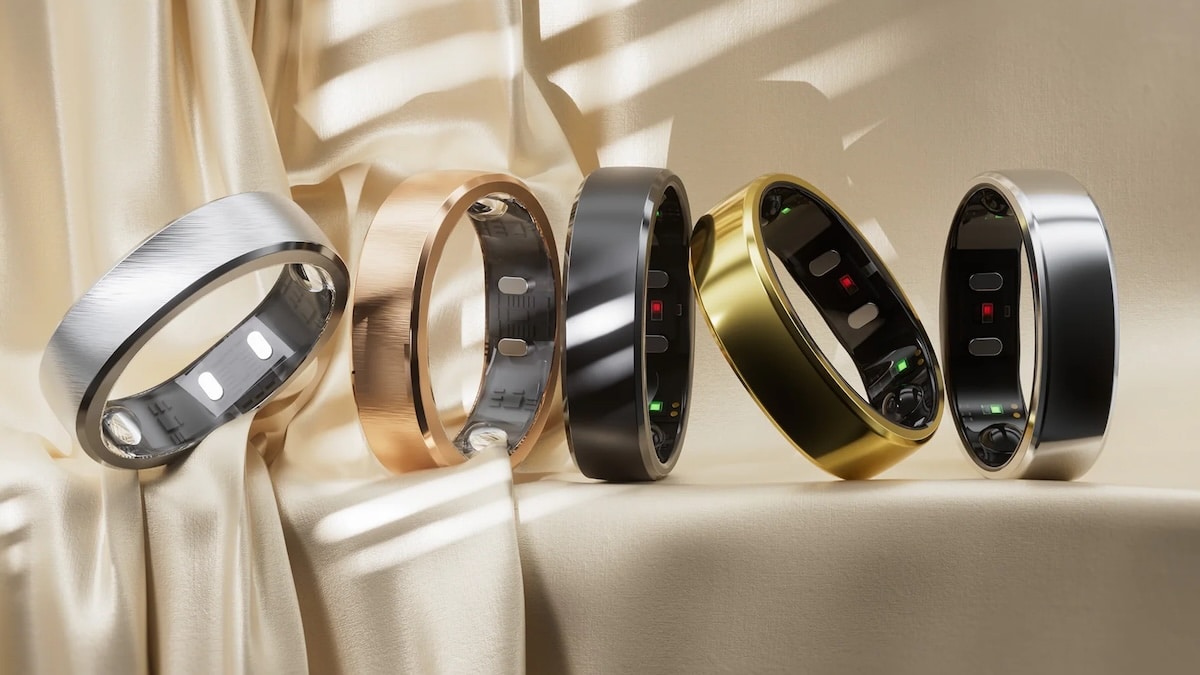
One detail worth flagging is sizing. Gen 3 uses a different sizing system, so existing RingConn users should not assume their Gen 2 or Gen 2 Air size will carry over. The sizing kit is the safer option because fit affects both comfort and sensor contact.
Gen 3 is the obvious pick if you want the newest hardware. Vibration alerts, upgraded sensors, longer battery life, 10 days of offline storage and the wireless charging case give it the strongest spec sheet in the lineup. The price and slightly thicker body are the trade-offs.
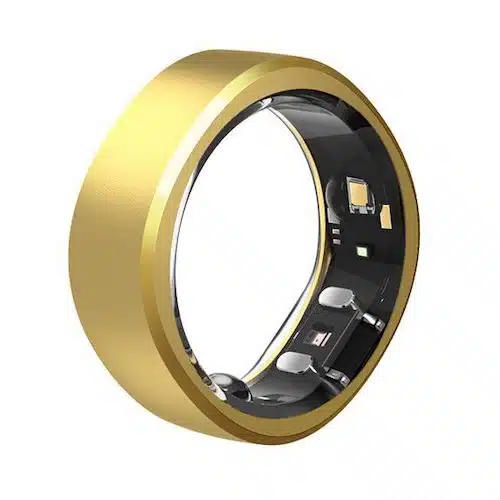
RingConn Gen 3*
View on AmazonThe Gen 2 still has a role. It is thinner than Gen 3, lighter at the low end and still offers up to 12 days of battery life. For users who do not care about vibration alerts, it may still be the cleaner choice.
The Gen 2 Air is the value option. It keeps the basics, costs less and still reaches up to 10 days of battery life. But it misses out on vibration, uses stainless steel rather than titanium and does not get the same top-end positioning.
All three rings keep RingConn’s no-subscription setup, which remains one of the cleaner advantages in this category. For a broader look at the alternatives, visit our complete guide to the best smart rings.
Category | RingConn Gen 3 | RingConn Gen 2 | RingConn Gen 2 Air |
|---|---|---|---|
Price | $383, down from $426 | From $299 | From $199 |
Size and weight | 2.3mm, 2.5 to 3.5g | 2.0mm, 2 to 3g | 2.0mm, 2.5 to 4g |
Materials | Titanium and epoxy resin | Titanium and epoxy resin | Stainless steel and epoxy resin |
Battery and storage | Up to 14 days, 10 days offline storage | Up to 12 days, 7 days offline storage | Up to 10 days, 7 days offline storage |
Alerts | Yes | No | No |
Sensors | New optical heart rate sensors, upgraded temperature sensor and upgraded 3-axis accelerometer | Previous sensor setup | Previous sensor setup |
Sleep apnea pattern | Yes | Yes | No |
Charging | Universal wireless charging case | Wireless charging case | Universal wired charging dock |
Don’t miss the latest from Gadgets & Wearables
Subscribe to our monthly newsletter and check out our YouTube channel.
You can also follow Gadgets & Wearables on Google News and add us as a preferred source in Google Search.

