

How to upload and delete music on the Amazfit T-Rex 3 Pro
If you’ve just picked up the Amazfit T-Rex 3 Pro and want to add music or podcasts for offline playback, there’s good news. This model finally includes a built-in speaker, which means you can play audio straight from the watch without needing headphones or a connected phone.
In this article, we walk you through how to upload and delete audio files on the T-Rex 3 Pro using the Zepp Health app, along with some tips on playback and wireless transfers.
Uploading music from your phone
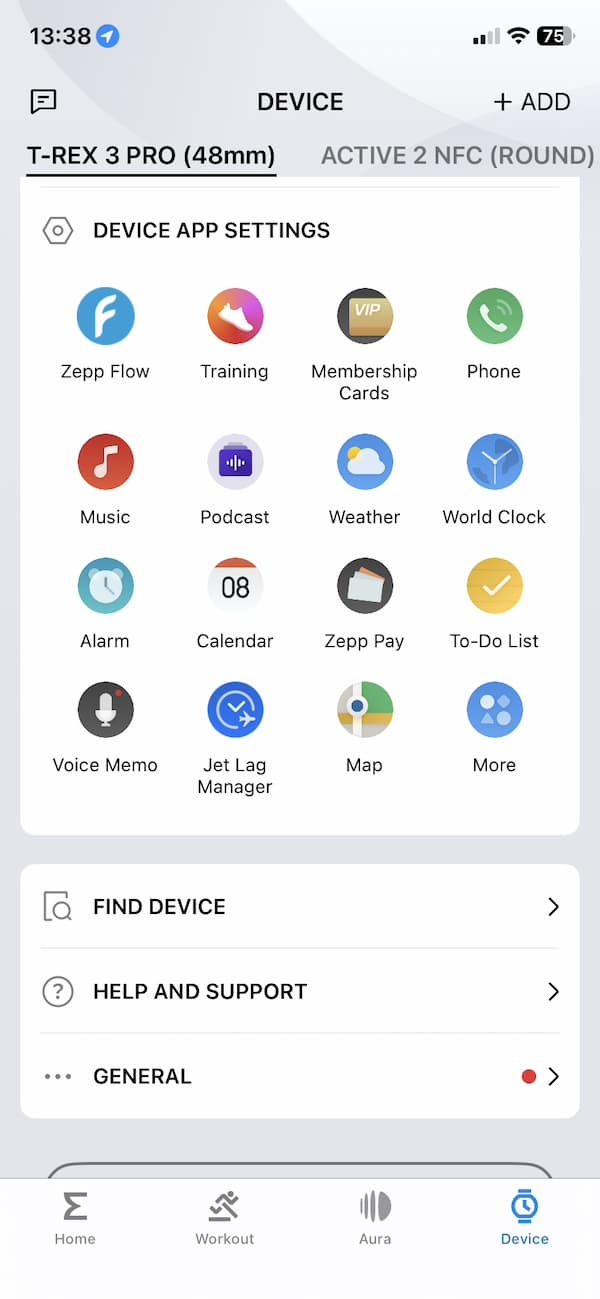
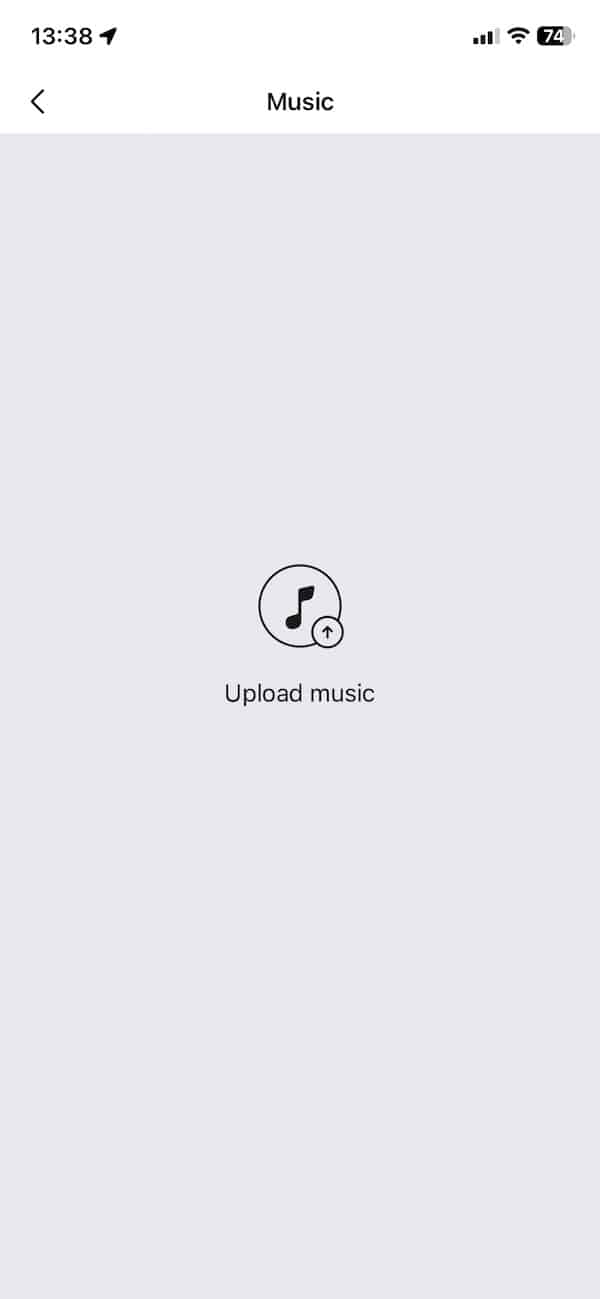
The process starts in the Zepp Health app. Once your T-Rex 3 Pro is paired, open the app and head to the ‘Device’ tab. Scroll down the list until you find the music app. Tap on that and you’ll be taken to the upload interface.
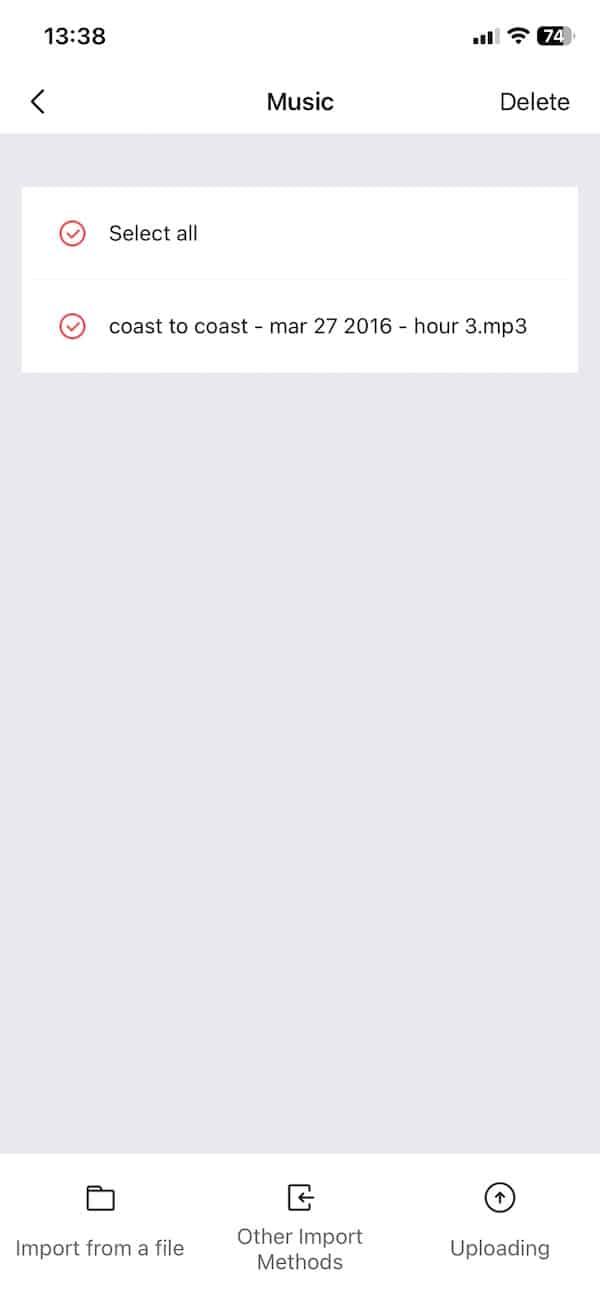
Hit the ‘Upload Music’ option and you’ll see a list of audio files stored on your phone. Select one, such as a podcast or song, and tap ‘Open’. The upload to the app is nearly instant. For a 15 megabyte file, it takes only a few seconds. A typical song is less than 5MB.
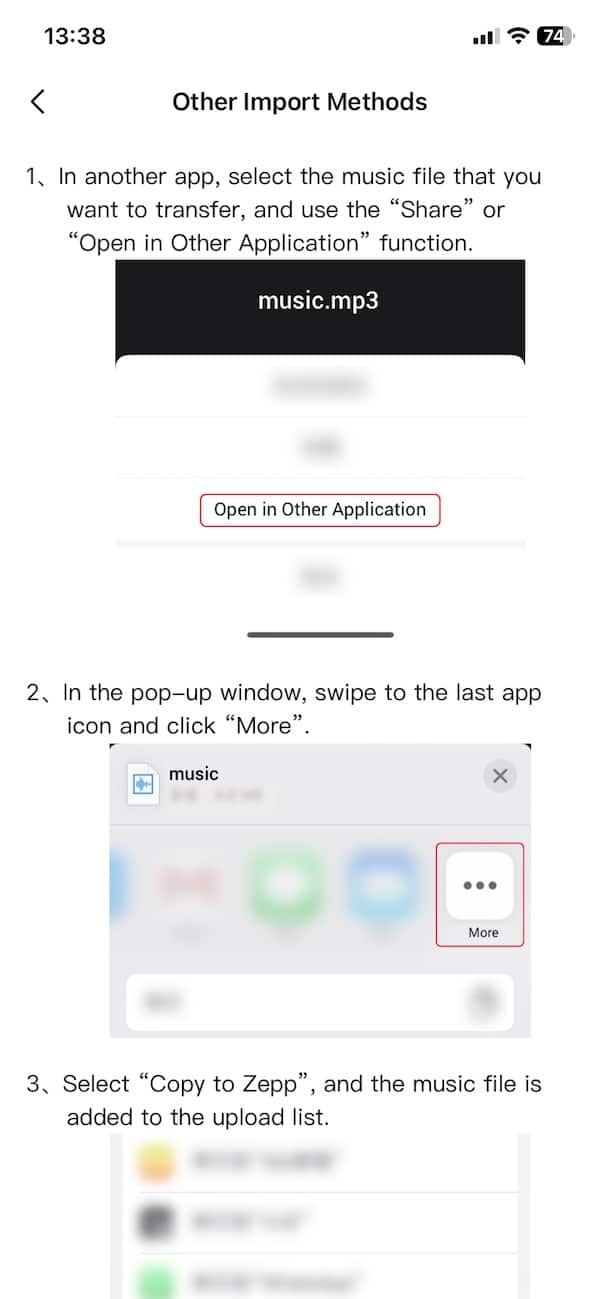
There’s also another option tucked away at the bottom called “Use other import methods”. This just explains how to use external apps to send files to Zepp. You do this by choosing “Copy to Zepp” in the share options of whichever app you’re using. That adds the audio file to your Zepp Health app, ready for transfer.
Essential reading: Top fitness trackers and health gadgets
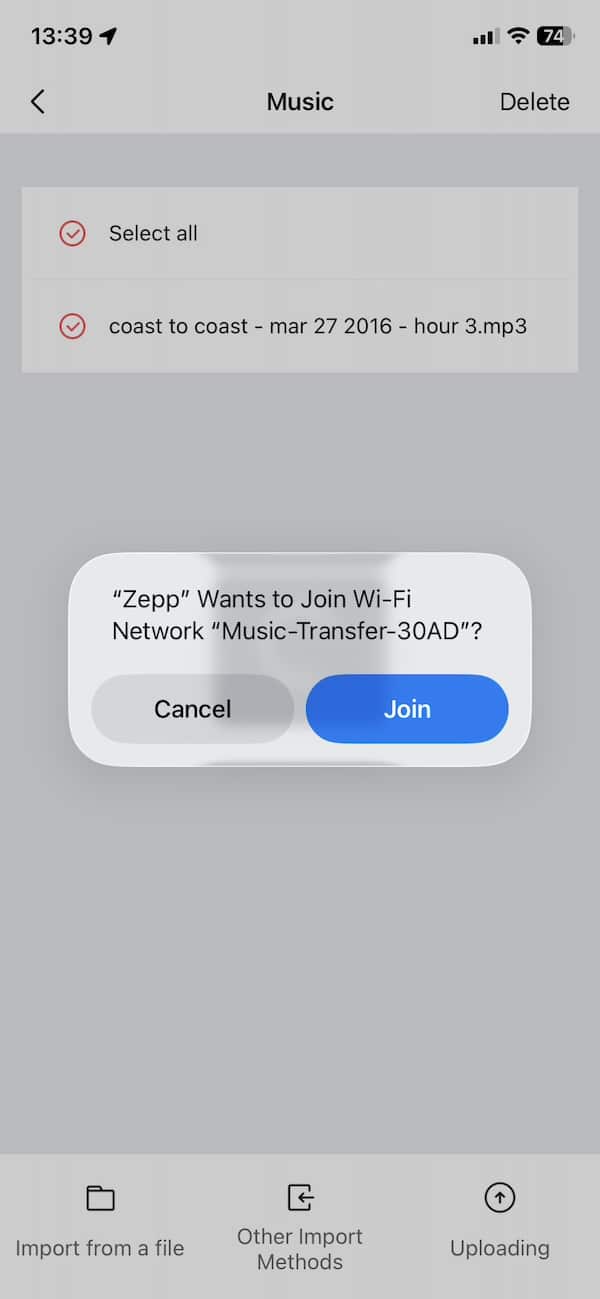
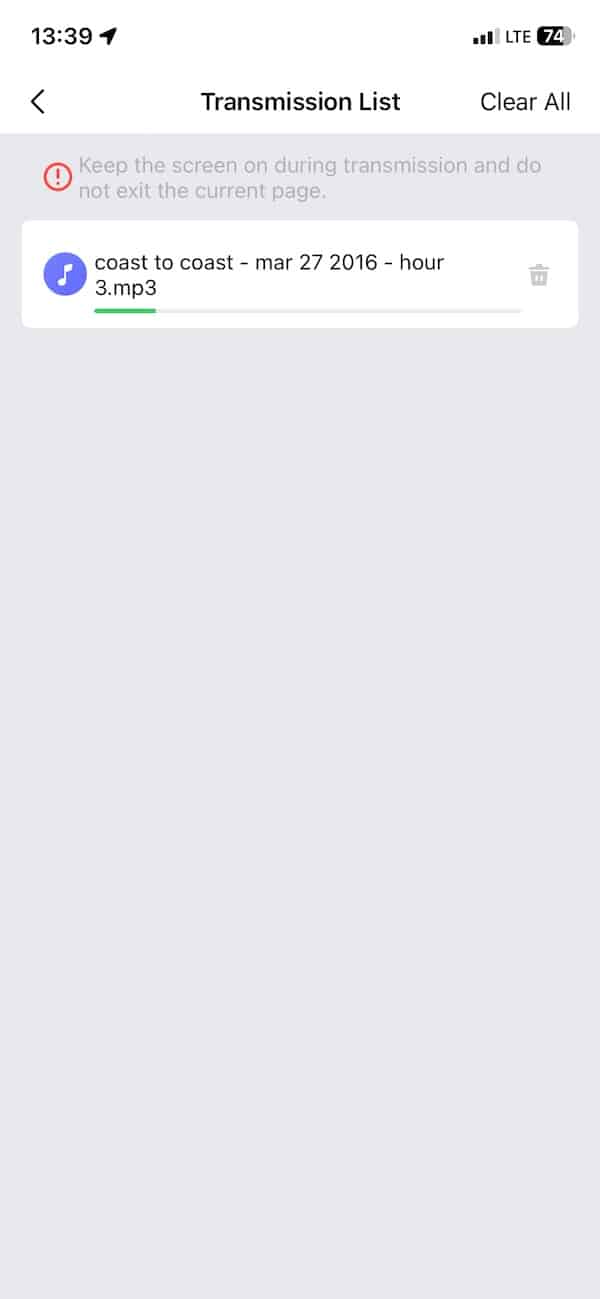
Now you’re ready to send the file over to the T-Rex 3 Pro. Tap on ‘Uploading’ and the app will prompt you to join a special Wi-Fi network. This establishes a direct wireless link between your phone and the watch, where the latter acts like a hotspot. You must accept this or the transfer won’t go through.
If this step fails, you can manually connect to the Wi-Fi network by going into your phone’s settings and selecting the one that popped up earlier. This establishes the required link with the watch. Once connected, the transfer resumes. It’s fast. A typical 4 megabyte music file takes less than ten seconds to move over.
Managing and playing music on the watch
Once the file transfer is complete, you’ll get a confirmation on the watch screen. Open the music app on the T-Rex 3 Pro and scroll to the “My Playlists” section. Your transferred file should show up under “All Music”.
From here, you can tap to play. The built-in speaker does a decent job – as shown in the video below. It’s loud enough for casual listening and even podcasts come through clearly. If you prefer headphones, the T-Rex 3 Pro lets you pair Bluetooth audio devices. That makes it usable on a run or in the gym without relying on your phone.
You can also switch between music stored on the watch and music playing from your phone. This option appears under “Audio Control” and gives you a quick toggle between sources.
To delete a track, head back into the music app, open the selection tool, and tap the file you want to remove. A three-dot menu appears at the bottom, offering a delete option. Confirm the deletion and the song vanishes from the list.
It works surprisingly well
The overall process is very smooth. Uploading music or podcasts takes little time, and playback is solid whether you use the onboard speaker or Bluetooth headphones. The interface is clean enough that even if you only use it occasionally, you’ll know what to do.
If you’re someone who runs without a phone or prefers to leave it behind at the gym, this gives the T-Rex 3 Pro an edge over its predecessor. The fact that Zepp Health finally added speaker support makes the music feature more usable.
I’ve just posted a full review of the Amazfit T-Rex 3 Pro, covering all the new hardware, tracking upgrades and daily use impressions. If you’re considering picking one up or just want to know what else it can do, make sure to check that out.
View Amazfit T-Rex 4 Pro on Amazfit / Amazon.
Subscribe to our monthly newsletter! Check out our YouTube channel.

