

Runna adds Amazfit support with initial rollout to Balance 2 and T-Rex 3 Pro
Amazfit watches now work with Runna, starting with support for the Balance 2 and T-Rex 3 Pro. The integration lets users sync structured workouts from Runna to Zepp, and completed runs back the other way for full two-way tracking.
Runna and Amazfit now work together
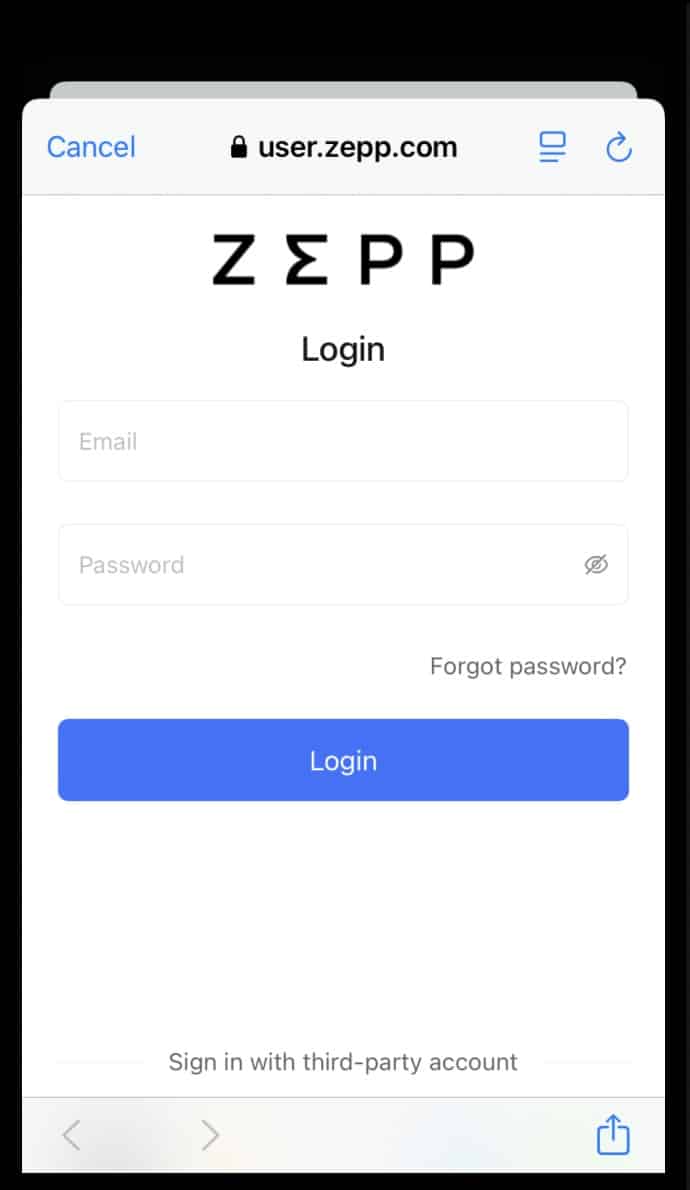
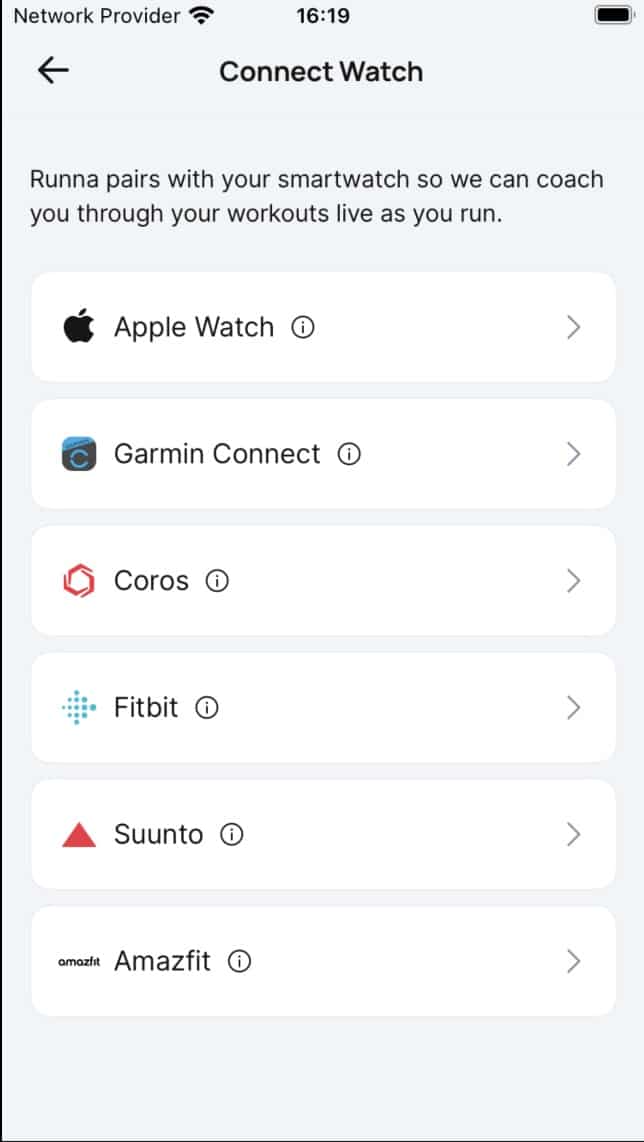
This update means you can now link your Amazfit watch directly to your Runna training plan. Workouts will sync from the Runna app to Zepp, and once completed, flow back to Runna for post-run analysis. It’s two-way sync, and it’s all done behind the scenes once the connection is set up.
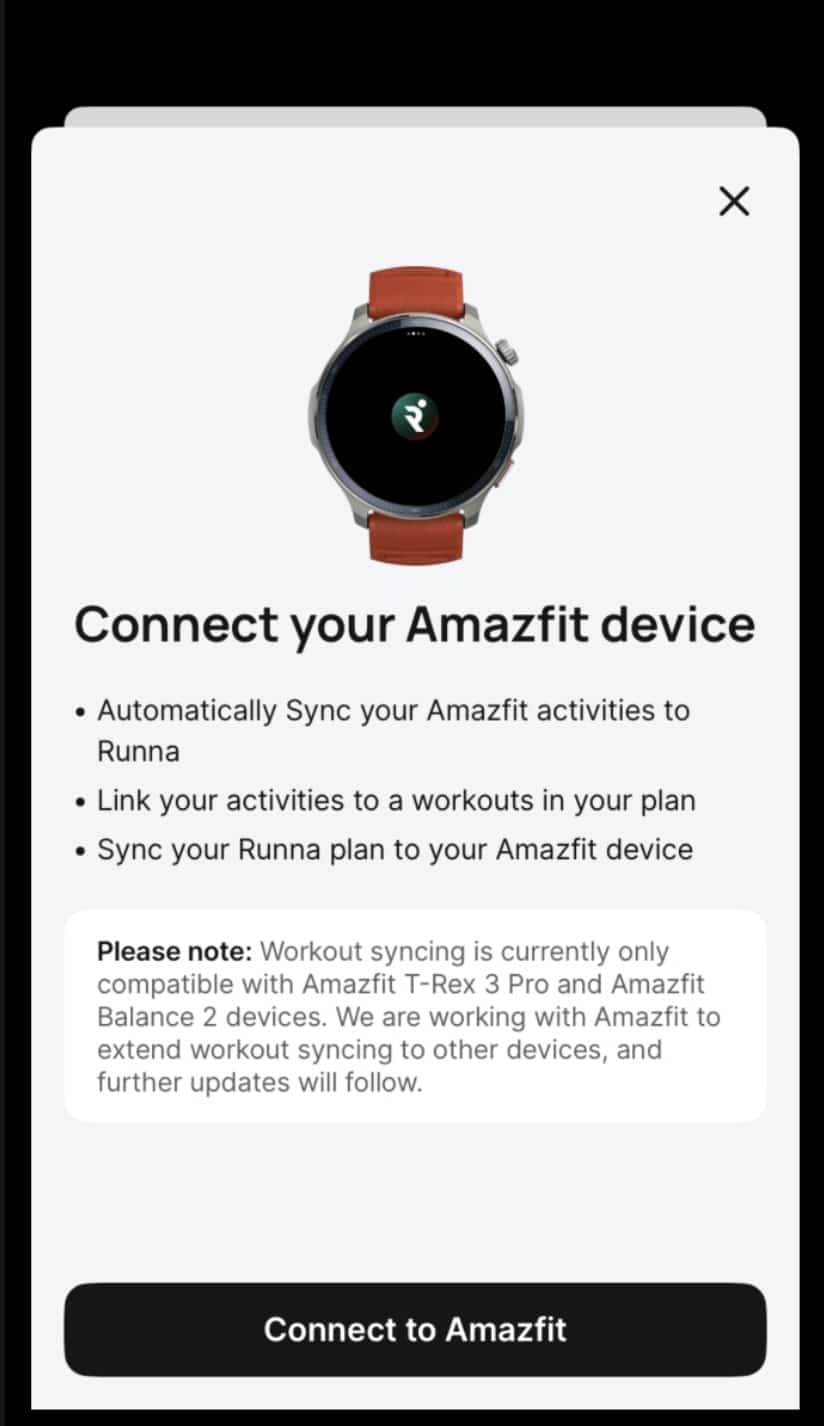
Right now, this only works on two models: the Amazfit T-Rex 3 Pro and Amazfit Balance 2. These are the first watches to get support, with other devices expected to follow. Runna says it chose to launch now rather than delay for broader compatibility. You’ll also need to update your Runna app to version 8.21.0 or later.
If you’re using a different Amazfit watch, syncing may still work partially through the Zepp app, but direct integration with Runna is being added device by device. A full list of supported watches is visible within the Zepp app under your training plan setup.
How the sync actually works
Once connected, upcoming Runna workouts are pushed automatically to your Zepp app. These then appear on your T-Rex 3 Pro or Balance 2 ready to run. When you finish a session and save it on your watch, the data syncs back through Zepp to Runna, where the app provides pacing insights and feedback tied to your plan.
Runna suggests tweaking a few defaults on your Amazfit watch for smoother workout tracking. Turning off auto-lap is one of them, especially for longer intervals. Otherwise, your splits might get cut up mid-way. They also recommend disabling auto-pause, since it can interfere with rest intervals during structured sessions.
If your watch supports it, voice prompts during runs can be turned on too. Runna uses these to alert you to pace targets or split changes. If that’s not available, you can still get vibration alerts.

Still run-based, for now
At the moment, only running workouts are synced. Strength training or other sessions won’t push to your watch, although Runna’s Calendar Sync lets you still view them in the app. There’s no word yet on when other activity types might be supported.
The integration with Polar is also in progress. Runna confirms that Polar doesn’t currently support full workout syncing, but that support is expected later this year.
If your Amazfit workout doesn’t show up in Runna, the first step is to check it synced to Zepp. If it’s there but missing in Runna, disconnecting and reconnecting the Amazfit account from Runna usually helps.
Deleting a workout from your watch or Zepp after it’s synced won’t remove it from Runna. So once it’s there, it stays.
Runna says this is just the start of a longer roadmap with Amazfit. For those with a T-Rex 3 Pro or Balance 2, the new features are already live via Runna Labs. Everyone else should see the update soon.
Subscribe to our monthly newsletter! Check out our YouTube channel.
And of course, you can follow Gadgets & Wearables on Google News and add us as your preferred source to get our expert news, reviews, and opinion in your feeds.
